
FAQs
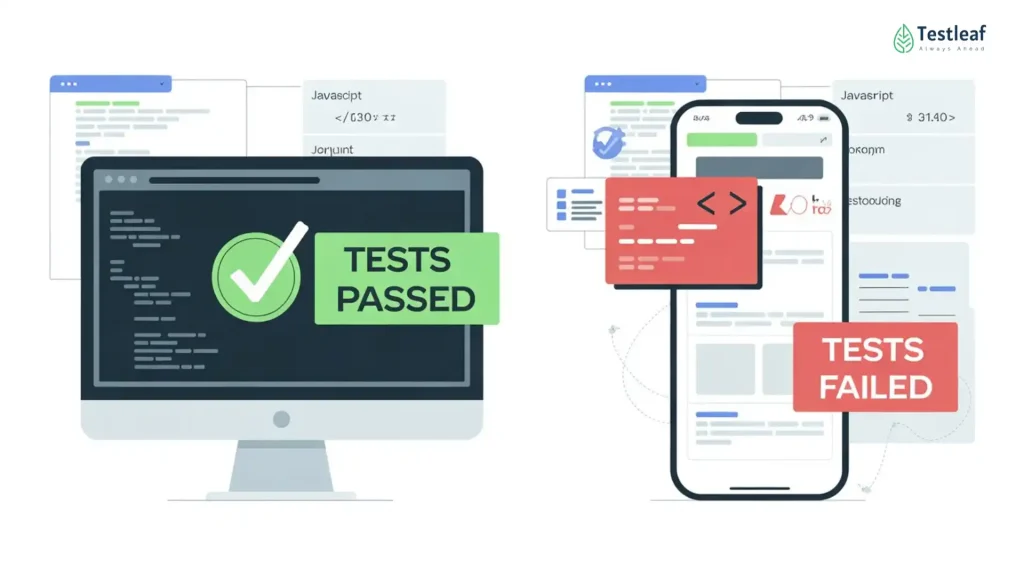
Why do Playwright tests pass on desktop but fail for mobile users?
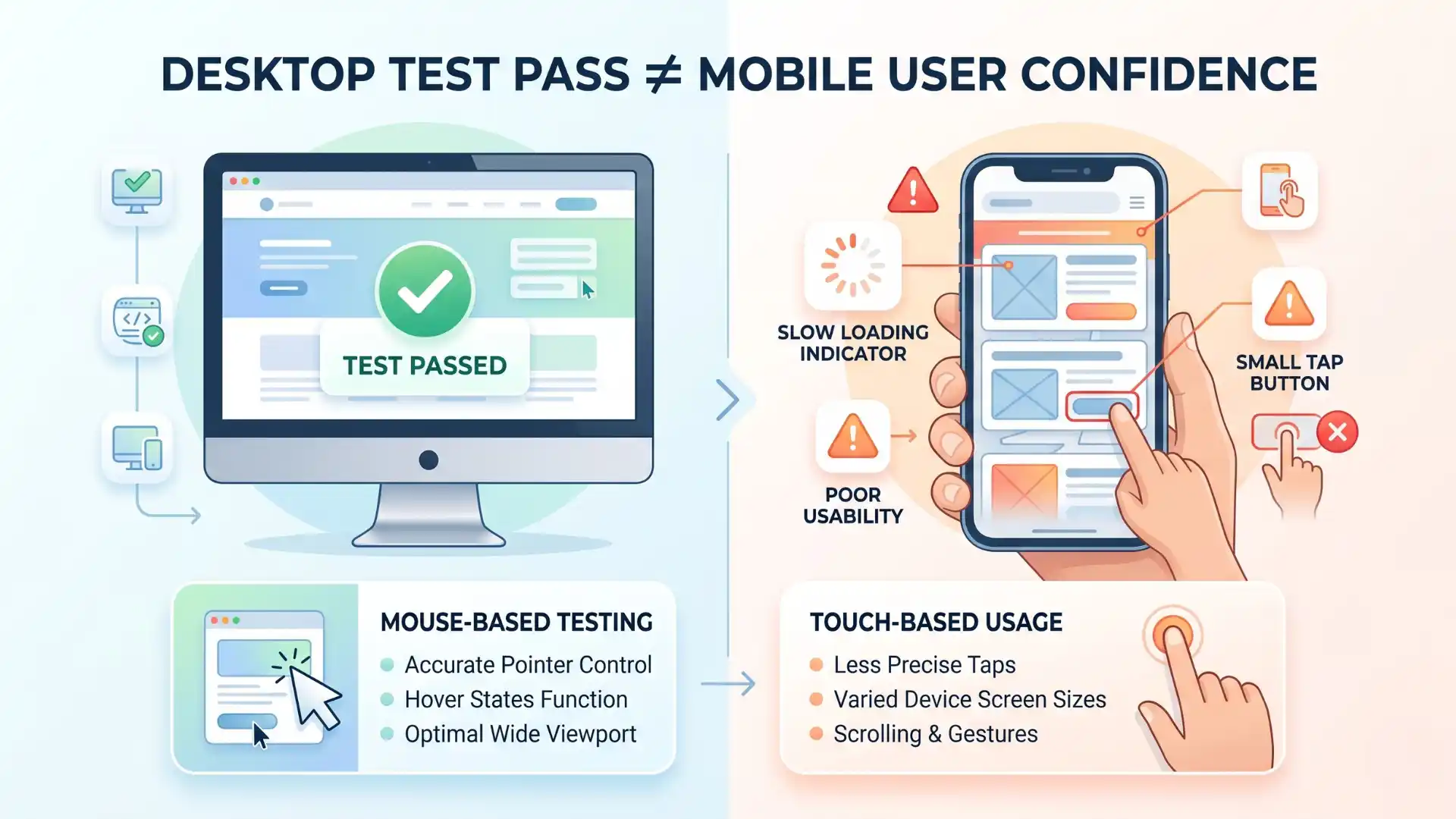
Playwright tests may pass on desktop but fail for mobile users because mobile environments include smaller viewports, touch gestures, slower networks, different user agents, orientation changes, and mobile browser behavior that desktop tests may not cover.
Is resizing a desktop browser enough for mobile testing?
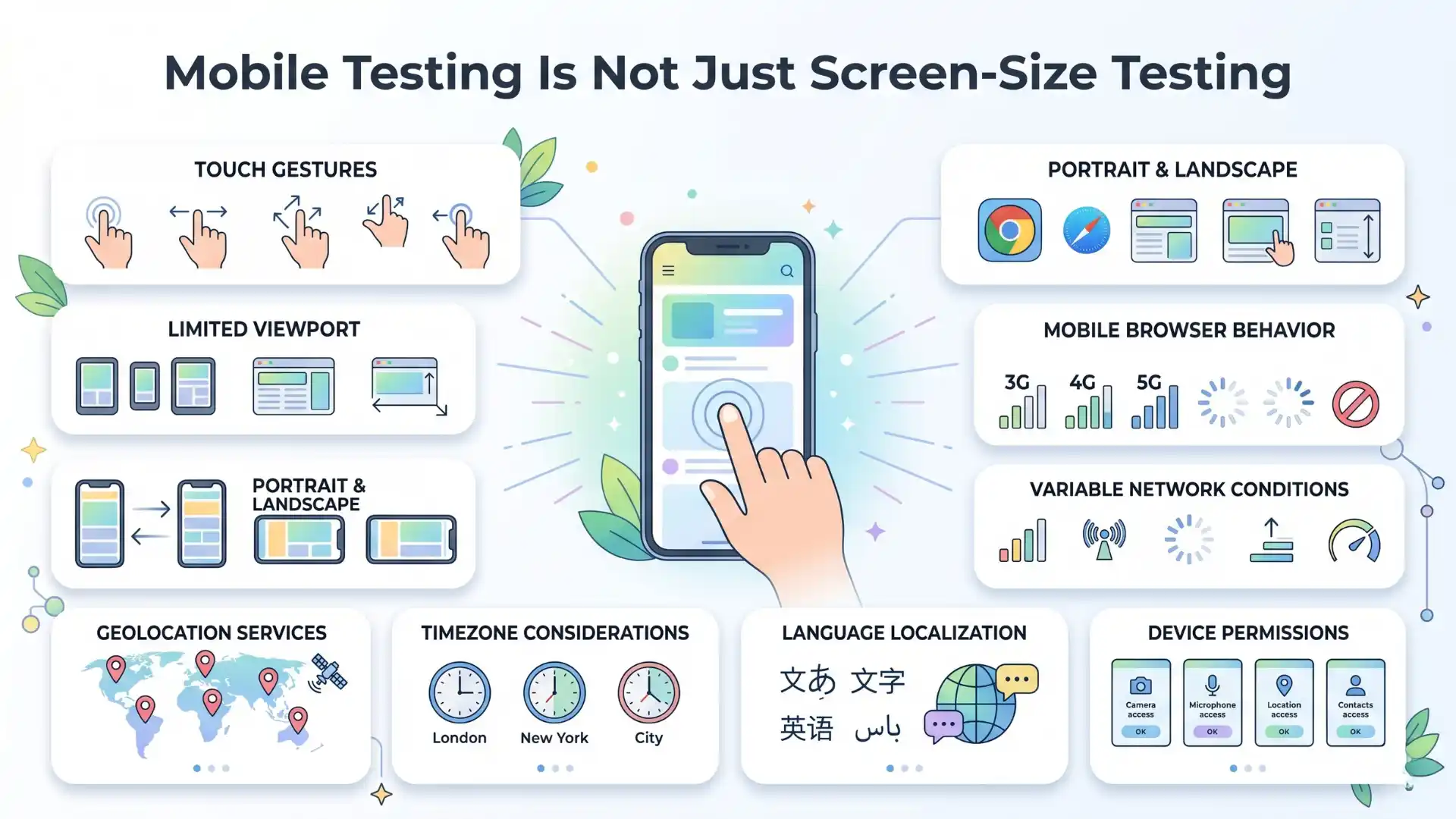
No. Resizing a desktop browser only checks responsive layout. Real mobile testing also needs touch interaction, mobile viewport behavior, device pixel ratio, user-agent differences, permissions, network conditions, and browser-specific behavior.
What is Playwright device emulation?
Playwright device emulation allows QA teams to simulate mobile and tablet conditions such as viewport size, screen size, user agent, touch support, geolocation, locale, timezone, permissions, and color scheme.
Can Playwright device emulation replace real device testing?
No. Playwright device emulation helps catch mobile issues early, but real device testing is still needed for hardware-specific behavior, actual mobile browser differences, performance issues, camera behavior, and high-risk user journeys.
How does Playwright device emulation help CI/CD testing?
Playwright device emulation helps CI/CD testing by allowing teams to run mobile-like checks earlier in the pipeline, validate critical flows faster, and detect mobile-specific issues before production release.
What mobile issues can Playwright testing catch early?
Playwright testing can help catch mobile layout issues, tap problems, broken menus, overlapping content, form field issues, timezone differences, geolocation behavior, permission handling, and dark-mode display problems.
Why is mobile testing important for QA teams in 2026?
Mobile testing is important because many users access websites through mobile devices. QA teams need to validate real user conditions, not just desktop browser behavior, to improve product quality, conversion, trust, and release confidence.
What is the best strategy for Playwright mobile testing?
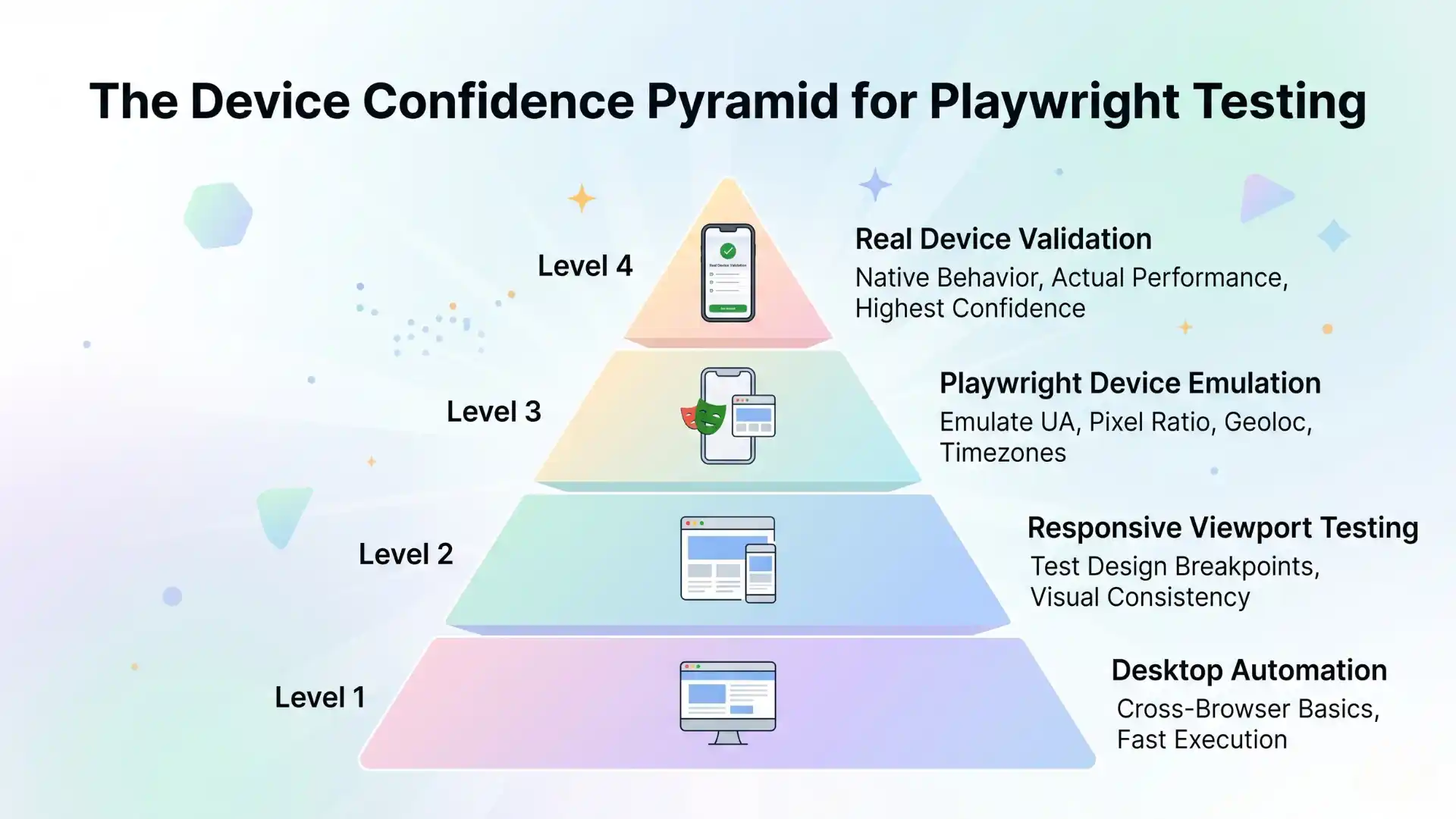
The best strategy is to use a layered approach: desktop automation for core functionality, responsive viewport testing for layout, Playwright device emulation for mobile-like validation, and real device testing for high-risk flows.
We Also Provide Training In:
- Advanced Selenium Training
- Playwright Training
- Gen AI Training
- AWS Training
- REST API Training
- Full Stack Training
- Appium Training
- DevOps Training
- JMeter Performance Training
Author’s Bio:


Content Writer at Testleaf, specializing in SEO-driven content for test automation, software development, and cybersecurity. I turn complex technical topics into clear, engaging stories that educate, inspire, and drive digital transformation.
Ezhirkadhir Raja
Content Writer – Testleaf