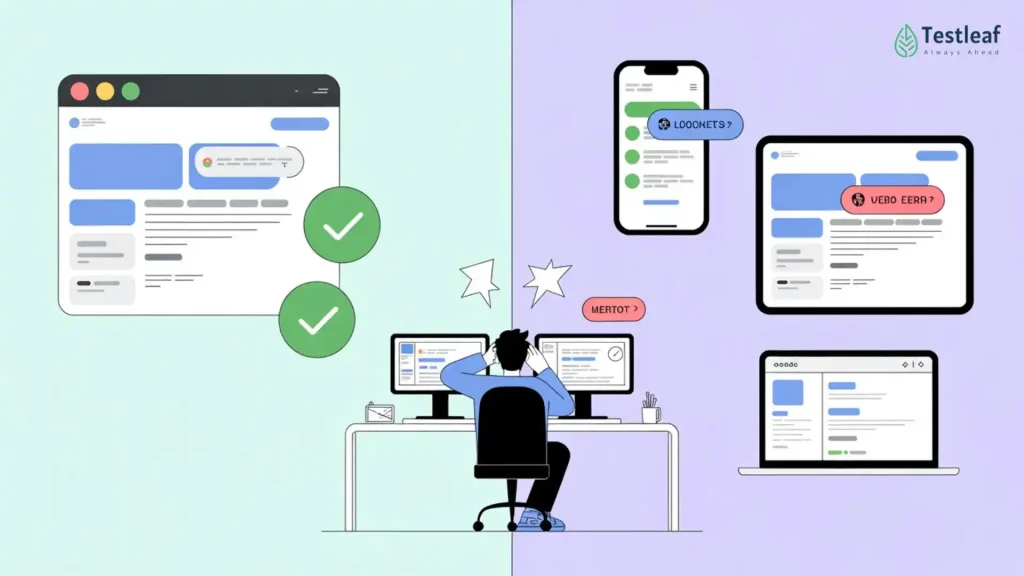
A Selenium test passing in Chrome does not always mean your application is ready for users.
It only means one thing:
Your application worked in one browser, in one environment, under one test condition.
But real users do not live inside your automation setup.
They open the same application on Chrome, Safari, Firefox, Edge, Android phones, iPhones, tablets, desktops, different operating systems, different screen sizes, and sometimes poor network conditions.
That is where many QA teams get surprised.
The test passed.
The release went live.
But the user experience still broke.
The problem is not Selenium.
The problem is assuming that one successful browser execution is equal to real-world quality.
Why do Selenium tests pass in Chrome but fail for real users?
Selenium tests may pass in Chrome but fail for real users because users access applications across different browsers, devices, operating systems, screen sizes, and network conditions. Chrome-only testing validates one environment, but real-world quality requires risk-based cross-browser testing, Selenium Grid, real-device validation, and CI/CD coverage.
This article explains why Selenium automation passing in Chrome should not be treated as complete release confidence. It argues that modern QA teams must design browser coverage based on user analytics, business-critical journeys, browser market share, mobile usage, production defects, and CI/CD execution strategy. The key message: Selenium is not just a scripting tool; it becomes a quality engineering asset when used with cross-browser testing, Selenium Grid, real devices, and risk-based automation coverage
Cross-Browser Testing Is Not About Browsers. It Is About User Trust.
Many teams treat cross-browser testing as a technical activity.
Run the same script in Chrome.
Run it again in Firefox.
Run it again in Edge.
Maybe test Safari if time allows.
But mature QA teams look at it differently.
They do not ask:
“Can this Selenium script run in multiple browsers?”
They ask:
“Which browsers, devices, and user journeys matter most to our business?”
That shift is important.
Cross-browser testing is not about increasing the number of executions. It is about increasing confidence in the experience your real users will have.
As of April 2026, Chrome holds 68.02% of worldwide browser market share, Safari holds 17.04%, Edge holds 5.53%, and Firefox holds 2.26%. Chrome is clearly important, but it is not the entire user base.
For mobile browsers, Chrome holds 65.54% global share and Safari holds 26%. So if your application has mobile users, testing only on desktop Chrome leaves a major confidence gap.
This is why cross-browser testing must be treated as a QA strategy, not just an automation configuration.
Also, Know More About: Automation testing interview questions
The Hidden Risk of Testing Only on Chrome
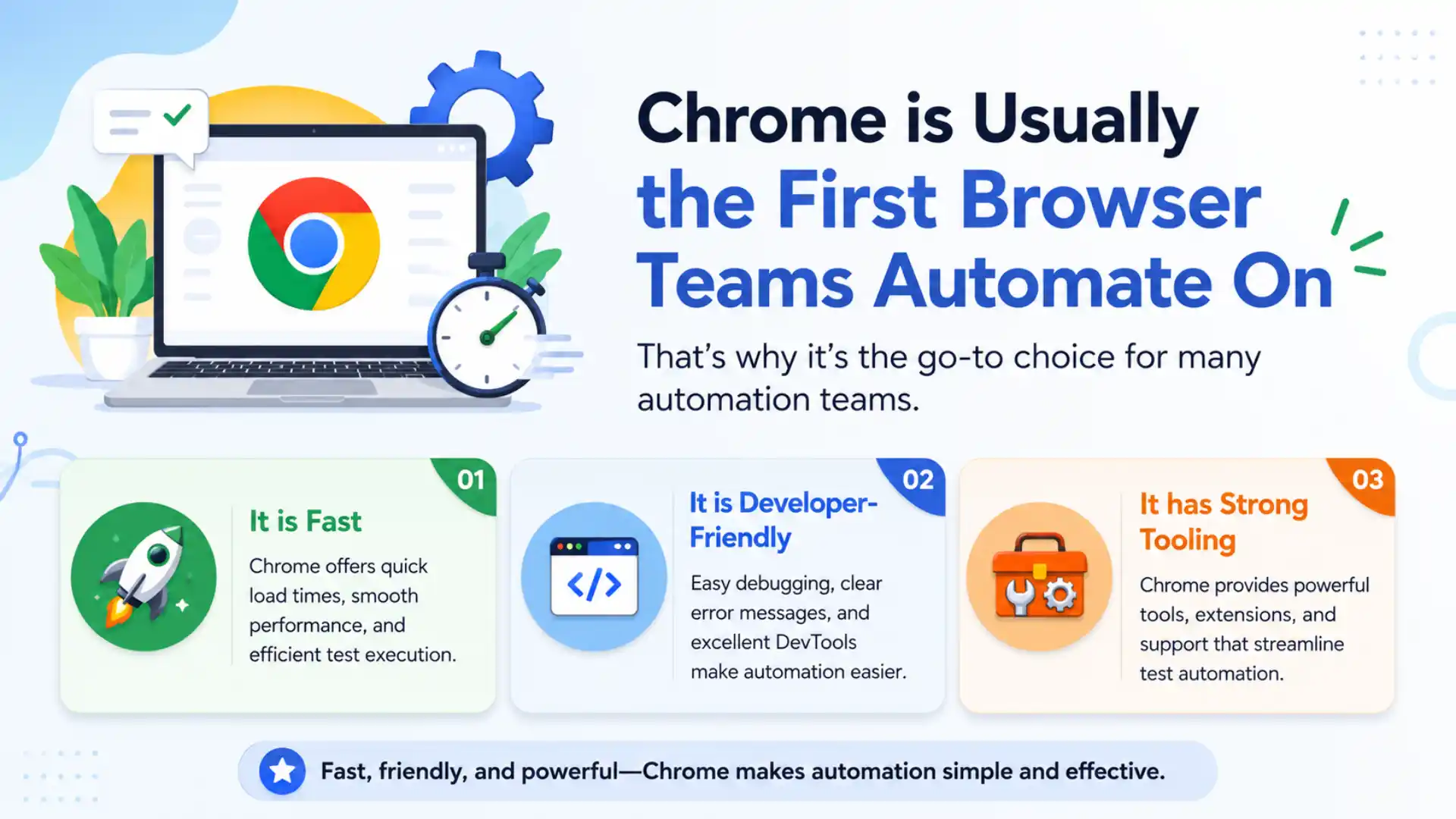
Chrome is usually the first browser teams automate on.
It is fast.
It is developer-friendly.
It has strong tooling.
Most automation engineers are comfortable debugging in it.
But that comfort can create false confidence.
A flow that works perfectly in Chrome may behave differently in Safari because of rendering behavior, JavaScript handling, CSS compatibility, file upload differences, viewport behavior, pop-up handling, or timing issues.
The user does not care that the test passed in Chrome.
The user only cares whether the application works on their device.
This is where Selenium becomes powerful, but only when teams use it with the right coverage strategy.
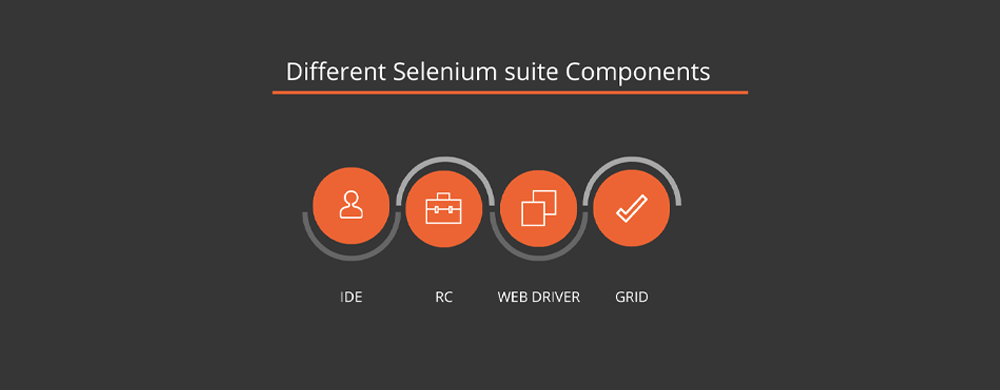
Selenium WebDriver is built to drive a browser natively, as a user would, either locally or on a remote machine.
In simple terms, Selenium gives teams the ability to automate browsers.
But Selenium does not decide which browsers matter.
That decision belongs to the QA strategy.
Chrome-Only Testing vs Real-User Quality Testing
| Chrome-Only Testing | Real-User Quality Testing |
|---|---|
| Tests one browser | Tests real user environments |
| Faster execution | Higher release confidence |
| May miss Safari/mobile issues | Covers browser and device risks |
| Good for basic validation | Better for business-critical flows |
| Limited confidence | Risk-based quality assurance |
What Mature QA Teams Do Differently
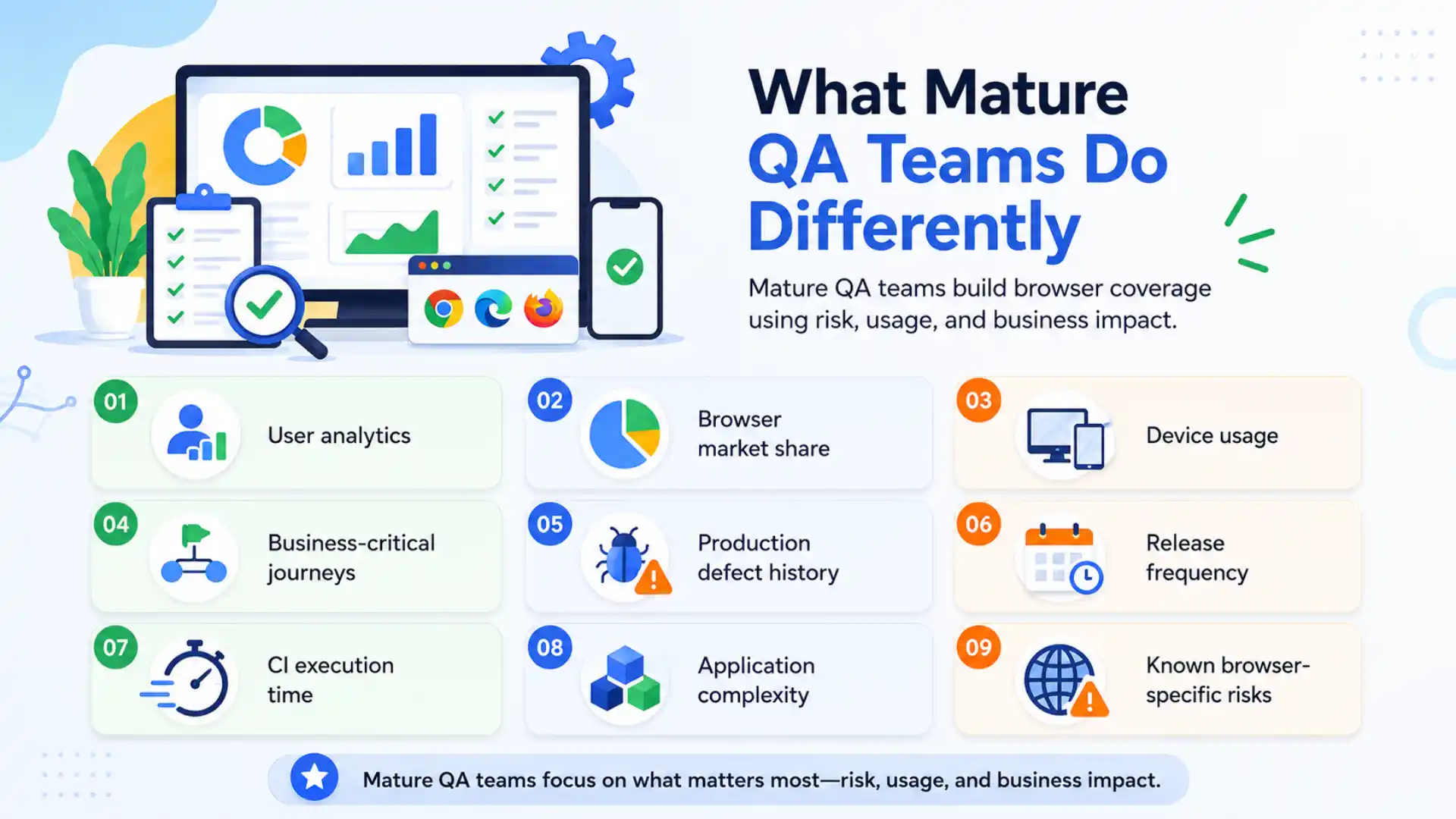
Mature QA teams do not blindly run every test on every browser.
That sounds complete, but in reality, it can become slow, expensive, and noisy.
Instead, they design cross-browser coverage based on risk.
They look at:
- User analytics
- Browser market share
- Device usage
- Business-critical journeys
- Production defect history
- Release frequency
- CI execution time
- Application complexity
- Known browser-specific risks
This is the difference between automation activity and quality engineering.
An immature team says:
“Let us run all tests everywhere.”
A mature team says:
“Let us run the right tests in the right environments at the right frequency.”
That is how cross-browser testing becomes sustainable.
Recommended for You: Java selenium interview questions and answers
A Smarter Selenium Coverage Matrix
Not every test needs to run on every browser every day.
A smarter approach is to classify tests based on business impact.
| Test Area | Recommended Selenium Coverage |
| Smoke tests | Chrome, Firefox, Edge |
| Critical user journeys | Chrome, Safari, Firefox, Edge |
| Login and payment flows | Real devices preferred |
| Mobile user flows | Android Chrome and iPhone Safari |
| UI-heavy pages | Multiple screen breakpoints |
| Daily CI pipeline | Small, high-risk browser matrix |
| Weekly regression | Expanded browser and device coverage |
| Pre-release validation | Cloud grid or real-device execution |
This approach helps QA teams balance speed and confidence.
The goal is not to test everything everywhere.
The goal is to avoid releasing critical defects to real users.
Continue Reading: playwright interview questions
Selenium Grid Is Not Just for Parallel Execution
Selenium Grid is often explained as a way to run tests in parallel.
That is true, but it is not the complete story.
Selenium’s official documentation says Grid helps teams run tests in parallel on multiple machines, test different browser versions, and enable cross-platform testing.
But strategically, Selenium Grid helps solve a bigger problem:
It separates test design from test environment limitation.
Without Grid, teams often test only where it is convenient.
With Grid, teams can distribute tests across multiple browsers, machines, and platforms. This makes cross-browser validation part of the development pipeline instead of a last-minute release activity.
That is a major maturity shift.
Cross-browser testing should not happen only before production.
It should be part of CI/CD confidence.
Real Devices Still Matter
Browser emulation is useful.
It helps teams check responsive layouts, viewport behavior, and basic mobile flows quickly.
But emulation is not the same as real-device testing.
Real devices expose issues that browser resizing may miss:
- Touch behavior
- Mobile keyboard behavior
- Device-specific rendering
- Real network conditions
- Orientation changes
- Mobile browser differences
- OS-level behavior
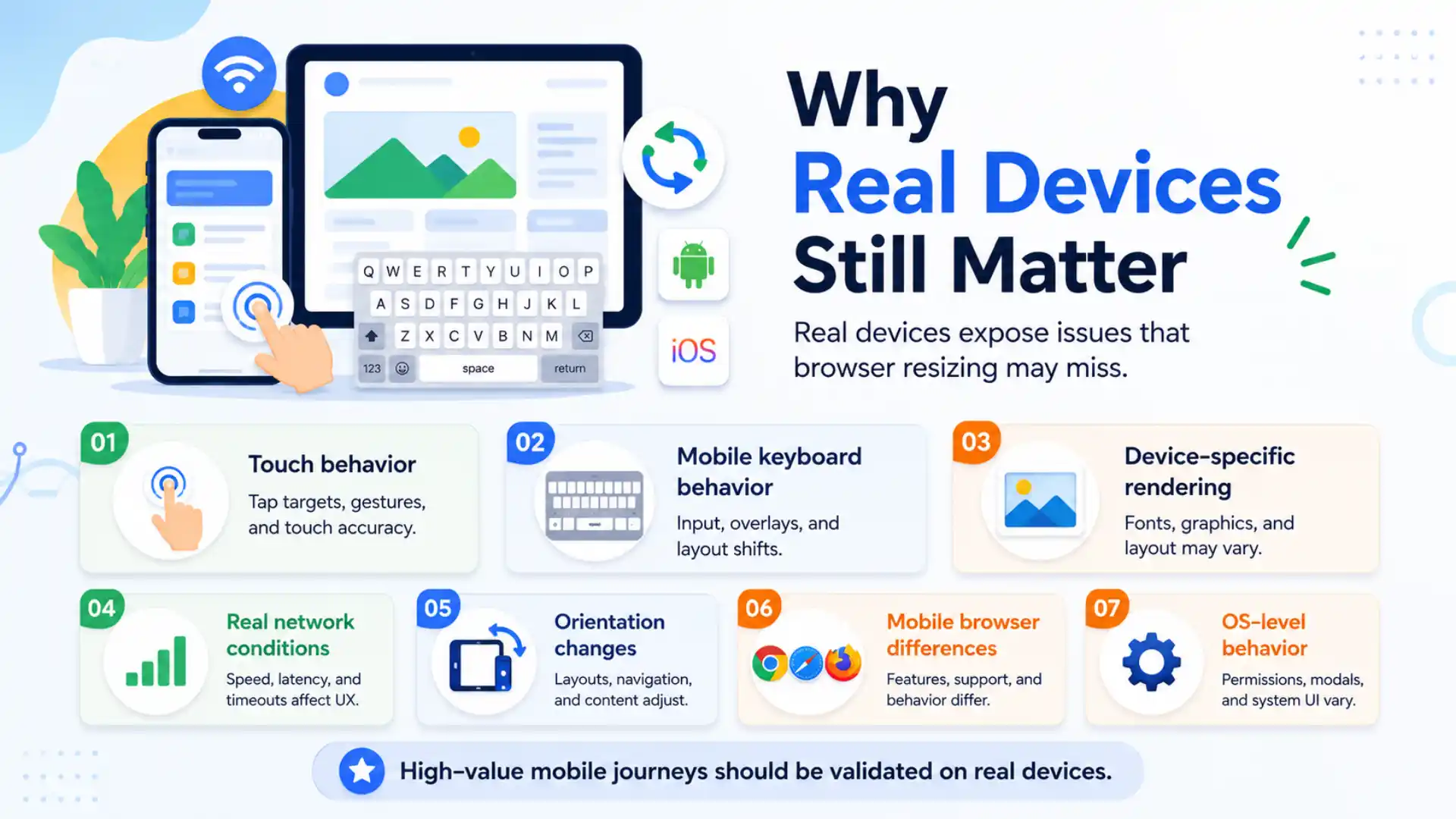
This does not mean every test must run on real devices.
It means high-value journeys should.
For example, login, checkout, payment, form submission, file upload, and dashboard workflows should be tested in environments close to real user conditions.
A mobile bug in a low-value page may be acceptable.
A mobile bug in a payment flow is business damage.
That is the kind of risk-based thinking QA teams need.
Common Mistakes in Selenium Cross-Browser Testing
Many Selenium teams struggle not because the tool is weak, but because the strategy is unclear.
Here are some common mistakes:
- Testing only on Chrome
- Testing mobile only by resizing desktop browsers
- Running the full regression suite on every browser
- Ignoring Safari until customers report issues
- Not using Selenium Grid or cloud platforms for parallel execution
- Not capturing screenshots, logs, and videos for failures
- Treating every browser-specific failure as a flaky test
- Adding more browser coverage without reviewing execution time
- Running cross-browser testing only at the end of the release cycle
These mistakes increase test noise instead of quality confidence.
Good cross-browser testing is not about more execution.
It is about sharper execution.
The Testleaf Perspective
At Testleaf, we often see testers focus heavily on writing automation scripts.
That is important.
But in real projects, scripting is only one part of automation maturity.
The bigger skill is knowing:
What should be automated?
Where should it run?
Which browsers matter?
Which devices matter?
Which tests belong in daily CI?
Which tests belong in weekly regression?
Which flows need real-device validation?
This is where modern QA professionals must grow.
The future of automation testing is not just about learning Selenium commands.
It is about learning how to design confidence.
Cross-Browser Testing Should Be Built Into the Pipeline
Cross-browser testing becomes powerful when it is not treated as a separate activity.
It should be part of the release system.
A practical CI/CD approach can look like this:
Daily pipeline:
- Run smoke tests on major browsers
- Validate business-critical flows
- Capture screenshots and logs
- Fail fast on major browser issues
Nightly pipeline:
- Run wider regression
- Include additional browsers and versions
- Add responsive checks
- Review recurring failures
Pre-release pipeline:
- Run real-device validation
- Test Safari and mobile flows seriously
- Validate payment, login, and conversion-critical journeys
- Review reports before production approval
This makes cross-browser testing continuous, not occasional.
And that is where Selenium creates real value.
Key Takeaways
- A Selenium test passing in Chrome does not guarantee the application will work for real users.
- Chrome-only testing misses issues that can appear in Safari, Firefox, Edge, Android, iPhone, and different screen sizes.
- QA teams should use risk-based cross-browser testing instead of running every test on every browser.
- Selenium Grid helps teams validate tests across multiple browsers, versions, and platforms within CI/CD.
- Real-device testing is essential for critical flows like login, payment, checkout, and form submission.
Final Thought
A Selenium test passing in Chrome is not quality assurance.
It is only one signal.
Real quality comes from knowing that your application works for the users who actually depend on it — across the browsers, devices, screen sizes, and platforms they use every day.
The strongest QA teams do not chase every browser-device combination blindly.
They identify risk.
They prioritize coverage.
They use Selenium Grid where scale is needed.
They use real devices where accuracy matters.
They keep browser validation inside CI/CD.
They treat automation as a confidence system, not just a script execution system.
That is how Selenium moves from being a testing tool to becoming a serious quality engineering asset.
And that is the mindset modern QA teams need now — and will still need years from today.
For modern QA teams, Selenium cross-browser testing is no longer optional. It is a practical way to reduce production defects, improve real-user experience, and build automation confidence across browsers, devices, and CI/CD pipelines.
For testers who want to build this kind of real-world automation confidence, learning Selenium should go beyond writing basic scripts. A strong Selenium training in chennai should help learners understand cross-browser testing, Selenium Grid, real-device validation, CI/CD execution, and risk-based automation strategy so
FAQs
Why do Selenium tests pass in Chrome but fail in other browsers?
Selenium tests can pass in Chrome but fail in Safari, Firefox, or Edge because each browser handles rendering, JavaScript, CSS, pop-ups, file uploads, and timing differently. A Chrome pass only confirms one browser condition, not the full user experience.
Is Chrome testing enough for Selenium automation?
No. Chrome testing is important, but it is not enough if users access the application through Safari, Firefox, Edge, Android, iPhone, tablets, or different screen sizes. QA teams should use browser coverage based on business risk and user data.
What is the best Selenium cross-browser testing strategy?
The best strategy is risk-based coverage. Run smoke tests on major browsers, critical journeys across Chrome, Safari, Firefox, and Edge, mobile flows on real devices, and wider regression in nightly or pre-release pipelines.
Why is Selenium Grid important for cross-browser testing?
Selenium Grid helps teams run tests across multiple browsers, browser versions, machines, and platforms. It allows cross-browser validation to become part of CI/CD instead of being handled only before release.
Do we still need real-device testing with Selenium?
Yes. Browser emulation is useful, but real devices reveal issues related to touch behavior, mobile keyboards, device-specific rendering, real network conditions, orientation changes, and OS-level behavior.
We Also Provide Training In:
- Advanced Selenium Training
- Playwright Training
- Gen AI Training
- AWS Training
- REST API Training
- Full Stack Training
- Appium Training
- DevOps Training
- JMeter Performance Training
Author’s Bio:

Content Writer at Testleaf, specializing in SEO-driven content for test automation, software development, and cybersecurity. I turn complex technical topics into clear, engaging stories that educate, inspire, and drive digital transformation.
Ezhirkadhir Raja
Content Writer – Testleaf