In 2026, the entire loop is being rewritten.
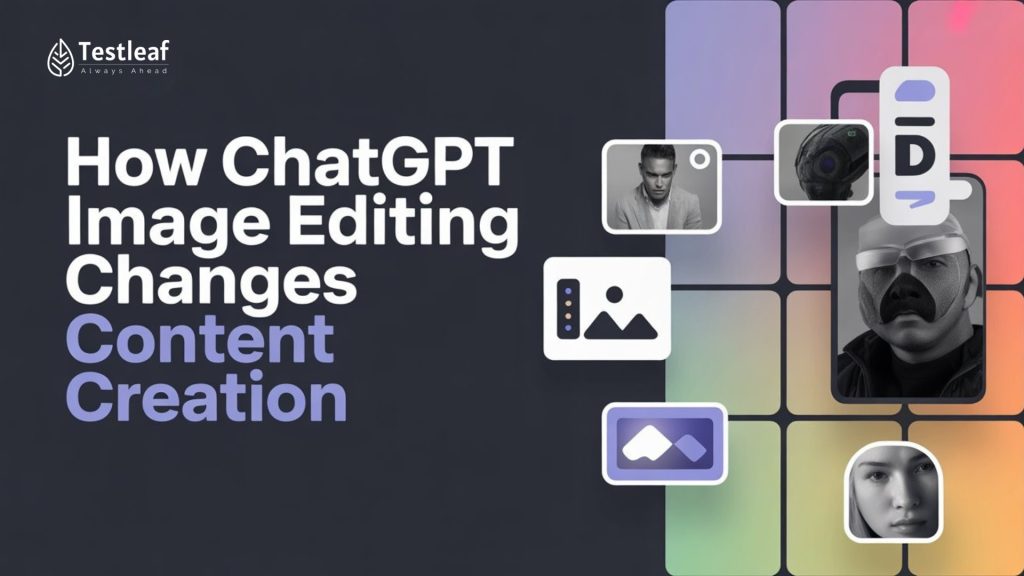
Not because “AI can generate images” (we already heard that). The real change is this: ChatGPT can now edit images like a teammate. You don’t just create visuals—you iterate on them in a conversation. That tiny shift turns content production into something faster, cleaner, and surprisingly fun.
Last year, a typical content day looked like this: write the blog, hunt for a hero image, open Canva, remove a background, resize for LinkedIn, tweak text, export again, then realize the thumbnail looks different on mobile. By the time the post goes live, you’ve created five versions… and still don’t love any of them.
So what changes when image editing becomes conversational? Let me show you what that means in real life.
The 2026 Moment: From “Design Tools” to “Design Conversations”
Imagine you’re launching a webinar. You have a poster from last month. The background is outdated. The headline needs a new hook. The spacing is off. Normally, you’d rebuild it or spend an hour fixing it.
In 2026, you upload the poster and say:
- “Keep the layout exactly the same. Replace the background with a soft light grey gradient.”
- “Change the headline to: ‘Learn Faster. Build Smarter.’ Keep the font style consistent.”
- “Make the speaker photo slightly brighter. Don’t change the face.”
- “Create 3 variants: one minimal, one bold, one premium.”
This is the biggest gap most news posts don’t explain: the value isn’t the first output—it’s the second, third, and fourth edit. Content teams live in iterations, and ChatGPT image editing finally respects that reality.
Other Helpful Articles: playwright interview questions
Why This Feels Like a Cheat Code for Creators
1) One image becomes a “content asset,” not a one-time export
In 2026, you don’t design “a banner.” You design a base asset.
Then you ask ChatGPT to:
- Resize and extend it for YouTube thumbnails
- Adapt it for Instagram portrait
- Expand it into a website hero banner
- Create a clean LinkedIn version without clutter
This is what changes the game: repurposing becomes a prompt, not a project.
2) Edits don’t destroy your original idea
Older AI image tools had a common problem: you request a small change, and the whole image drifts. Face changes. Lighting changes. Composition breaks.
The new approach focuses on precision edits—you can edit one area while keeping everything else stable. That’s what makes it usable for real marketing work, not just “cool AI art.”
3) Text inside images is no longer painful
Creators love posters, thumbnails, and infographics—but text rendering used to be the weak spot.
Now, you can do things like:
- Fix spelling
- Improve alignment
- Simplify wording
- Keep perspective consistent
That means fewer “manual cleanups” and fewer last-minute design reworks.

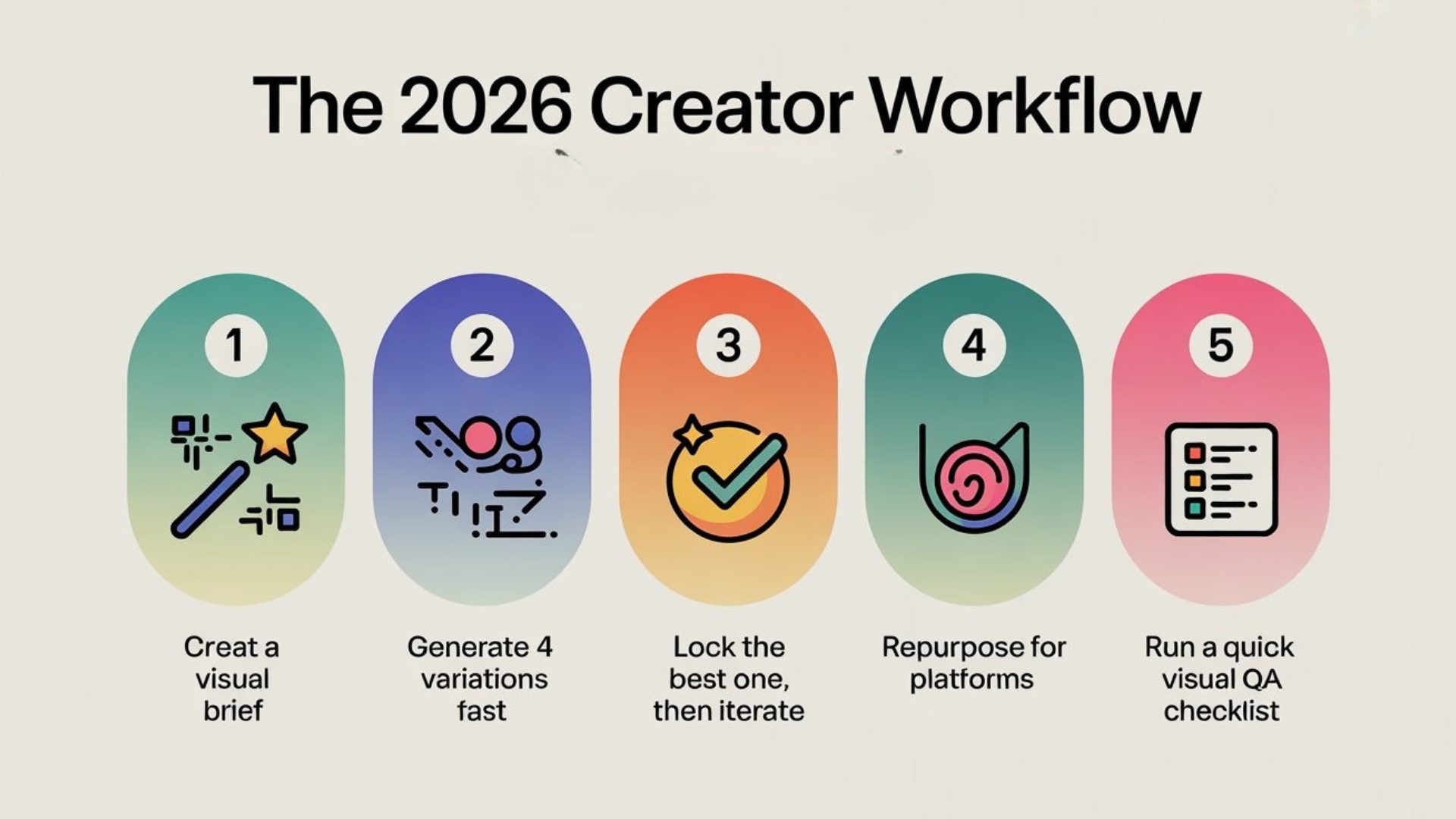
The 2026 Creator Workflow (Steal This)
Here’s a simple workflow that beats most teams’ current process:
Step 1: Create a “visual brief” in one paragraph
Write what you want in plain English:
- audience
- vibe (clean / premium / playful)
- where it will be used (blog, LinkedIn, ads)
- what must stay consistent (logo, colors, subject)
Step 2: Generate 4 variations fast
Ask for different styles, not different ideas:
- minimal
- bold
- modern
- editorial
Step 3: Lock the best one, then iterate
Use this line (it’s magic):
“Keep everything the same. Only change ____.”
Step 4: Repurpose for platforms
Ask for 3–5 output sizes in one go:
- 1200×628 (LinkedIn)
- 1080×1350 (Instagram)
- 1280×720 (YouTube)
- 1920×1080 (web hero)
Step 5: Run a quick “visual QA checklist”
Yes—visuals need QA too:
- Is the text readable on mobile?
- Is the main subject clear at thumbnail size?
- Are brand elements consistent?
- Is there too much clutter?

This is the piece most competitors miss: AI makes speed easy. Quality still needs a checklist.
Don’t Miss Out: api automation interview questions
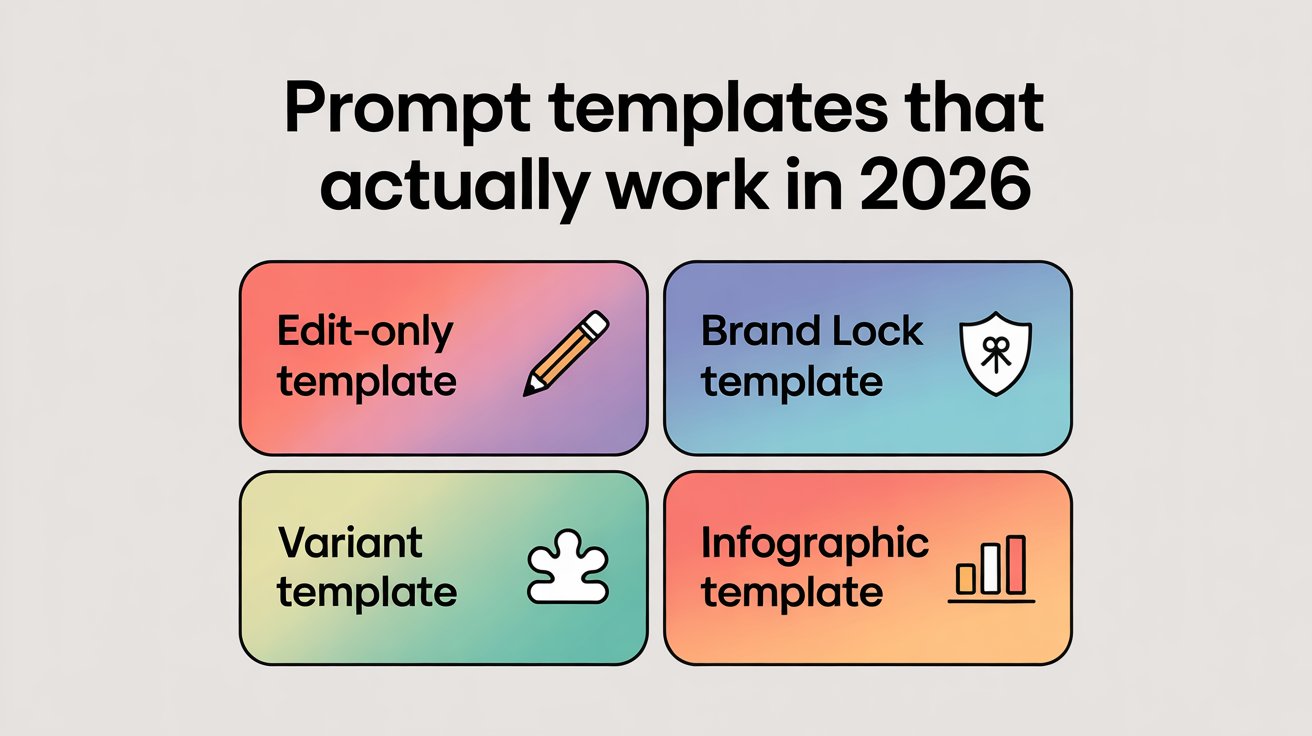
Prompt Templates That Actually Work in 2026
Use these exactly:
- Edit-only template
“Keep the subject, lighting, and composition the same. Only change the background to ___.” - Brand lock template
“Use a clean professional style. Keep consistent spacing. Use a modern minimal look. Avoid heavy textures.” - Variant template
“Create 3 variants of this same design: minimal, bold, premium. Keep layout identical.” - Infographic template
“Turn this into a simple infographic with 5 bullets. Large heading, high contrast text, clean icons, lots of whitespace.”

How AI Is Used in Software Testing in 2026 (Side Note for QA Teams)
In 2026, image editing is only one part of the shift. AI is becoming a daily assistant for software testing too.
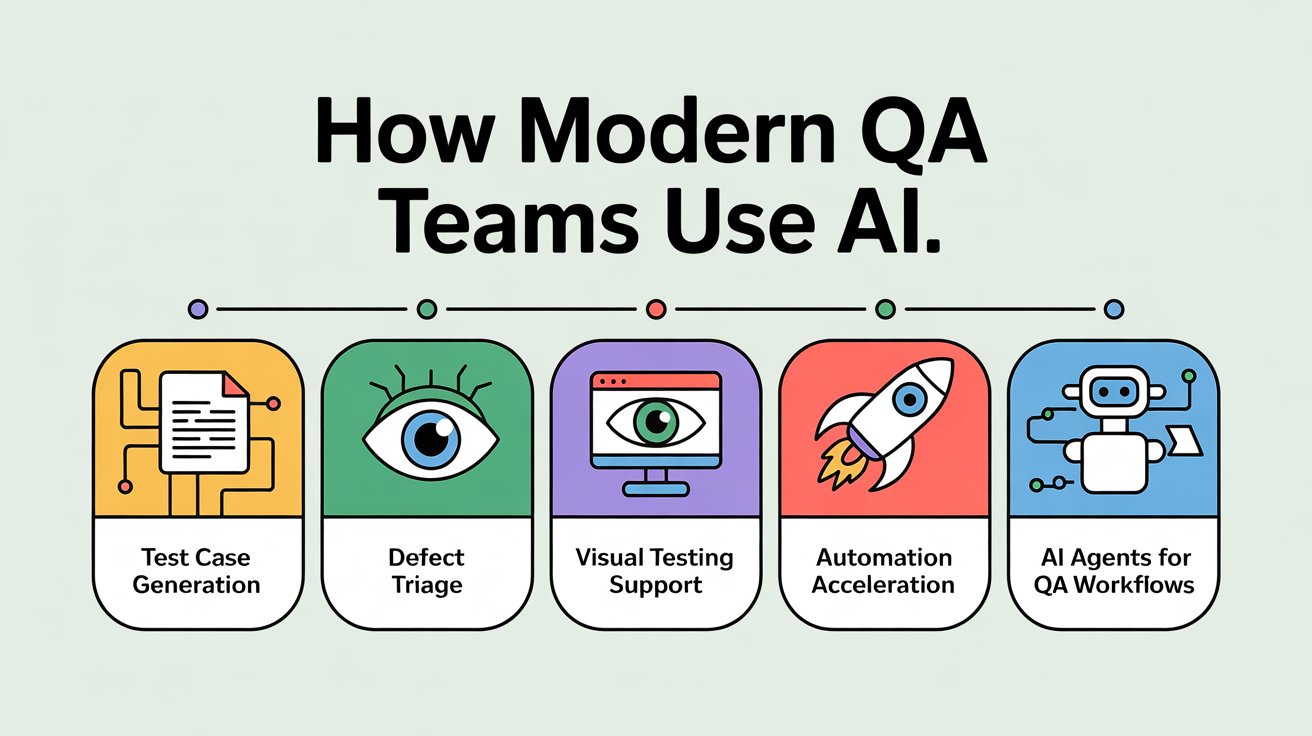
Here’s how modern QA teams use AI:
- Test case generation: Convert user stories into structured test scenarios faster
- Defect triage: Summarize logs, identify patterns, suggest likely root causes
- Visual testing support: Compare UI screenshots, detect layout shifts, highlight changes
- Automation acceleration: Generate Playwright/Selenium scripts, suggest locators, reduce boilerplate
- AI agents for QA workflows: Agents that monitor builds, run checks, and post results with context
If you’re curious about this direction, check out: AI Master Class for QA Professionals – Master AI Agents (perfect if you want practical use cases, not hype).
Conclusion: The New Skill Is “Creative Iteration”
In 2026, the winners won’t be the people who know the most tools. They’ll be the people who iterate clearly.
ChatGPT image editing turns creation into a simple loop: make → refine → repurpose → publish—fast. And when speed goes up, your edge becomes consistency and quality.
The same shift is happening in software testing too: QA teams use AI to generate test ideas, speed up automation, and summarize failures faster. The teams that win will iterate smarter and ship with more confidence.
FAQs
Q1. What is ChatGPT image editing and how is it different from normal AI image tools?
ChatGPT image editing lets you upload an existing visual and refine it through a conversation. Instead of regenerating a whole new image each time, you can keep the layout and style, then ask for precise edits like changing backgrounds, tweaking text or adjusting brightness. This turns image work into an iterative design conversation.
Q2. How does ChatGPT image editing help content creators in 2026?
It speeds up the entire content loop. You can turn one base asset into platform-specific versions, generate multiple design variants quickly, fix small issues like text alignment or colours, and repurpose visuals for LinkedIn, Instagram, YouTube and web hero sections with prompts instead of manual redesigns.
Q3. What is the recommended 2026 creator workflow with ChatGPT image editing?
A simple workflow is: write a one-paragraph visual brief, generate a few variations, lock in the best version, iterate on details with “keep everything the same, only change ___”, then repurpose into multiple sizes and run a quick visual QA checklist to check readability, clarity and brand consistency.
Q4. Can ChatGPT handle text inside images like posters and infographics?
Yes. A key benefit is being able to fix spelling, adjust copy, improve alignment and keep perspective consistent directly inside the image. This reduces last-minute manual edits in tools like Canva or Photoshop and makes thumbnails, posters and infographics easier to refine.
Q5. How can teams repurpose one design across multiple platforms using ChatGPT?
You can start with a single hero design and ask ChatGPT to adapt it for specific sizes such as 1200×628 for LinkedIn, 1080×1350 for Instagram, 1280×720 for YouTube thumbnails and 1920×1080 for website banners, while keeping brand elements like logo, colours and typography consistent.
Q6. Why is a “visual QA checklist” important even with AI image editing?
Speed goes up with AI, but quality still needs a human check. A visual QA checklist helps you confirm that text is readable on mobile, the subject is clear at thumbnail size, brand elements are consistent and the design isn’t cluttered. This ensures AI-accelerated visuals are still on-brand and effective.
We Also Provide Training In:
- Advanced Selenium Training
- Playwright Training
- Gen AI Training
- AWS Training
- REST API Training
- Full Stack Training
- Appium Training
- DevOps Training
- JMeter Performance Training
Author’s Bio:


Content Writer at Testleaf, specializing in SEO-driven content for test automation, software development, and cybersecurity. I turn complex technical topics into clear, engaging stories that educate, inspire, and drive digital transformation.
Ezhirkadhir Raja
Content Writer – Testleaf