Hi, I’m Hari, VP at Qeagle. 16 years. That’s how long I’ve been building automation solutions. I’ve seen every trend, every hype cycle, and every ‘next big thing’. I thought I had seen it all. But this? This is entirely different.
As someone who has spent years building automation frameworks, fine-tuning locators, and teaching thousands of testers how to write clean test scripts, I thought I’d seen everything.
Until one day, I decided to try something bold:
I let GitHub Copilot write my Playwright tests.
I expected a few suggestions, maybe some partial code snippets.
But what happened next completely changed the way I look at automation forever.
And trust me—the results were insane.
Why I Even Tried This Experiment
Playwright has already changed the automation game:
- Clean CSS-based locators
- Auto-waits built in
- Parallel execution across browsers
- Inbuilt video, screenshots, and trace
- No WebDriver headaches
But writing tests is still… writing tests.
Some days it flows easily.
Some days you stare at your screen wondering why a locator refuses to cooperate.
Then there’s the repetitive part:
- Filling the same kinds of forms
- Copying patterns
- Writing basic assertions
- Setting up boilerplate code
I started thinking:
“If Copilot can help developers write 40–50% faster… why not testers too?”
So I tried it.
And the first test it wrote left me staring at my screen in disbelief.
Other Useful Guides: automation testing interview questions
The First Test: A Simple Login Script
I began with the basics — username, password, click login.
Normally, this is a perfect warm-up exercise for someone entering Playwright.
But here’s where it got interesting.
I typed:
// Write a Playwright login test
Copilot instantly understood my intention.
It generated:
- Page navigation
- Locators
- Fill actions
- Click actions
- A clean test structure
And it followed Playwright best practices almost perfectly.
Seeing Copilot automatically write:

await page.locator('#username').fill('demoSalesManager');

await page.locator('#password').fill('crmsfa');

await page.click('text=Login');
felt like watching an assistant who had already attended all my training sessions.
But that was just the warm-up.


The Real Shock: A Complex Form with Multiple Fields
I wanted to push Copilot harder.
So I picked a page filled with inputs:
- Company Name
- First Name
- Last Name
- Dropdowns
- Buttons
- Tabs
Normally, this takes a beginner 30–60 minutes to automate.
Even an experienced engineer needs 10–15 minutes to do it cleanly.
I copied the DOM structure.
I wrote the test steps in plain English.
I referenced a previous working test.
Then I gave Copilot a single instruction:
Generate a complete Playwright test for creating a lead.
And Copilot didn’t blink.
It analyzed:
- The DOM
- The patterns from the earlier test
- The expected workflow
- The page structure
Then it generated the entire test script.
I’m talking about:
- Correct locators
- Correct actions
- Clean code layout
- Consistent naming
- Logical sequencing
- Playwright conventions
I scrolled down the file, and the script kept going… and going… and going.
All done in less than a minute.
That’s when I knew:
Copilot is not a suggestion tool anymore. It is a coding partner.
Explore More: epam interview questions
Understanding Why This Works So Well
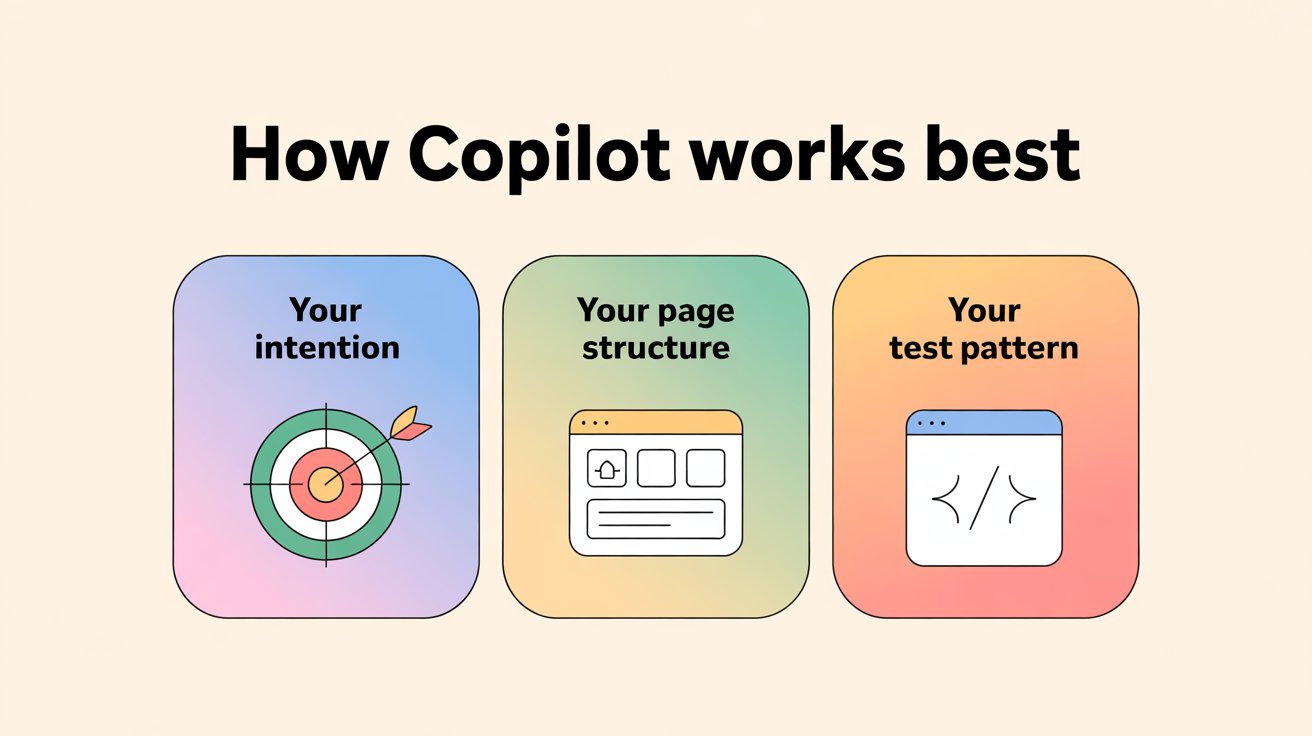
Copilot works best when three things are clear:
- Your intention
- Your page structure
- Your pattern of writing test

Playwright makes it even easier because:
- Locators are predictable
- Actions follow simple patterns
- Async/await makes every line readable
- Tests have a clean structure
- Auto-wait reduces confusion
Combine both, and suddenly:
“Writing a test”
turns into
“Describing what you want.”
The code becomes the by-product.
And Then I Ran the Test…
This was my favorite part.
Playwright didn’t just execute the test.
It executed it in three different browsers—Chromium, Firefox, and WebKit—without me changing a single line of code.
Then it gave me:
- A full video of the test
- Step-by-step snapshots
- Network/API logs
- A clickable timeline of events
- Failure details (if any)
Even if something broke, the evidence was so crystal clear that explaining the issue to a developer became effortless.
For years, testers had to “prove” defects.
Now?
You simply attach the Playwright trace, and the conversation ends right there.

What This Means for Testers in 2025
Let me say something honestly:
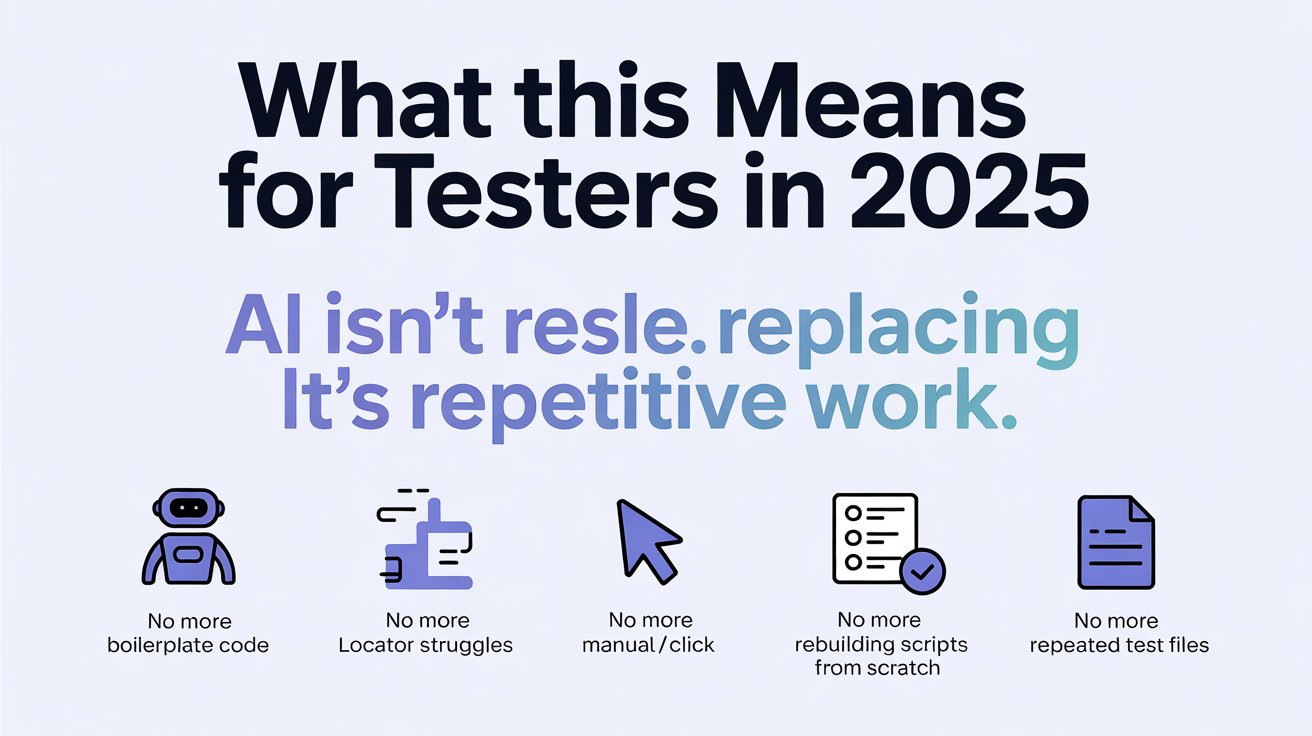
AI is not replacing testers. But it is absolutely replacing repetitive testing work.
You no longer need to:
- Spend hours writing boilerplate code
- Struggle with locator issues
- Manually type every fill/click
- Rebuild scripts from scratch
- Maintain long test files with repeated patterns
Your role shifts from coder to designer of intelligent tests.
Copilot handles the mechanical part.
You handle the thinking part.
And thinking is where testers shine.
Further Reading: 100 manual testing interview questions
If You Are a Manual Tester, Read This Twice
The future belongs to testers who can combine:
- Playwright
- Automation logic
- AI tools like Copilot
This combination makes you unstoppable.
Even if you write 20–30% of your scripts with automation and let Copilot handle the rest, your career gets a major boost.
Because companies are no longer looking for people who “click and check.”
They want testers who can:
- Design automation
- Leverage AI
- Validate quality with evidence
- Work faster and smarter
The world is moving forward.
So should you.
Final Thoughts: The Moment Everything Shifted
When I saw Copilot write a complete Playwright script in minutes, I smiled.
Not because AI is replacing us.
But because AI is empowering us.
We’re entering an age where:
- Testers write less code
- Build more automation
- Deliver faster
- Debug smarter
- Work with clarity
- Grow without fear
If you’ve ever felt that automation looked too difficult, too slow, or too overwhelming…
you’re about to experience a whole new world.
All you need to do is take the first step.
Because once you let Copilot write your Playwright tests, you’ll never go back.
FAQs
Q1. What is this Playwright and Copilot approach to automation?
It’s a way of using GitHub Copilot inside VS Code to generate Playwright tests from natural language instructions, so testers describe the flow and let Copilot scaffold locators, actions and assertions while they focus on test design.
Q2. How does Copilot make Playwright test writing faster?
Copilot learns from your existing Playwright patterns and page structure. When you type comments like “write a Playwright login test” or “generate a test for creating a lead,” it produces full scripts with navigation, locators and actions in seconds instead of manual typing.
Q3. What kind of repetitive work can Copilot reduce for testers?
Copilot can help with boilerplate setup, repetitive form fills, basic assertions, and reusing patterns across tests. This reduces time spent fighting locators or rewriting similar flows, so testers can invest more effort in edge cases, risk analysis and smarter coverage.
Q4. Do I still need to know Playwright if I use Copilot?
Yes. Copilot is a coding partner, not a replacement for skills. You still need to understand Playwright locators, waits, test structure and good automation practices so you can review, correct and maintain the generated code confidently.
Q5. How do I start using Copilot with an existing Playwright project?
Install Copilot in VS Code, open your Playwright project and begin by writing clear comments that describe the test you want. Keep your page objects, naming conventions and patterns consistent so Copilot can follow them and generate clean, predictable scripts.
Q6. Will AI tools like Copilot replace testers?
No. In this workflow, AI replaces repetitive coding, not testers. Your role shifts from manual script typing to designing intelligent tests, reviewing AI output, interpreting Playwright traces and collaborating with developers using strong evidence from automated runs.
Q7. How can manual testers benefit from Playwright and Copilot?
Manual testers who learn basic Playwright and start using Copilot gain a faster path into automation. They can describe flows in plain English, let Copilot draft tests, then refine them—making it easier to move from “click and check” work into modern, AI-accelerated automation roles.
We Also Provide Training In:
- Advanced Selenium Training
- Playwright Training
- Gen AI Training
- AWS Training
- REST API Training
- Full Stack Training
- Appium Training
- DevOps Training
- JMeter Performance Training
Author’s Bio:


Content Writer at Testleaf, specializing in SEO-driven content for test automation, software development, and cybersecurity. I turn complex technical topics into clear, engaging stories that educate, inspire, and drive digital transformation.
Hari Prasad Radhakrishnan
Head of Projects – Qeagle