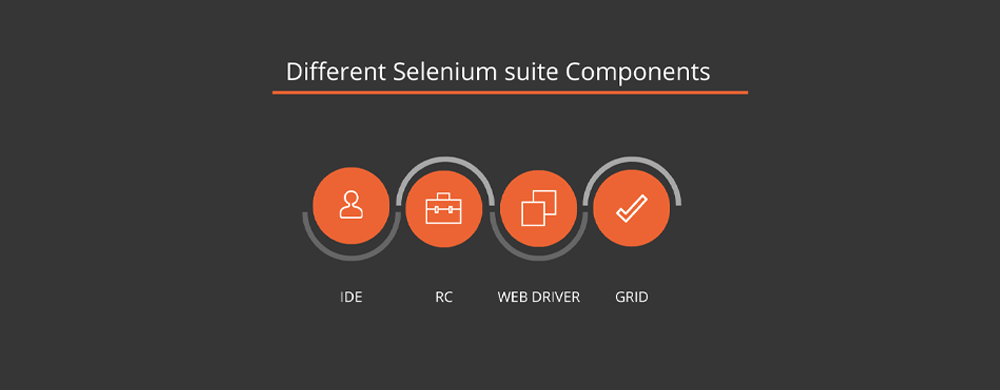
What does “Selenium expert” mean in 2026?
In 2026, a Selenium expert is not someone who can “write scripts.” A real expert builds stable, maintainable automation that teams can trust in CI. That means choosing reliable locators (ID/CSS/data-testid first), using smart waits (explicit waits for the right condition), and designing tests around intent + outcomes, not clicks. A Selenium expert can build or extend a framework (POM, utilities, test data strategy), run suites in CI pipelines (Jenkins/GitHub Actions), and produce clear reports and artifacts (logs, screenshots, dashboards) for every failure. Most importantly, they can debug flaky failures fast and explain the root cause with evidence.
How to become a Selenium expert?
If you are a tester and want to get automation testing done with less effort in the right way, then you should start learning Selenium. Already a tester and want to jump ahead with automation? Then this blog might be your cue.
To become a Selenium expert, you need more than writing scripts. You must build a maintainable framework, choose reliable locators, handle waits and test data correctly, and run tests in CI with clear reports. Focus on stability, debugging skill, and repeatable execution—those are what companies trust in 2026.
Key Takeaways
-
Master WebDriver basics + reliable waits + locators before frameworks.
-
Build a small framework with reports + CI runs, not just scripts.
-
Expertise = stable tests + fast debugging, not tool memorization.


Who Needs Selenium and Why?
Selenium training had designed to help developers and manual testers figure out how to automate web applications with a robust framework and integrate it within the DevOps processes of an organization.
- Support for multiple programming languages
- Availability of Frameworks
- Strong presence in the DevOps lifecycle
- Demand for Selenium testers
What is the Best Selenium Training Course for Everyday People like Us?
Since 2009, around 15000 students have trained in Selenium. In addition, Testleaf offers a selenium training in Chennai where you can obtain certification at no cost.
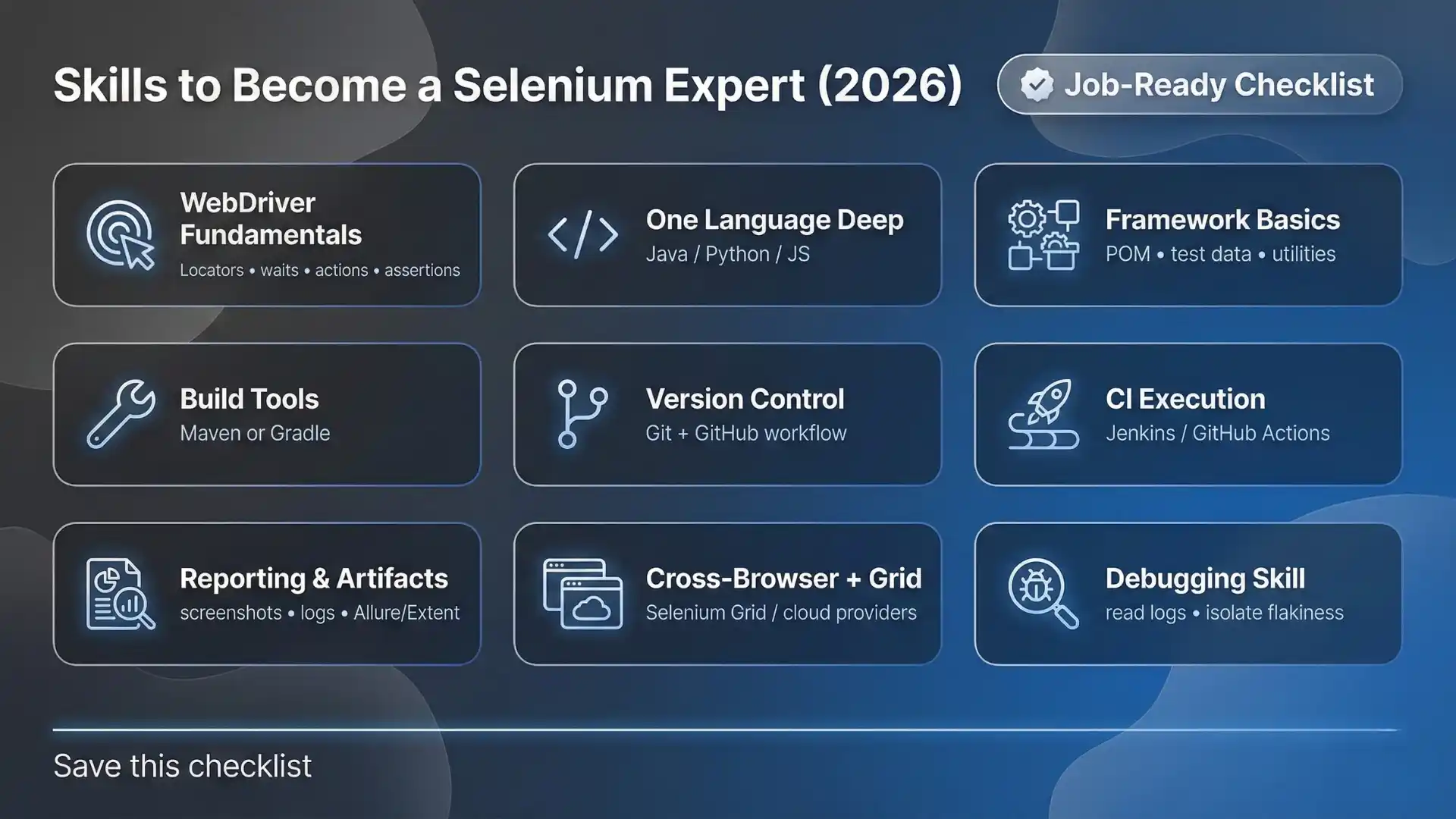
Skills to Become a Selenium Expert (2026)
-
Selenium WebDriver fundamentals (locators, waits, actions, assertions)
-
One language deep (Java / Python / JS)
-
Framework basics (POM, test data strategy, reusable utilities)
-
Build + dependency tools (Maven or Gradle)
-
Version control (Git + GitHub workflow)
-
CI execution (Jenkins or GitHub Actions)
-
Reporting & artifacts (screenshots, logs, Allure/Extent)
-
Cross-browser + grid basics (Selenium Grid / cloud providers)
-
Debugging skill (reading logs, isolating flaky causes)

A beginner-friendly 30/60/90-day roadmap (2026)
Days 1–30: Build strong Selenium fundamentals
Your goal in the first month is simple: write stable tests without guessing.
-
Pick one language (Java/Python/JS) and stick to it
-
Master locators: id, css, xpath (only when needed)
-
Learn waits properly: explicit waits > sleep
-
Write 15–20 small scripts (login, search, add-to-cart, form submit)
-
Add assertions for real outcomes (URL, text, element state)
Deliverable: A small repo with 15+ working scripts and clean README.
Days 31–60: Build your first mini framework
Now move from “scripts” to structure.
-
Implement Page Object Model (POM)
-
Add a test runner: TestNG/JUnit
-
Add reporting: screenshots on failure + logs
-
Add test data strategy (properties/JSON/Excel only if needed)
-
Organize reusable utilities (wait helpers, driver setup, config)
Deliverable: One mini framework + 25–40 test cases across 2–3 modules.
Days 61–90: Make it CI-ready + interview-ready
This is where you become job-ready.
-
Run suite in CI: Jenkins or GitHub Actions
-
Add parallel execution (optional): TestNG suites or Selenium Grid basics
-
Fix flakiness: waits, test data, environment parity
-
Add artifacts: screenshots, logs, and clear failure messages
-
Prepare interview stories: framework design + debugging examples
Deliverable: CI pipeline + reports + “How to run” steps + demo video link.
Common mistakes that cause flaky Selenium tests
Flaky tests are rarely “random.” They usually come from predictable issues:
-
Using Thread.sleep() instead of explicit waits
-
Waiting for visibility but clicking too early (need clickable/ready state)
-
Brittle locators (long XPath, dynamic IDs, layout-based selectors)
-
Tests sharing state (reusing sessions, order dependency)
-
Ignoring overlays/popups (cookie banners, modals intercept clicks)
-
No stable test data (data changes, environment resets, reused accounts)
-
CI vs local mismatch (browser versions, screen sizes, network timing)
-
No evidence on failure (no logs/screenshots → guessing = slow fixes)
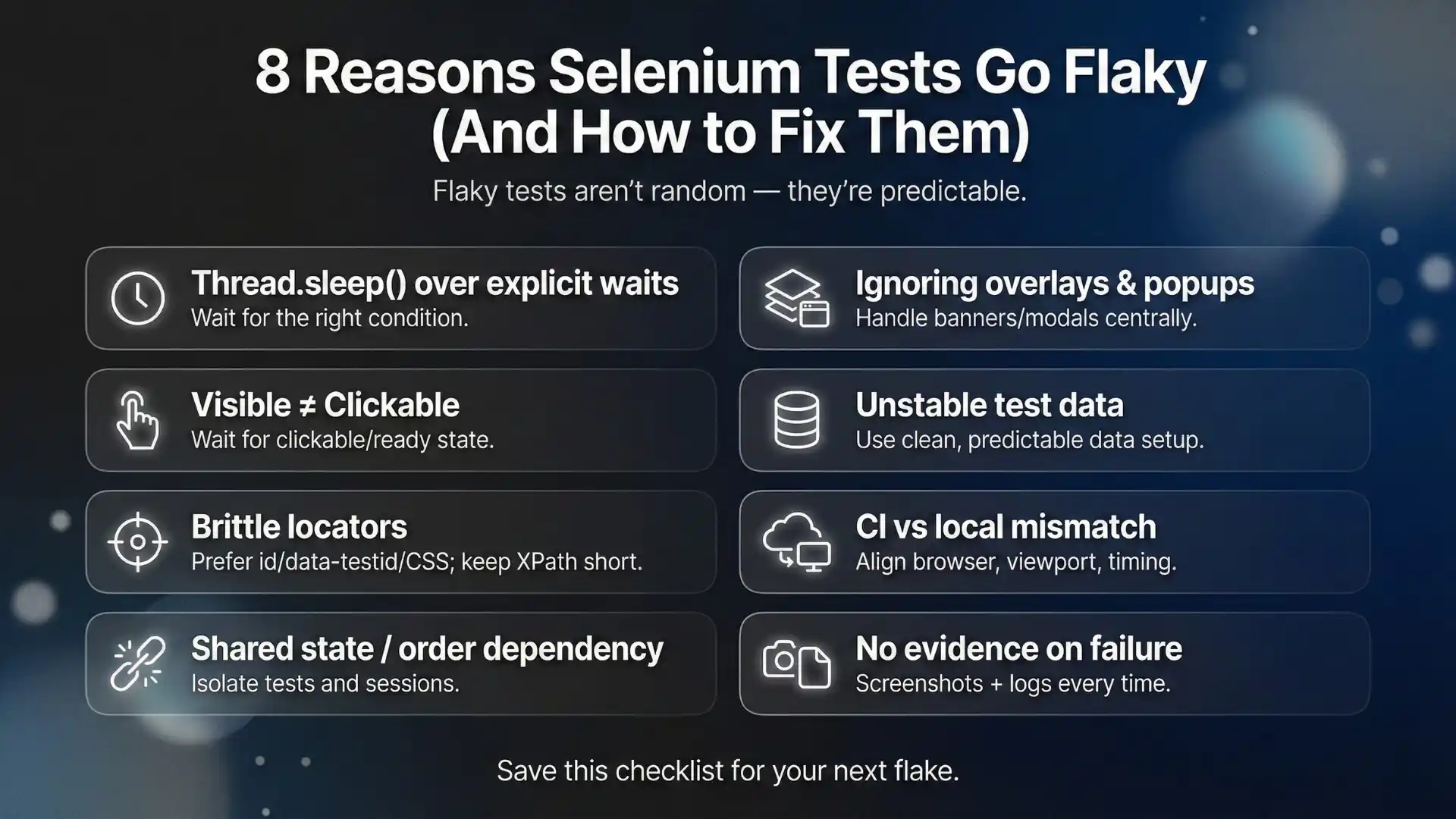
Quick fix mindset: Replace “add more waits” with “wait for the right condition + assert the right outcome.”
Final Thoughts
This blog might stir your desire to learn Selenium. If you’re interested in learning more about Selenium, we hope you’ll check out our selenium training course in Chennai.
We think you’ll find it to be a great resource that you can use to learn all about creating automated tests and web applications. We would love to have you join our course and look forward to seeing you!
FAQs
What are the best test cases to automate first?
Which test cases are not good candidates for automation?
Should we automate smoke or regression first?
How do I calculate ROI for automating a test case?
Why do automated tests fail more in CI than locally?
How many test cases should be automated initially?
We Also Provide Training In:
- Advanced Selenium Training
- Playwright Training
- Gen AI Training
- AWS Training
- REST API Training
- Full Stack Training
- Appium Training
- DevOps Training
- JMeter Performance Training


As CEO of TestLeaf, I’m dedicated to transforming software testing by empowering individuals with real-world skills and advanced technology. With 24+ years in software engineering, I lead our mission to shape local talent into global software professionals. Join us in redefining the future of test engineering and making a lasting impact in the tech world.
Babu Manickam
CEO – Testleaf