In the previous blogs of this series, we explored why Playwright is rapidly becoming the future of automation testing and how beginners can start learning it effectively.
But this is where things become truly interesting.
Because Playwright is not becoming popular only because it is faster than Selenium.
It is becoming popular because it solves many real-world automation problems modern QA teams struggle with every day.
Flaky tests.
Async applications.
Dynamic UI rendering.
Complex frontend frameworks.
Unstable automation pipelines.
Slow debugging cycles.
Modern applications behave very differently compared to the web applications automation tools were originally designed for 10–15 years ago.
And this is exactly where Playwright’s architecture starts standing out.
What are the most important advanced Playwright features for modern QA teams?
The most important advanced Playwright features are auto-waiting, parallel execution, network interception, Trace Viewer, screenshots, video recording, cross-browser testing, headless execution, and CI/CD-friendly architecture. These features help QA teams reduce flaky tests, debug failures faster, control backend dependencies, and improve automation reliability.
Key Takeaways
- Playwright reduces flaky automation with built-in auto-waiting for visible, stable, enabled, and interactive elements.
- Network interception helps QA teams mock APIs, simulate failures, and test frontend behavior without depending fully on unstable backend systems.
- Playwright’s Trace Viewer, screenshots, videos, and network logs make debugging faster and more visual.
- Cross-browser execution across Chromium, Firefox, and WebKit helps teams validate modern applications with less framework complexity.
- Playwright fits naturally into CI/CD pipelines, making it suitable for Jenkins, GitHub Actions, Azure DevOps, and GitLab CI/CD.
Why Traditional Automation Starts Breaking in Modern Applications
Modern frontend applications are highly asynchronous.
Frameworks like:
- React
- Angular
- Vue
- Next.js
constantly update the DOM dynamically.
Elements appear late.
Components rerender.
API responses change UI behavior instantly.
Background requests keep loading continuously.
Traditional automation frameworks often struggle in these situations because synchronization becomes extremely difficult.
This is where testers start adding:
- Hard waits
- Sleep statements
- Retry hacks
- Complex custom frameworks
Eventually automation becomes unstable.
One day tests pass.
Next day they fail.
CI pipelines become noisy.
Teams lose trust in automation.
This is one of the biggest reasons modern QA teams started moving toward Playwright.
The Biggest Advantage of Playwright: Auto-Waiting
One of Playwright’s most powerful capabilities is its built-in auto-waiting mechanism.
This may sound simple initially.
But in real-world automation, this changes everything.
Instead of immediately trying to interact with an element, Playwright intelligently waits until:
- The element is visible
- The element is stable
- The element is enabled
- The element is ready for interaction
This dramatically reduces flaky tests.
In many Selenium projects, teams spend huge effort building synchronization utilities manually.
Playwright solves a large part of this natively.
That directly improves:
- Stability
- Reliability
- Execution consistency
- CI/CD trustworthiness
And this is one major reason many enterprise teams are adopting Playwright rapidly.
Don’t Miss Out: playwright interview questions
Why Playwright Feels Faster
Another major reason Playwright is gaining popularity is execution speed.
Modern engineering teams want rapid feedback.
Nobody wants automation suites running for hours.
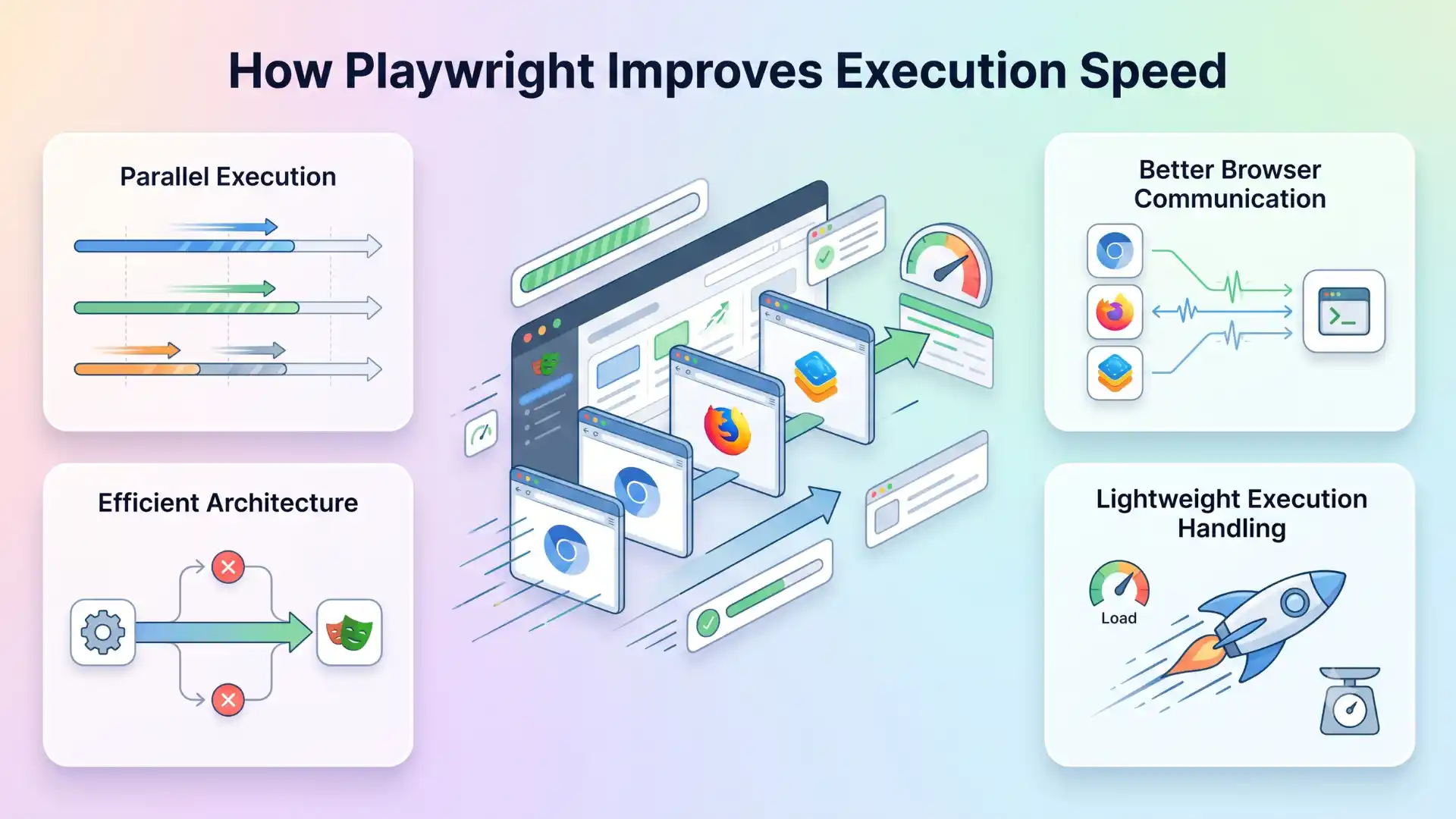
Playwright improves execution speed through:
- Parallel execution
- Better browser communication
- Efficient architecture
- Lightweight execution handling
This becomes extremely important inside CI/CD pipelines where teams execute hundreds or thousands of tests daily.
Faster execution means:
- Faster releases
- Faster bug detection
- Faster developer feedback
- Faster deployment confidence
For organizations practicing continuous delivery, this becomes a major business advantage.
Network Interception Is a Game Changer
One feature that makes Playwright incredibly powerful is network interception.
Traditional UI automation heavily depends on backend systems being stable.
But in real projects:
- APIs fail
- Third-party services become slow
- Test data becomes unstable
- Rate limits create failures
- Backend dependencies delay execution
This creates unreliable UI automation.
Playwright allows teams to intercept network requests and control responses directly.
This means testers can:
- Mock APIs
- Simulate backend failures
- Test edge cases
- Validate frontend behavior independently
- Improve automation speed
- Reduce dependency instability
Modern automation is no longer just about clicking buttons.
It is increasingly about controlling the system behind the UI.
And network interception fundamentally changes how modern QA teams design automation strategies.
You Might Also Like: Manual testing interview questions
Debugging in Playwright Feels Completely Different
Debugging automation failures is one of the biggest time-consuming activities in QA automation.
Many traditional frameworks provide very limited debugging visibility.
When failures happen, testers often struggle to identify:
- What exactly failed
- Which request caused the issue
- What the browser looked like
- Which step broke
- Why synchronization failed
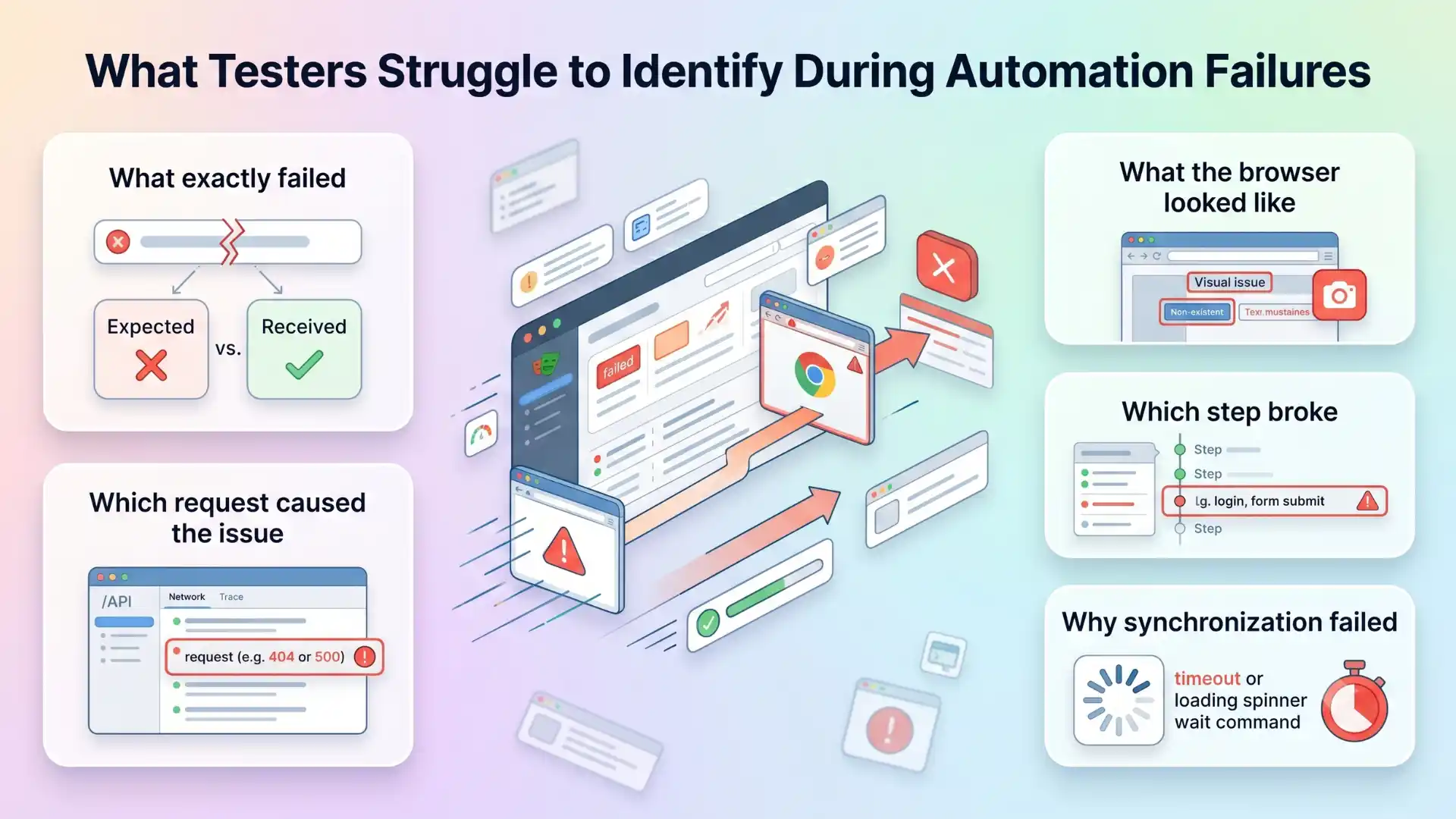
Playwright provides extremely powerful debugging capabilities out of the box.
This includes:
- Trace Viewer
- Screenshots
- Video recordings
- Network logs
- Step-by-step execution history
Instead of simply seeing “test failed,” testers can visually inspect the entire execution flow.
This dramatically reduces debugging effort.
For teams handling large-scale automation suites, this becomes a massive productivity improvement.
Cross-Browser Testing Becomes Simpler
Cross-browser testing has always been one of the painful areas in automation.
Different drivers.
Different configurations.
Different compatibility issues.
Playwright simplifies this significantly.
Using a single API, testers can execute automation across:
This allows teams to validate applications consistently across multiple browsers with far less framework complexity.
As applications increasingly need to support:
- Chrome
- Safari
- Edge
- Mobile browsers
this capability becomes extremely valuable.
Recommended for You: AI and ML engineer salary in india
Playwright Is Becoming CI/CD Friendly by Design
Modern QA is tightly connected with DevOps workflows.
Automation is no longer something executed manually at the end of release cycles.
It is deeply integrated into:
- Pull requests
- Build pipelines
- Deployment workflows
- Release validation
Playwright fits naturally into these systems.
Its architecture supports:
- Parallel execution
- Headless execution
- Fast startup
- Containerized execution
- Cloud execution
This makes Playwright highly suitable for:
- Jenkins
- GitHub Actions
- Azure DevOps
- GitLab CI/CD
As organizations continue moving toward rapid deployment models, tools like Playwright become increasingly important.
Why Playwright Is Becoming Popular in AI-Driven QA
One of the most interesting shifts happening today is the rise of AI-assisted testing.
Modern testing teams are experimenting with:
- AI-generated test cases
- Intelligent debugging
- Self-healing automation
- AI agents
- MCP-based workflows
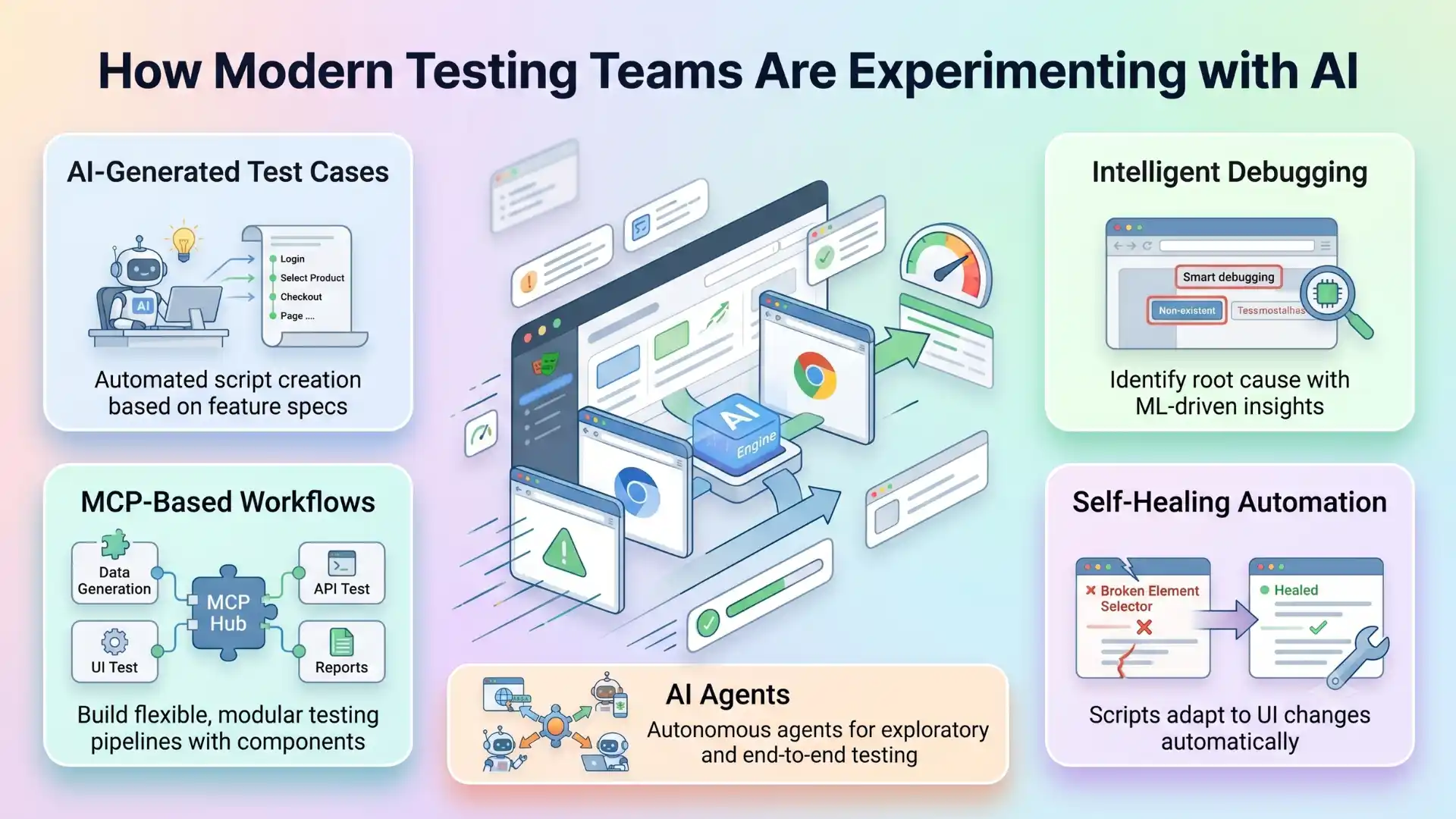
Playwright is becoming highly compatible with this future because of its modern architecture and automation control capabilities.
Its strong browser interaction model makes it highly suitable for:
- AI agent execution
- Browser orchestration
- Intelligent automation systems
This is one reason many future-focused QA teams are investing heavily in Playwright.
Modern Automation Requires More Than Script Writing
Today’s automation engineers are expected to think beyond:
- Simple UI automation
- Basic regression testing
- Manual execution replacement
Modern QA now includes:
- Automation architecture
- Stability engineering
- Test intelligence
- CI/CD optimization
- API control
- Observability
- Performance-aware testing
Playwright aligns strongly with these modern engineering expectations.
And that is exactly why its adoption is accelerating globally.
Playwright is a modern automation testing framework designed for today’s asynchronous web applications. Its advanced features, including auto-waiting, network interception, Trace Viewer, parallel execution, cross-browser support, and CI/CD compatibility, help QA teams build stable, fast, and future-ready automation systems. For modern QA teams working with React, Angular, Vue, Next.js, and AI-assisted testing workflows, Playwright offers stronger control, faster debugging, and better pipeline reliability.
Final Thoughts
Playwright is not becoming popular simply because it is a “new tool.”
It is becoming popular because it solves real automation engineering problems modern teams face every day.
Its architecture directly addresses:
- Flaky automation
- Async applications
- Debugging complexity
- CI/CD scalability
- Cross-browser execution
- Dependency instability
For testers who want to move beyond traditional automation and build future-ready QA skills, understanding these advanced Playwright capabilities is becoming increasingly important.
In the next blog of this series, we will explore how Playwright integrates into real-world CI/CD pipelines and why modern engineering teams are redesigning automation workflows around faster feedback systems.
Why is Playwright useful for modern QA teams?
Playwright is useful for modern QA teams because it handles async applications, reduces flaky tests with auto-waiting, supports cross-browser testing, provides strong debugging tools, and integrates well with CI/CD pipelines.
What is Playwright auto-waiting?
Playwright auto-waiting means the tool automatically waits for elements to become visible, stable, enabled, and ready for interaction before performing actions. This reduces timing-related test failures.
Why is network interception important in Playwright?
Network interception allows testers to mock API responses, simulate backend failures, test edge cases, and validate frontend behavior without depending on unstable backend systems.
How does Playwright help in CI/CD testing?
Playwright supports parallel execution, headless execution, fast startup, containerized execution, and cloud execution, making it suitable for CI/CD tools like Jenkins, GitHub Actions, Azure DevOps, and GitLab CI/CD.
We Also Provide Training In:
- Advanced Selenium Training
- Playwright Training
- Gen AI Training
- AWS Training
- REST API Training
- Full Stack Training
- Appium Training
- DevOps Training
- JMeter Performance Training
Author’s Bio:

Content Writer at Testleaf, specializing in SEO-driven content for test automation, software development, and cybersecurity. I turn complex technical topics into clear, engaging stories that educate, inspire, and drive digital transformation.
Ezhirkadhir Raja
Content Writer – Testleaf