In this blog series, based on insights shared during a conversation with Babu Manickam, we are exploring why Playwright is becoming one of the most talked-about tools in modern automation testing.
Beginners can start learning Playwright by understanding basic automation concepts, learning locators, practicing TypeScript basics, building small real-world projects, handling dynamic web elements, running tests in parallel, and integrating tests with CI/CD. Manual testers and Selenium testers can learn Playwright faster when they focus on practical project-based learning instead of only watching tutorials.
In the previous blog, we discussed why Playwright is rapidly gaining popularity in the industry. But one important question remains:
How should a beginner actually start learning Playwright?
Especially for manual testers or Selenium testers, the transition can feel confusing:
- Should you continue with Selenium?
- Is Playwright difficult?
- Do you need strong coding knowledge?
- Should you learn JavaScript or TypeScript?
- Is the market really moving toward Playwright?
These are the same questions many testers are asking today.
Why Many Testers Are Switching to Playwright
The automation industry is changing faster than ever.
For years, Selenium dominated UI automation. Even today, many enterprise projects still use Selenium extensively. But modern applications are becoming more dynamic, asynchronous, and API-heavy. Teams now expect faster execution, lower maintenance, and more reliable automation.
That is exactly where Playwright is gaining attention.
Playwright was designed for modern web applications. Instead of depending heavily on external waits and browser drivers, it comes with built-in capabilities that make automation faster and more stable.
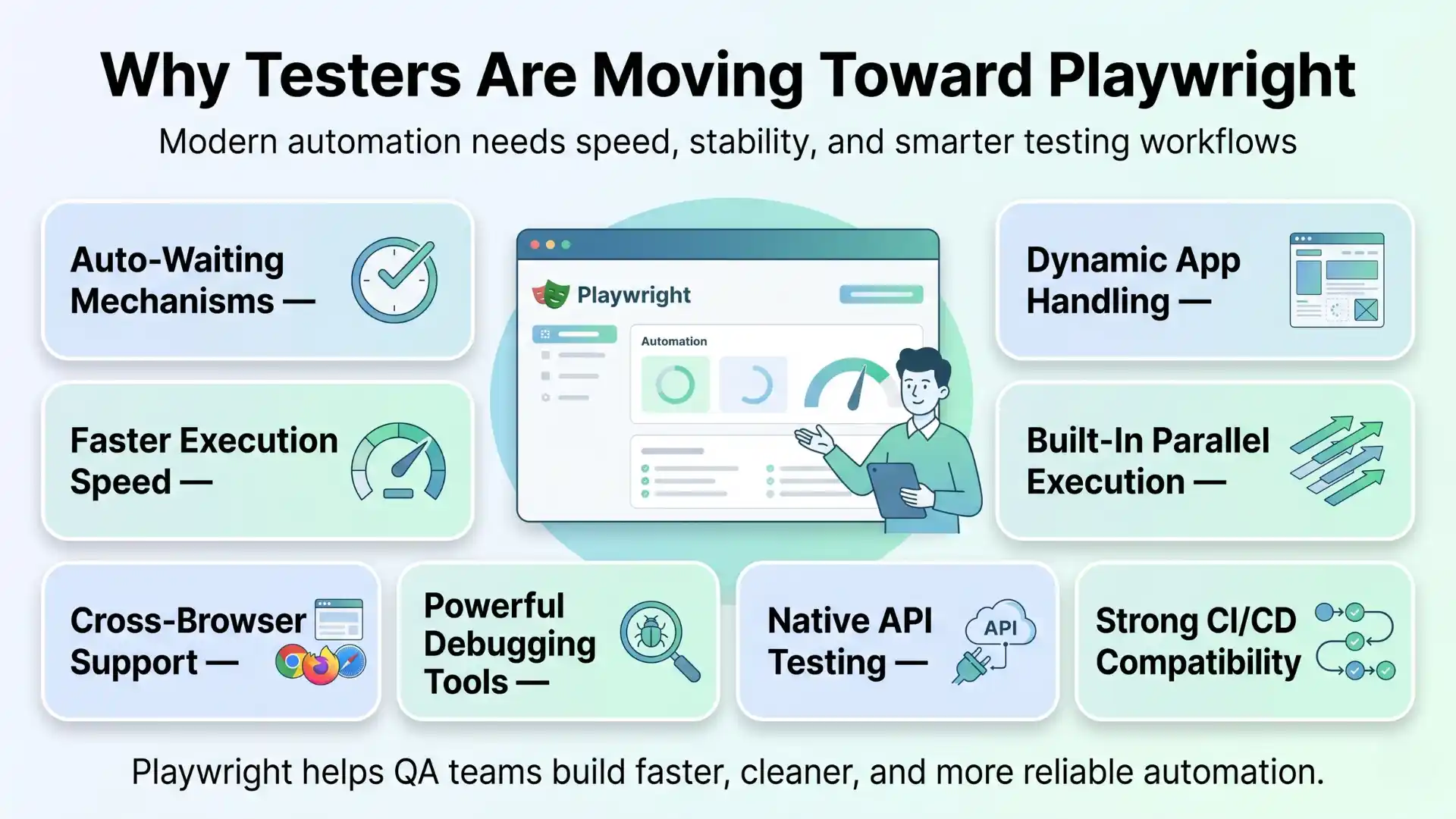
Some of the major reasons testers are moving toward Playwright include:
- Auto-waiting mechanisms
- Better handling of dynamic applications
- Faster execution speed
- Built-in parallel execution
- Cross-browser support
- Powerful debugging tools
- Native API testing capabilities
- Strong CI/CD compatibility
For many QA teams, Playwright is no longer just an alternative tool. It is becoming a strategic automation choice.
Playwright is becoming a preferred automation tool because it supports modern web testing needs such as auto-waiting, cross-browser testing, parallel execution, API testing, debugging, and CI/CD integration. For QA professionals preparing for 2026, Playwright offers a future-ready path to move from basic automation scripts to scalable test automation frameworks.
You Should Also Read: playwright interview questions
Should Beginners Learn Selenium or Playwright?
This is probably the most common question among testers today.
The answer depends on your goal.
If your immediate target is job switching, Selenium still has strong demand because many enterprise applications continue to run on Selenium frameworks. Large service-based organizations still maintain long-term Selenium projects.
But if you are thinking long-term and want to prepare for the future of automation, Playwright is becoming a strong investment.
Modern companies increasingly expect testers to work with:
- Faster release cycles
- Cloud-native applications
- API-heavy systems
- CI/CD pipelines
- AI-assisted workflows
Playwright fits naturally into this ecosystem.
This does not mean Selenium is dead. In fact, knowing both Selenium and Playwright can become a major advantage for automation testers.
| Learner Type | Best Learning Path |
|---|---|
| Manual tester | Start with testing basics, TypeScript basics, and simple Playwright scripts |
| Selenium tester | Map Selenium concepts to Playwright locators, waits, and fixtures |
| Fresher | Learn web basics, Git, TypeScript, and Playwright fundamentals |
| Experienced QA | Focus on frameworks, CI/CD, API testing, and debugging tools |
| Future-ready tester | Add AI-assisted workflows and modern automation architecture |
But for beginners entering automation now, Playwright offers a more modern learning path.
Other Useful Guides: Automation testing interview questions
Is Playwright Difficult for Beginners?
One of the biggest fears among testers is coding.
Many manual testers assume Playwright is difficult because it commonly uses TypeScript. But in reality, if you already understand basic automation concepts, learning Playwright becomes much easier than expected.
Programming languages may look different syntactically, but the core logic remains similar:
- Variables
- Conditions
- Loops
- Functions
- Classes
- Objects
The biggest challenge is not usually the language itself.
The real challenge is consistency.
Many people start learning automation through YouTube or recorded courses but stop midway because:
- They lose motivation
- They get stuck with setup issues
- They cannot debug errors
- They lack project practice
- They do not know what to build next
This is why structured practice matters more than simply watching tutorials.
Why TypeScript Is Becoming the Preferred Choice
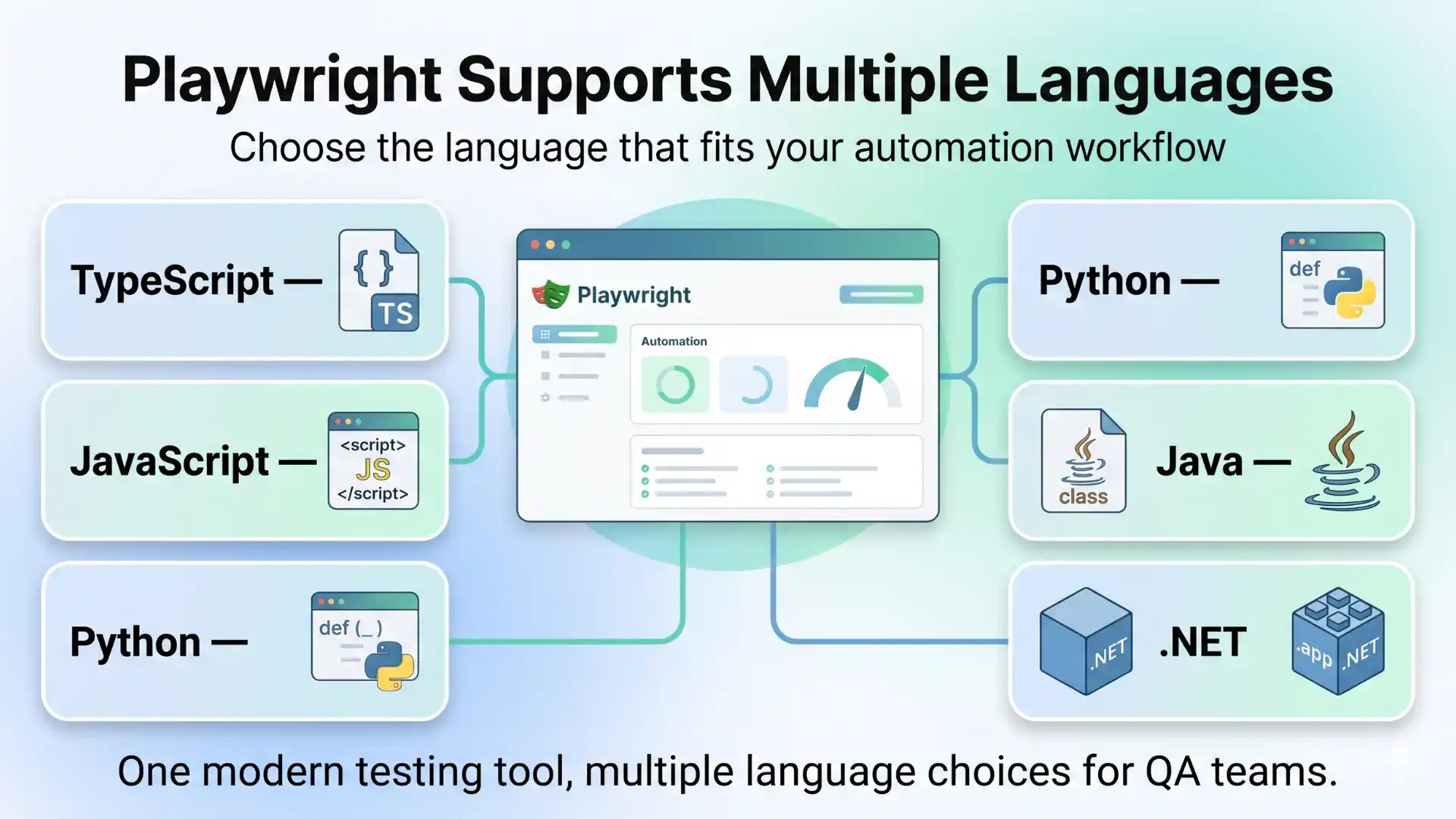
Playwright supports multiple languages:
- TypeScript
- JavaScript
- Python
- Java
- .NET
But TypeScript is becoming the preferred choice for one major reason:
Playwright itself is built around the Node.js and TypeScript ecosystem.
This gives TypeScript users several advantages:
- Better debugging
- Faster execution
- Strong IDE support
- Better autocomplete and type safety
- Easier framework scalability
For beginners, TypeScript may initially feel unfamiliar. But once testers start building real automation projects, the advantages become very clear.
What Should Beginners Practice in Playwright?
Many learners make one common mistake:
They only practice simple demo websites.
Real automation learning starts when you work with dynamic applications.
Instead of only automating static login pages, beginners should practice:
- Dynamic web tables
- Loading spinners
- Async content
- Network requests
- Complex locators
- Multi-page workflows
- API-integrated applications
This is where Playwright becomes powerful.
Modern applications heavily rely on asynchronous behavior. Traditional automation tools often struggle with synchronization issues, resulting in flaky tests.
Playwright was designed specifically to solve many of these challenges.
Further Reading: Product based companies in chennai
Why Playwright Tests Feel More Stable
One of the biggest frustrations in automation testing is flaky tests.
A test passes today.
Fails tomorrow.
Passes again later.
This instability creates major problems inside CI/CD pipelines.
Playwright reduces this issue significantly through:
- Auto-waiting
- Better synchronization handling
- Smarter locator strategies
- Built-in retries
- Better browser interaction architecture
For many teams, this directly improves automation reliability and reduces maintenance effort.
That is one major reason Playwright adoption is growing rapidly across industries.
Modern Automation Is No Longer Just About Clicking Buttons
Today’s QA engineers are expected to do far more than traditional UI automation.
Modern testers increasingly work with:
- API validation
- CI/CD integration
- Parallel execution
- Cloud execution
- Test reporting
- AI-assisted workflows
- Intelligent debugging
- Automation architecture decisions
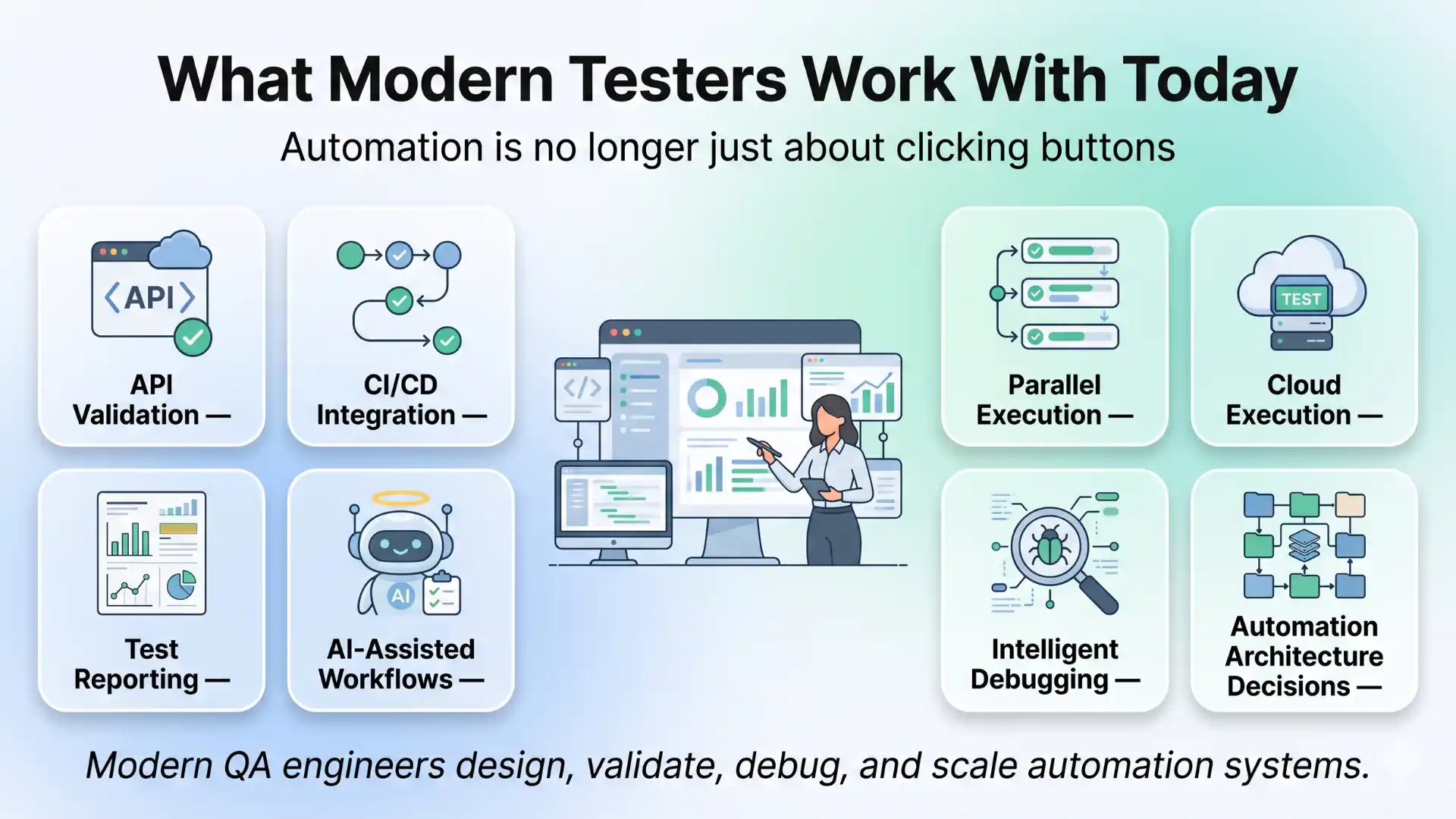
Playwright aligns well with these modern engineering expectations.
Its ecosystem already includes:
- Trace viewers
- Video recording
- Network interception
- API testing
- Parallel execution
- Visual testing support
- MCP integrations
- AI-assisted automation possibilities
This is why many teams view Playwright as more than just another automation framework.
The Best Way to Learn Playwright
The fastest way to improve is through consistent practical learning.
A strong Playwright learning journey usually includes:
- Understanding Playwright architecture
- Learning locator strategies
- Building reusable frameworks
- Handling exceptions
- Running tests in parallel
- Integrating with CI/CD
- Working with GitHub repositories
- Practicing real-world scenarios
Watching videos alone is rarely enough.
The real growth happens when learners:
- Build projects
- Solve errors
- Debug failures
- Practice frameworks
- Attend live sessions
- Participate in interview discussions
That practical exposure creates real confidence.
Final Thoughts
The automation industry is entering a new phase.
Companies no longer want just automation engineers who can write scripts. They want testers who can work with modern architectures, scalable frameworks, CI/CD systems, and AI-powered workflows.
Playwright is rapidly positioning itself at the center of this shift.
For beginners, this creates a huge opportunity.
Whether you are:
- A manual tester
- A Selenium tester
- A fresher entering automation
- Or someone preparing for future-ready QA roles
Learning Playwright can become one of the smartest career investments you make in 2026 and beyond.
In the next blog of this series, we will explore some of Playwright’s most powerful advanced capabilities — including network interception, debugging tools, API mocking, and modern automation strategies used by high-performing QA teams.
FAQs
Is Playwright good for beginners?
Yes, Playwright is good for beginners because it has simple syntax, built-in auto-waiting, strong documentation, and modern testing features. Beginners should learn it through practical projects.
Should I learn Selenium or Playwright first?
If your goal is immediate job switching, Selenium still has demand. If your goal is future-ready automation, Playwright is a strong choice. Learning both gives testers a bigger advantage.
Do I need TypeScript to learn Playwright?
Playwright supports many languages, but TypeScript is widely preferred because it offers better autocomplete, type safety, debugging support, and framework scalability.
What should beginners practice in Playwright?
Beginners should practice locators, dynamic web tables, loading spinners, async content, network requests, API testing, multi-page flows, and real-world automation projects.
Why are Playwright tests more stable?
Playwright tests are more stable because of auto-waiting, better synchronization, smarter locators, built-in retries, and improved browser interaction handling.
We Also Provide Training In:
- Advanced Selenium Training
- Playwright Training
- Gen AI Training
- AWS Training
- REST API Training
- Full Stack Training
- Appium Training
- DevOps Training
- JMeter Performance Training
Author’s Bio:

Content Writer at Testleaf, specializing in SEO-driven content for test automation, software development, and cybersecurity. I turn complex technical topics into clear, engaging stories that educate, inspire, and drive digital transformation.
Ezhirkadhir Raja
Content Writer – Testleaf