If you’ve been using Selenium for years and now feel the pressure to modernize your automation skills, Playwright MCP is exactly the upgrade you’ve been waiting for.
2026 is the year testers move from “writing scripts” to orchestrating AI-powered automation workflows. And the technology making that possible is MCP — Model Context Protocol — deeply integrated with Playwright to generate, run, observe, and maintain tests using intelligent agents.
This guide explains Playwright MCP latest, how it works, why it matters, and how automation testers (especially those coming from Selenium) can use it to stay ahead of the 2026 job market.
What is Playwright MCP?
Before we understand MCP, let’s quickly recap what is Playwright.
Playwright is a modern end-to-end testing framework known for auto-waits, fast execution, smart locators, parallel runs, API testing, and stability across Chromium, WebKit, and Firefox. It fixes several long-standing Selenium challenges such as flakiness, inconsistent waits, and multi-browser headaches — making it the most recommended shift for testers in 2026.
Now, Playwright MCP takes this to the next level.
MCP (Model Context Protocol) is a standard that allows AI tools (like ChatGPT, Claude, Copilot or custom agents) to communicate with your local system, IDE, browser sessions, repositories, or test frameworks — including Playwright.
When combined, Playwright MCP enables something revolutionary:
👉 AI can now generate, run, debug, and refine Playwright tests the same way a human tester would.
This means intelligent test creation, self-healing locators, adaptive flows, and scalable browser sessions — driven by AI, not manual scripting.
Check Out These Articles: playwright interview questions
What is Playwright Automation with MCP?
If you’re still wondering what is Playwright automation in 2026, here’s the simplest definition:
Playwright automation + MCP = AI-orchestrated, context-aware testing that understands your UI, your DOM, your browsers, and your automation files — without you doing repetitive work.
Traditionally, Playwright automation meant writing code in TypeScript/JavaScript and maintaining it manually.
Playwright MCP changes the workflow completely:
- You open your IDE.
- You connect an AI agent.
- AI reads your project, understands your pages, maps your selectors.
- You prompt: “Write a login + product checkout test”.
- AI generates the code using your real project structure.
- You ask: “Fix the failing locator in checkout”.
- AI updates the code with accurate selectors based on the current DOM snapshot.
This is the actual power of Playwright MCP server.

How the Playwright MCP Server Works (Simple Explanation)
The Playwright MCP server allows multiple clients — humans and AI agents — to connect to a single Playwright browser session.
Think of it as:
One Playwright instance → Many tools can interact with it simultaneously.
What’s happening behind the scenes:
- MCP server starts Playwright with the command:
npx playwright launch –server - It exposes the browser session over WebSocket.
- AI tools connect using standard MCP messages.
- They inspect DOM, accessibility snapshots, page structure, and network calls.
- AI uses this live context to generate or modify tests.
Why this matters:
- No more guessing selectors
- No more trial-and-error debugging
- No more repetitive boilerplate
- No more manually fixing XPath/CSS every release
Selenium testers switching to Playwright instantly feel the difference.
Continue Reading: selenium interview questions
Why Playwright MCP Matters for Selenium Testers in 2026
If you’ve been working on Selenium, you’ve likely faced:
❌ Stale element exceptions
❌ Flaky waits
❌ Heavy maintenance
❌ Slow feedback cycles
❌ Complex parallel executions
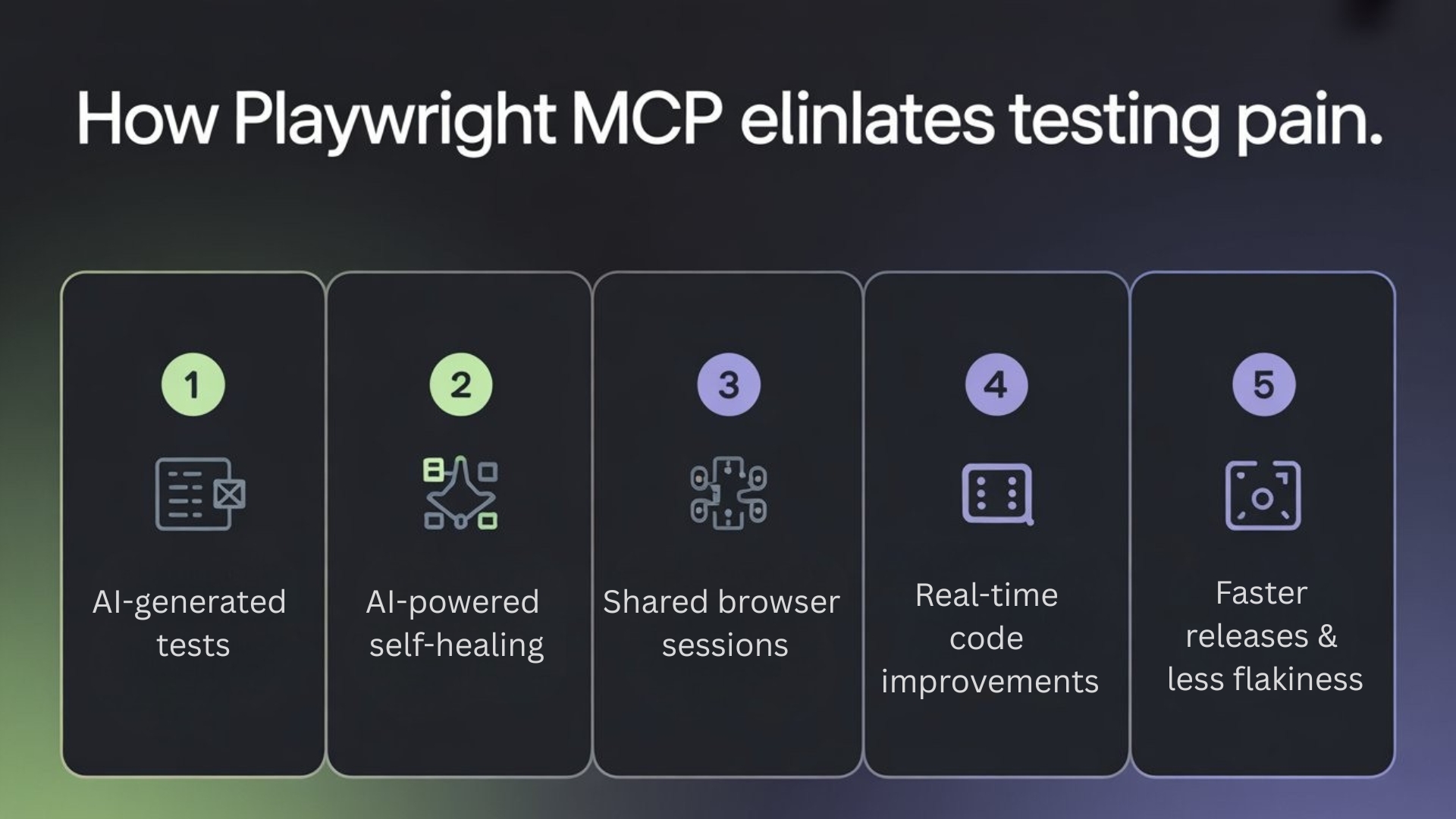
Playwright MCP eliminates these pains with:
1. AI-generated tests
AI understands your page and builds Playwright scripts aligned with best patterns.
2. AI-powered self-healing
When the DOM changes, MCP agents find new selectors automatically.
3. Shared browser sessions
Multiple test flows, debugging sessions, or agents can use the same Playwright instance.
4. Real-time code improvements
Ask AI to optimize waits, improve locators, add assertions or refactor to POM.
5. Faster releases & less flakiness
Playwright’s auto-wait + MCP’s intelligence = near-zero flakiness for UI tests.
This is the biggest reason companies are rewriting their test suites in Playwright.
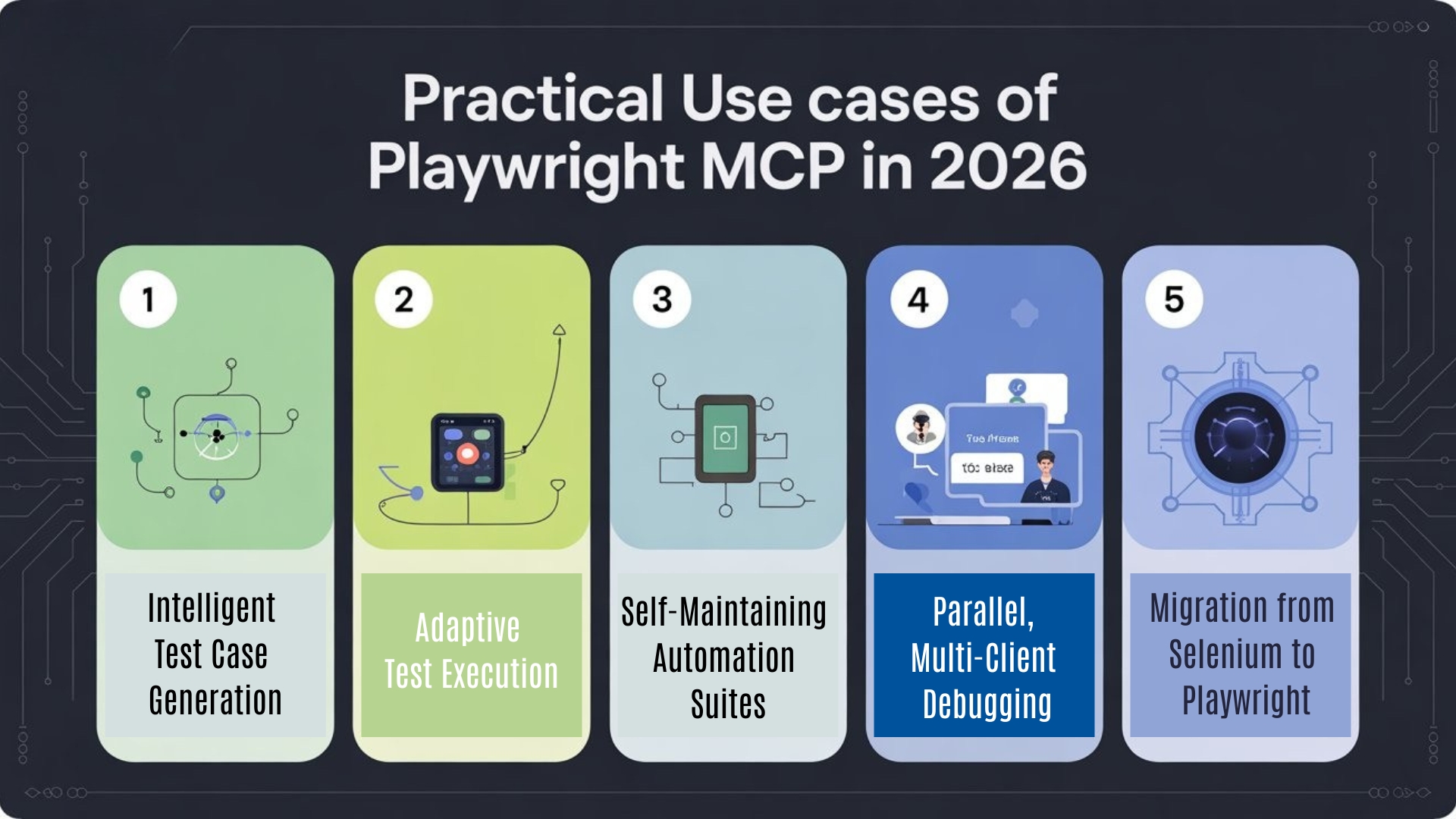
Practical Use Cases of Playwright MCP in 2026
1. Intelligent Test Case Generation
Give a prompt → AI builds e2e, regression, API + UI integrated tests.
2. Adaptive Test Execution
During runtime, AI adjusts steps based on the actual UI state.
3. Self-Maintaining Automation Suites
Broken selectors? AI fixes them live using browser snapshots.
4. Parallel, Multi-Client Debugging
QA, Dev, and AI agents can inspect a running Playwright session together.
5. Migration from Selenium to Playwright
MCP helps rewrite tests faster with minimal human effort.
Want to Upgrade Fast?
If you’re serious about stepping into high-demand roles in 2026, you need the right learning path.
Start with the best Playwright course online that helps you move from Selenium to Playwright + AI with real projects.
Final Thoughts on Playwright MCP
Playwright MCP is not just a feature.
It’s the future of UI automation, where testers work alongside AI to design, debug, and maintain stable, scalable, intelligent test suites.
If you’re an automation engineer aiming to stay relevant in 2026, learning Playwright + MCP isn’t optional — it’s your competitive edge.
Worried About Your Testing Career in 2026?
Don’t stress — get clarity and direction from experts.
We are hosting an exclusive Playwright Webinar on
📅 This Weekend
⏰ Duration – 90 mins
Join and learn how real companies are using Playwright MCP + AI to scale automation and upgrade testers’ careers.
Limited seats — don’t miss it!
FAQs
1. What is Playwright MCP?
Playwright MCP is an AI-integrated testing architecture that connects Playwright with Model Context Protocol, allowing intelligent test generation, debugging, and self-healing through AI agents.
2. How does the Playwright MCP server work?
The Playwright MCP server exposes a browser session that multiple tools and AI agents can connect to. This enables real-time DOM analysis, test creation, debugging, and collaborative automation workflows.
3. Why should Selenium testers switch to Playwright MCP in 2026?
Selenium testers benefit from Playwright MCP because it reduces flakiness, eliminates locator maintenance, speeds up test creation, improves parallel execution, and introduces AI-driven self-healing capabilities.
4. Is Playwright MCP good for beginners in automation?
Yes. Playwright MCP simplifies automation by letting AI generate, fix, and optimize tests. Beginners can start with simple prompts and gradually learn advanced patterns using AI-assisted workflows.
5. What skills do I need to Learn Playwright with MCP?
You need basic JavaScript or TypeScript knowledge, understanding of browser testing, and familiarity with automation fundamentals. MCP helps accelerate your learning by guiding and generating optimized test code.
6. What is the difference between Playwright automation and Playwright MCP automation?
Regular Playwright automation requires manual coding and maintenance. Playwright MCP automation adds AI-driven test creation, smart locator updates, adaptive workflows, and multi-client debugging—making testing faster and more stable.
We Also Provide Training In:
- Advanced Selenium Training
- Playwright Training
- Gen AI Training
- AWS Training
- REST API Training
- Full Stack Training
- Appium Training
- DevOps Training
- JMeter Performance Training
Author’s Bio:

Content Writer at Testleaf, specializing in SEO-driven content for test automation, software development, and cybersecurity. I turn complex technical topics into clear, engaging stories that educate, inspire, and drive digital transformation.
Ezhirkadhir Raja
Content Writer – Testleaf