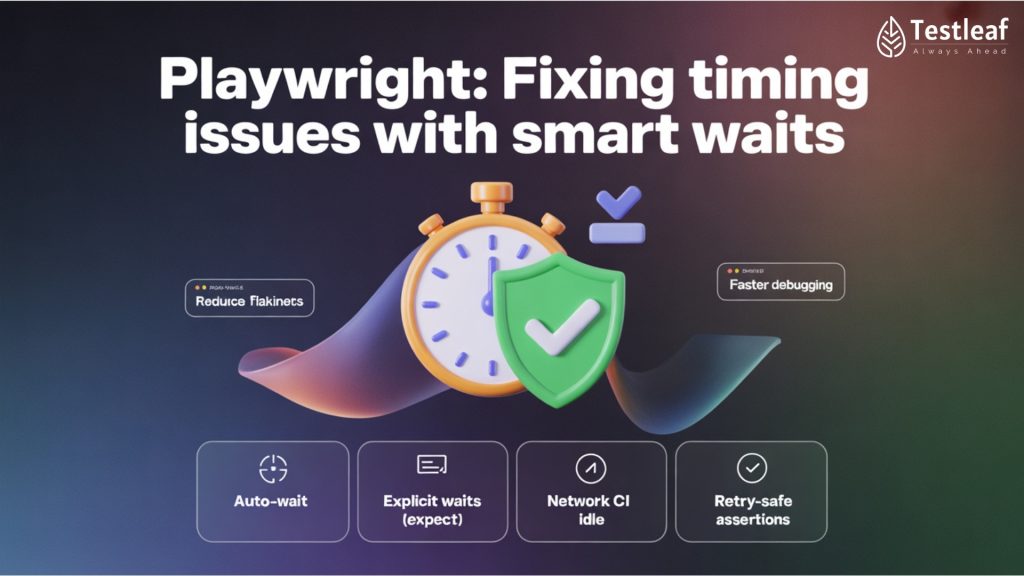
One of the best things about Playwright is that it auto-waits for you:
- Waits for elements to be attached.
- Waits for them to be visible and stable.
- Waits for navigation to complete.
This is why Playwright tests often feel less flaky than older tools.
But there’s a catch:
If you don’t understand how auto-wait works, you can still:
- Hit strange timeouts
- See tests hang longer than expected
- Create hidden race conditions
In this blog, we’ll look at:
- Where Playwright’s auto-wait helps you
- Common pitfalls
- How to use expect conditions (from @playwright/test) more precisely
1. How auto-wait works in simple terms
When you do something like:
await page.getByRole(‘button’, { name: ‘Login’ }).click();
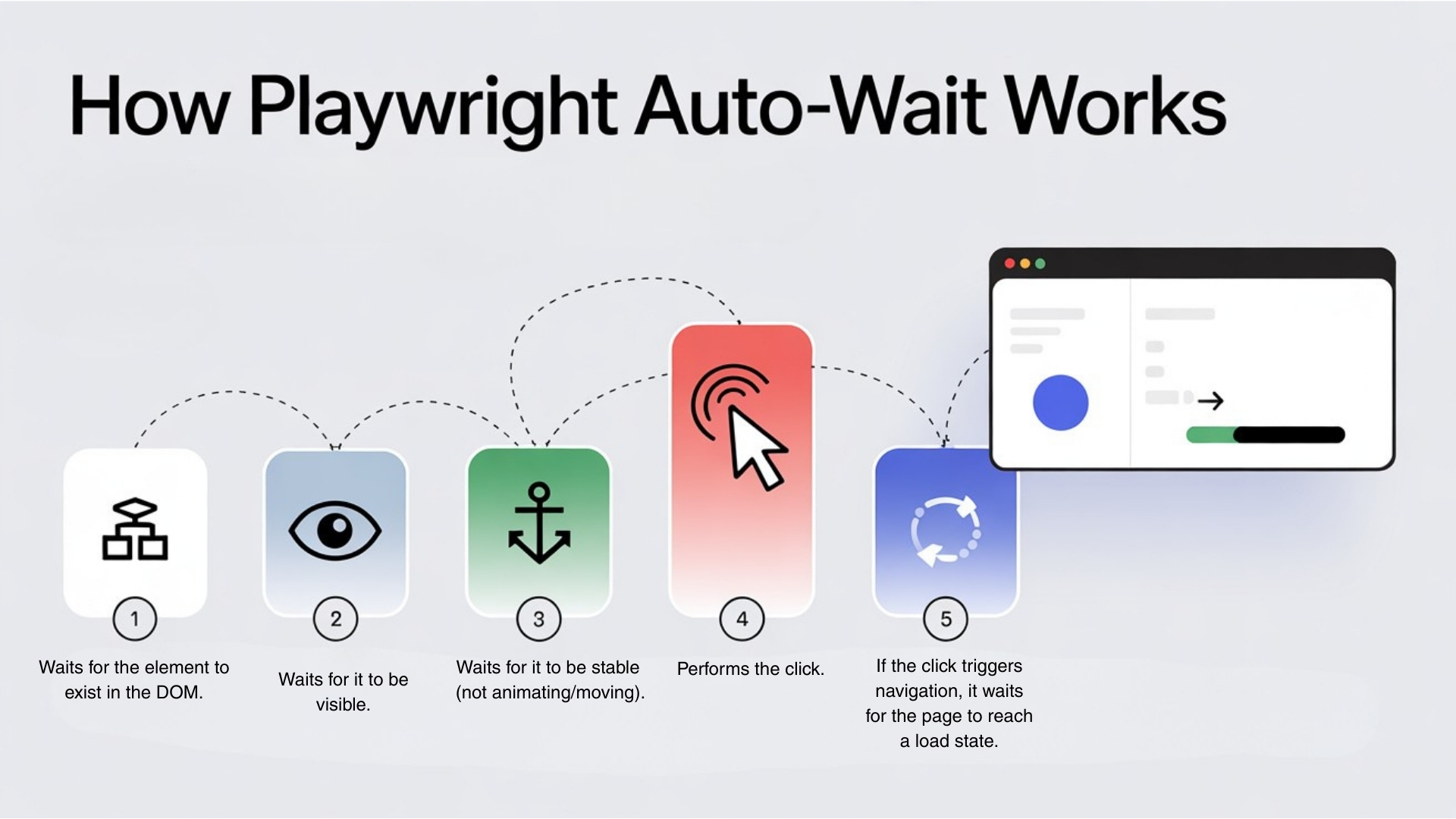
Playwright automatically:
- Waits for the element to exist in the DOM.
- Waits for it to be visible.
- Waits for it to be stable (not animating/moving).
- Performs the click.
- If the click triggers navigation, it waits for the page to reach a load state.
You don’t need a separate “wait for element visible” before clicking.
That’s a big difference from Selenium-style thinking.
2. The first pitfall: mixing manual waits unnecessarily
Many beginners write:
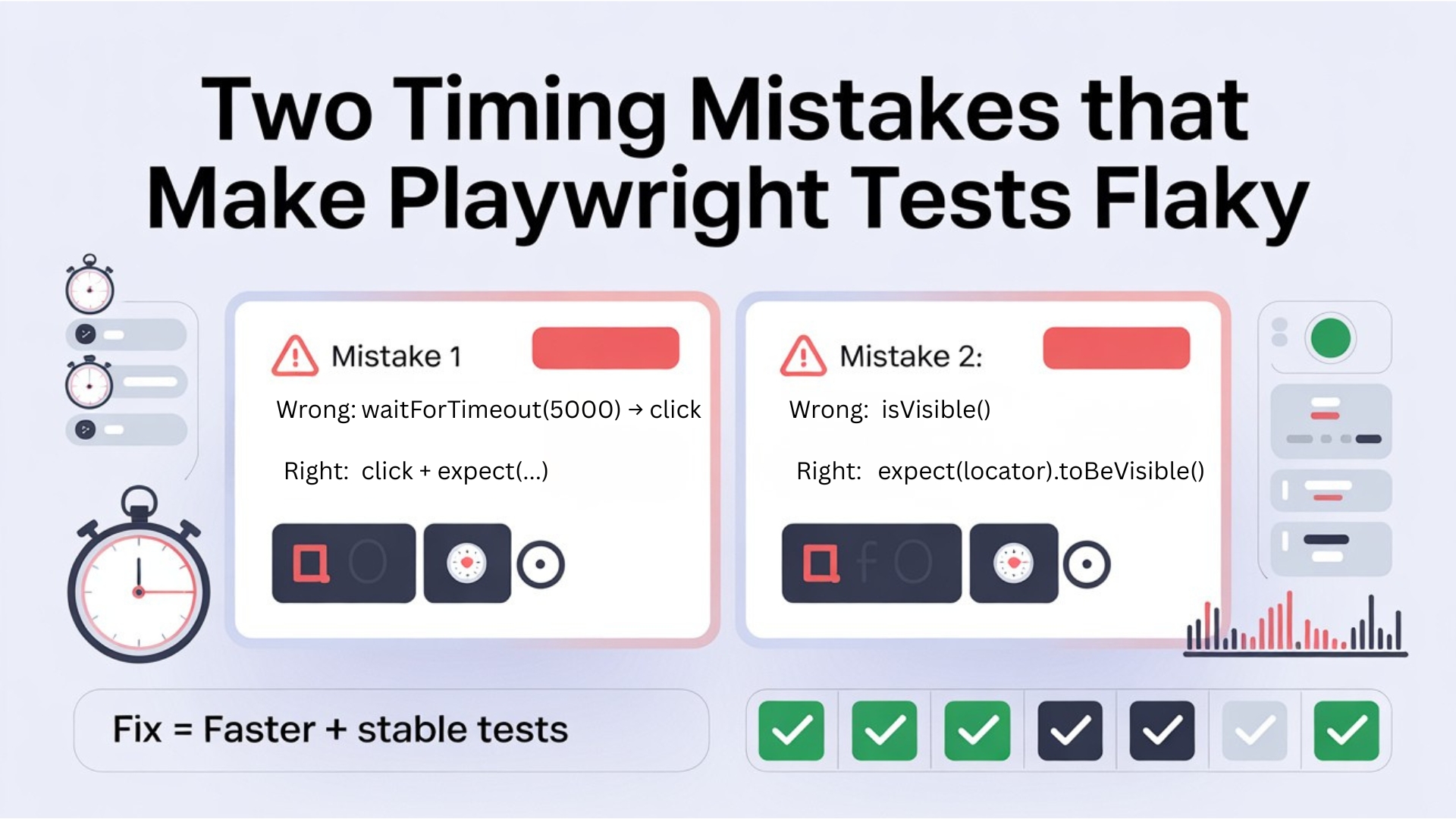
await page.waitForTimeout(5000);

await page.getByRole('button', { name: 'Login' }).click();
Two problems:
- You’re waiting 5 seconds even if the button was ready in 1 second.
- You’re not really telling Playwright what you’re waiting for.
A better pattern is:
await page.getByRole('button', { name: 'Login' }).click();

If you need to ensure something has loaded first (like results list), use a condition:

await expect(page.getByTestId('results-list')).toBeVisible();
Further Reading: playwright interview questions
3. The second pitfall: asserting too early without expect
Race condition example:
- Click “Search”.
- Test immediately checks if “No results” text is visible.
- But the server is still processing.
Wrong:
await page.getByRole('button', { name: 'Search' }).click();

const noResultsText = page.getByText('No results found');

await noResultsText.isVisible(); // Just returns boolean, doesn’t wait

isVisible() does not auto-wait – it just checks the current state.

Right approach with expect:
await page.getByRole('button', { name: 'Search' }).click();

await expect(page.getByText('No results found')).toBeVisible();

expect(...).toBeVisible() waits up to the default timeout (e.g., 5s) for the condition to become true.
4. Fine-tuning expect conditions
@playwright/test’s expect is powerful. You can:
- Check visibility
- Check text
- Check count
- Check attributes
- Provide custom timeouts
Examples:
// Wait for success toast

await expect(page.getByTestId('toast-success')).toBeVisible();

// Wait until there are 10 rows in a table

await expect(page.getByTestId('user-row')).toHaveCount(10);

// Wait for URL change

await expect(page).toHaveURL(/dashboard/);

// Wait with custom timeout (e.g., slower backend)

await expect(page.getByTestId('report-ready'), { timeout: 15000 }).toBeVisible();

This fine-tuning is much clearer than arbitrary waitForTimeout(12000) calls.
Don’t Miss Out: automation testing interview questions
5. Navigation and “race” issues
A common Playwright mistake:
await page.click('text=Login');

await page.waitForNavigation();
If the click already triggered navigation, Playwright might complain that you waited too late.
Better pattern:
await Promise.all([

  page.waitForNavigation(),

  page.getByRole('button', { name: 'Login' }).click(),

]);

But in many cases, you don’t even need that if you’re using @playwright/test and toHaveURL:

await page.getByRole('button', { name: 'Login' }).click();

await expect(page).toHaveURL(/dashboard/);
This expresses the intent: “After login, I expect to land on dashboard.”
6. When to use manual waits in Playwright
Manual waits are not evil; they’re just overused.
You may still need:
- page.waitForLoadState(‘networkidle’) when waiting for heavy data loads.
- page.waitForTimeout(500) to let quick animations finish (as a last resort).
- locator.waitFor() when you want direct control.
Example:
await page.waitForLoadState('networkidle');

await expect(page.getByTestId('analytics-chart')).toBeVisible();

This says, “Wait until network is quiet, then verify chart is visible.”
Other Useful Guides: AI and ML salary in india 2026
7. Simple rules for stable Playwright waits
- Trust Playwright’s auto-wait for basic actions (click, fill, etc.).
- Use expect for assertions and timing-sensitive checks.
- Prefer toBeVisible, toHaveCount, toHaveURL over raw waitForTimeout.
- Use networkidle or toHaveCount for data-heavy pages.
- Avoid mixing random sleeps with powerful conditions unless there is no better option.
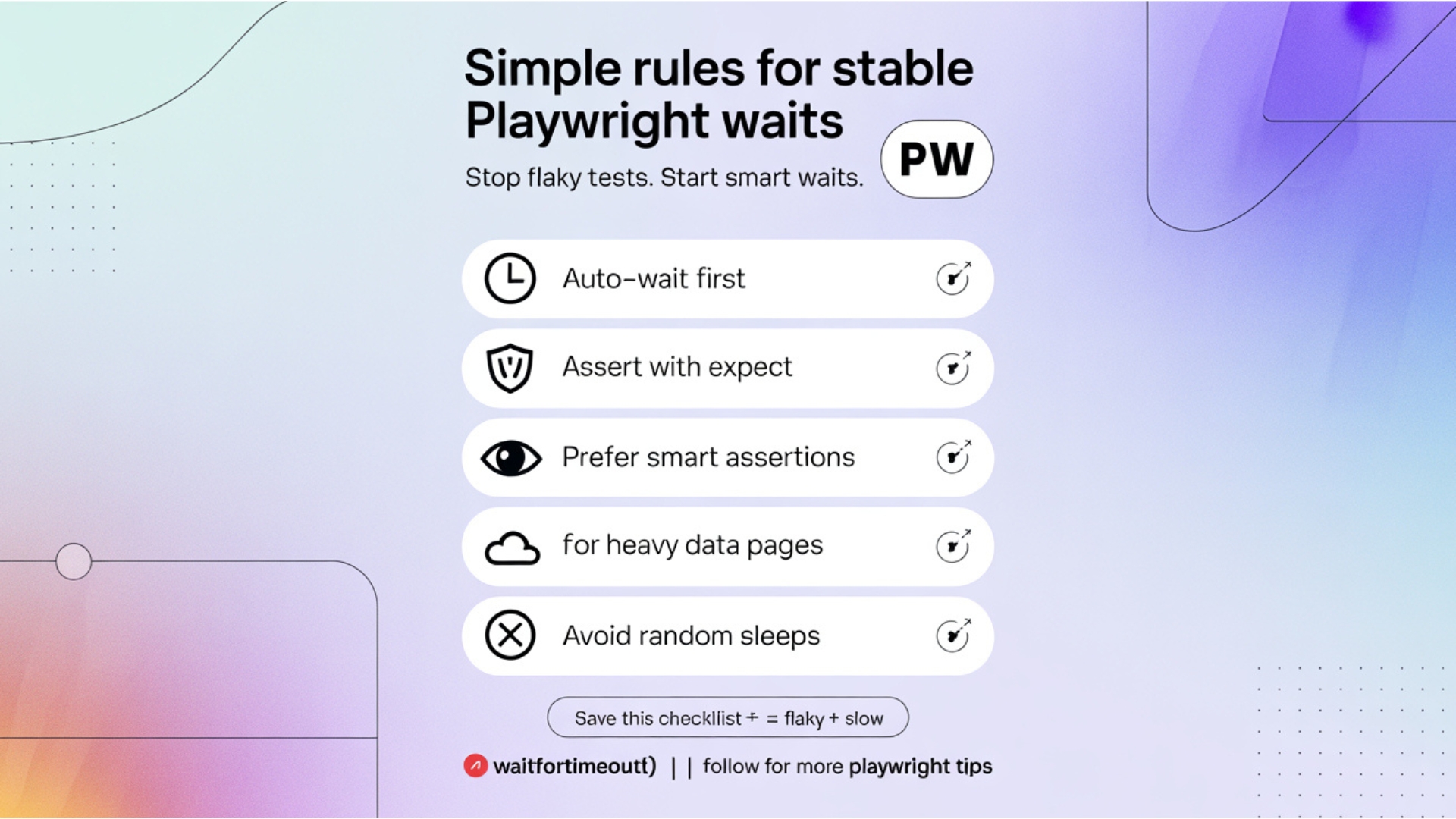
With these habits, Playwright tests feel less like “wait hacks” and more like clean, readable user flows.
Conclusion
Playwright already does a lot of waiting for you, but to really benefit, you have to work with it, not against it. Relying on expect conditions (toBeVisible, toHaveURL, toHaveCount) and Playwright’s auto-wait is far better than sprinkling waitForTimeout() everywhere and hoping it’s enough.
When your tests read like: “click this button, then expect this message, then expect this page,” timing problems naturally reduce. Your scripts become cleaner, faster, and more reliable across environments. The simple mindset shift is this:
Don’t guess a time. Describe the state you are waiting for, and let Playwright handle the rest.
If you want to apply this mindset across real projects and CI pipelines, a Playwright course online can help you build strong habits faster—especially around stable locators, clean assertions, and smart wait patterns. And if you’re wondering how to stay relevant with automation skills this year, join our Playwright masterclass: “Worried about your testing career in 2026?” for practical examples and a clear roadmap.
We Also Provide Training In:
- Advanced Selenium Training
- Playwright Training
- Gen AI Training
- AWS Training
- REST API Training
- Full Stack Training
- Appium Training
- DevOps Training
- JMeter Performance Training
Author’s Bio:

Content Writer at Testleaf, specializing in SEO-driven content for test automation, software development, and cybersecurity. I turn complex technical topics into clear, engaging stories that educate, inspire, and drive digital transformation.
Ezhirkadhir Raja
Content Writer – Testleaf