We’ve seen how waits work in Selenium and Playwright. Now imagine a future where:
- You don’t have to guess how long to wait.
- Your tool can learn from previous failures.
- It can suggest better wait conditions and retry logic automatically.
That’s where Playwright + AI comes in as a concept: using AI to make decisions about when and how to wait.
This blog is not about a single product, but about how AI could (and already starts to) help with smart waits and retries.
The core problem: timing is hard
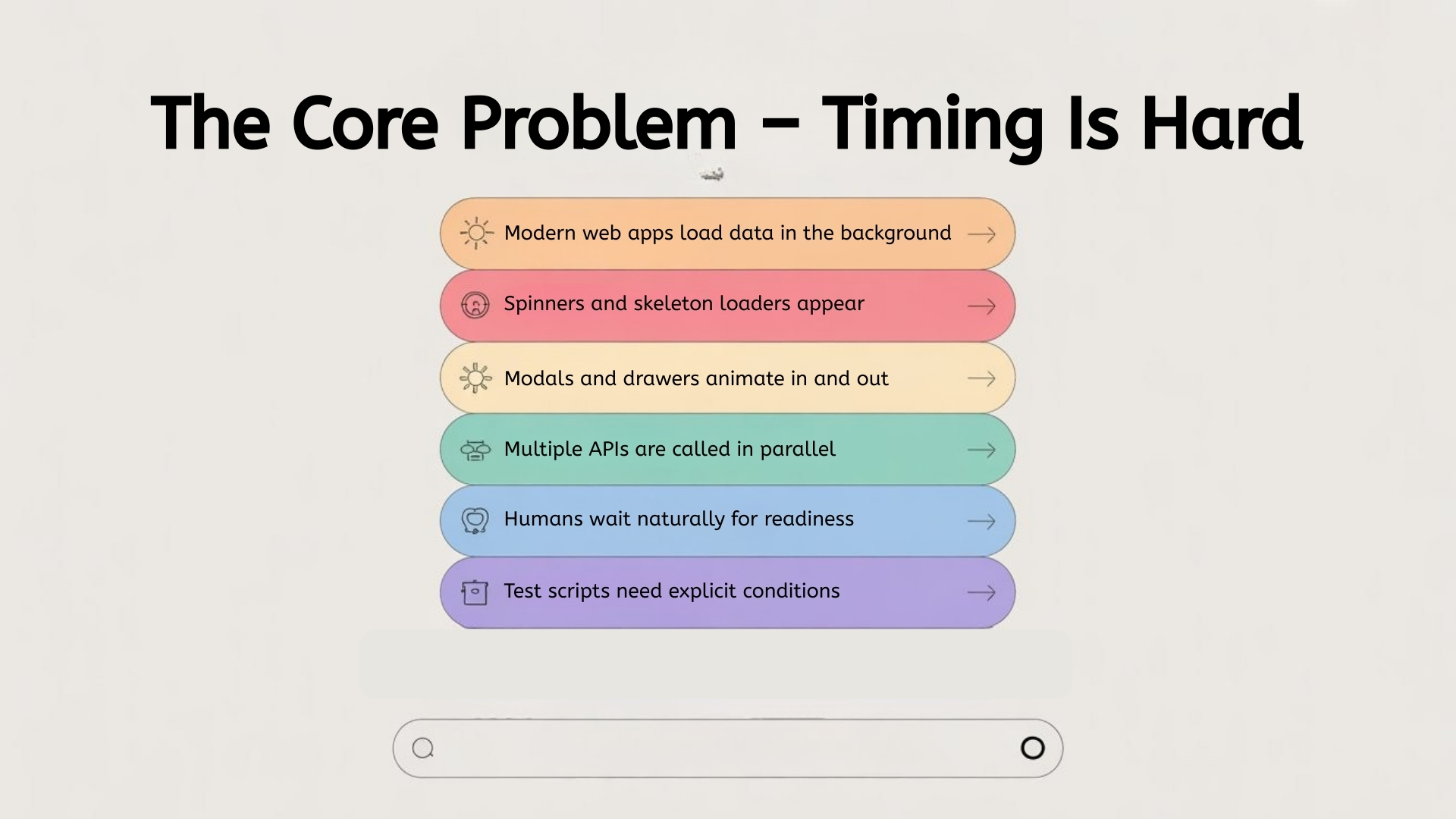
Modern web apps:
- Load data in the background
- Show spinners and skeleton loaders
- Animate modals and drawers
- Call multiple APIs in parallel
For a human, it’s obvious:
“I’ll wait until the table appears, then I’ll read it.”
Popular Articles: playwright interview questions
For a test script, it’s guesswork unless you teach it:
- “Wait until the spinner disappears.”
- “Wait until there are > 0 rows.”
- “Wait until this URL is loaded.”
We hard-code these with waits and expect conditions. AI tries to learn those patterns.
What can AI observe?
An AI-assisted system wrapped around Playwright can watch:
- DOM changes over time
- Network calls (start, end, error)
- Console logs and events
- Previous test runs and failures
From that, it can infer:
- “When this button is clicked, these 3 API calls usually happen.”
- “This table is usually ready when spinner-hidden + row-count ≥ 1.”
- “This screen has a fade animation that lasts ~300ms.”
It can then suggest:
“Instead of waiting 10 seconds blindly, wait for the spinner to disappear and the list to have at least one row.”
AI-suggested wait conditions
Imagine writing a test like this:
await page.getByRole('button', { name: 'Generate Report' }).click();
// TODO: add a wait here
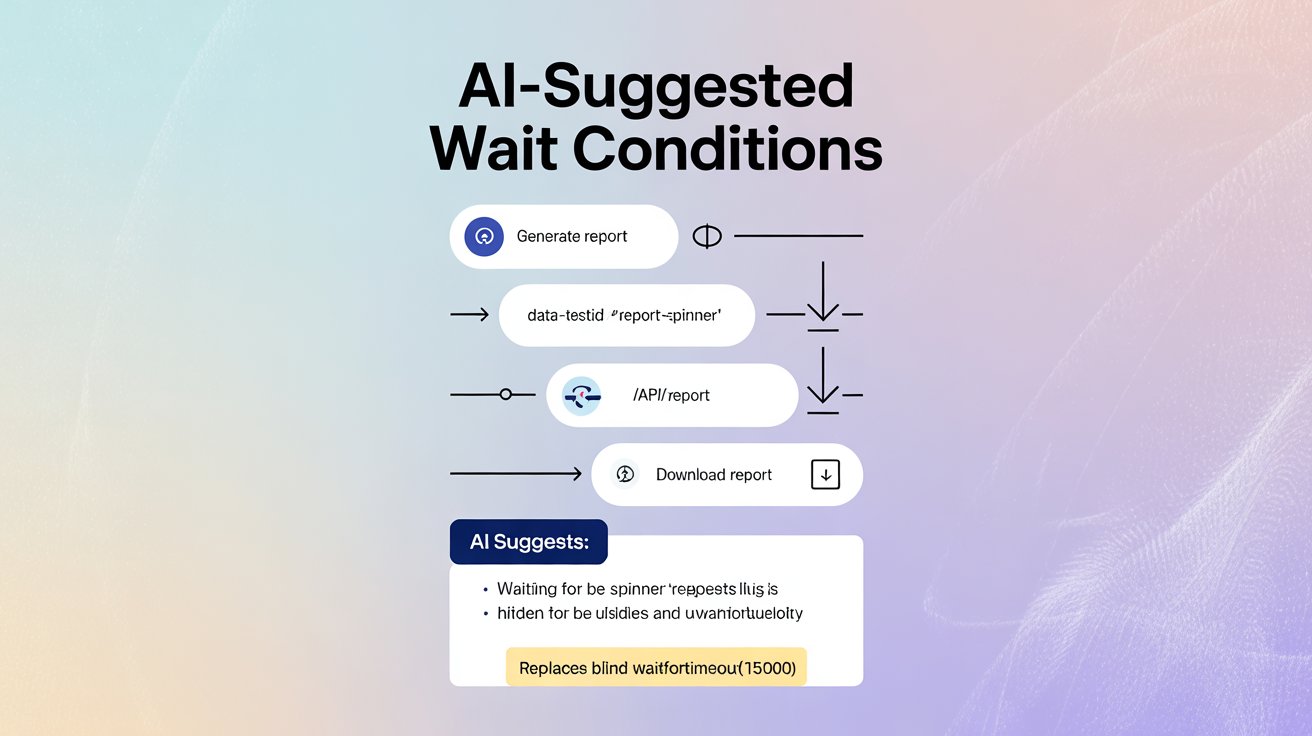
An AI assistant could:
- Run the test in a learning mode.
- Watch what happens after click:
- Spinner appears (data-testid=”report-spinner”).
- Network calls to /api/report.
- Spinner disappears.
- “Download report” button appears.
- Propose a snippet:
// Suggested by AI:

await expect(page.getByTestId('report-spinner')).toBeHidden();

await expect(page.getByTestId('download-report')).toBeVisible();
Instead of you guessing and adding waitForTimeout(15000), the system gives you a wait recipe based on real behavior.
More Insights: manual testing interview questions
AI for retry logic
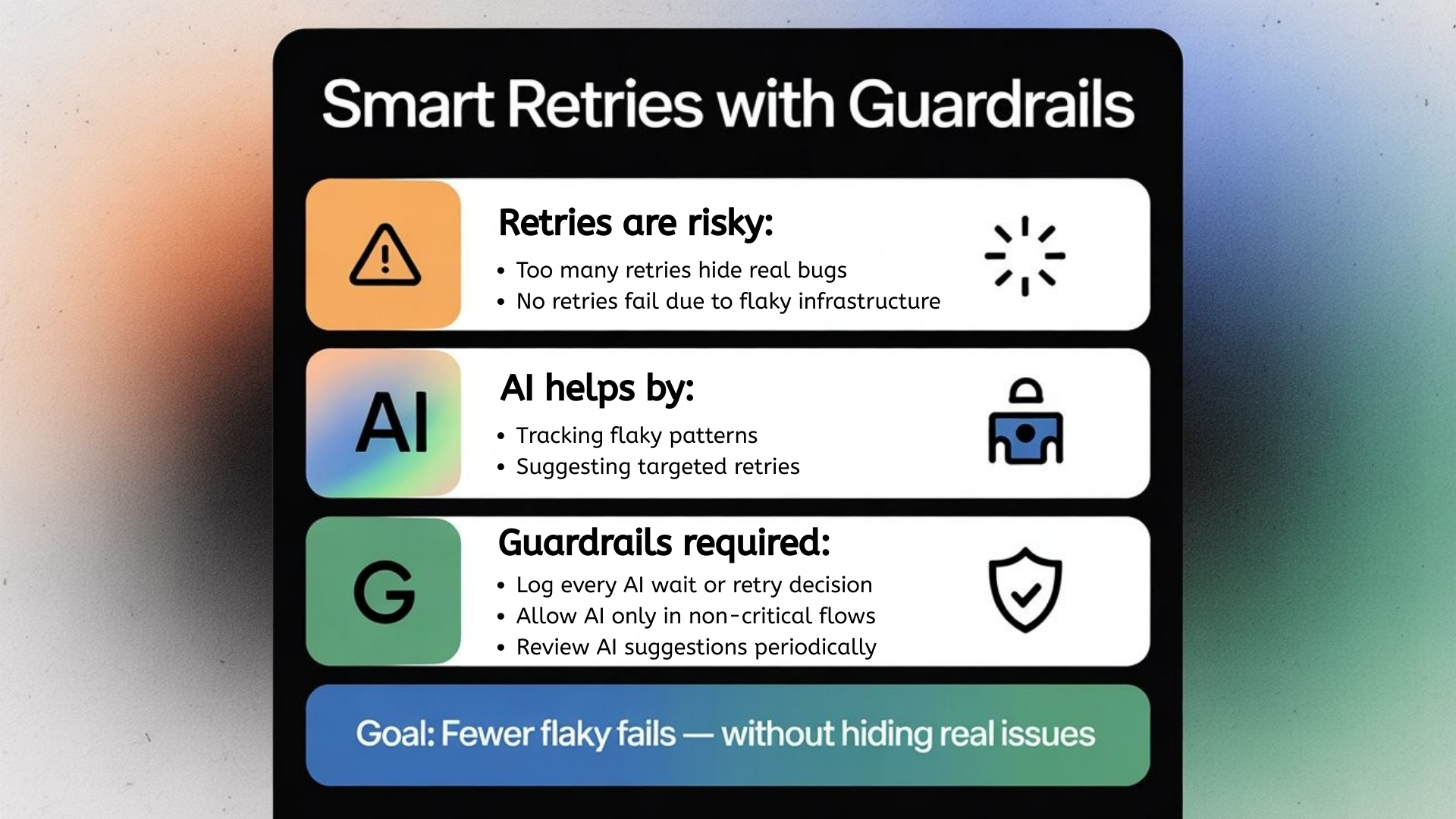
Retries are tricky:
- If you retry too often, you may hide real bugs.
- If you don’t retry at all, flaky infrastructure can cause failures.
AI can help by:
- Tracking flaky patterns:
“This step fails sometimes due to a slow API; retrying once usually helps.” - Suggesting targeted retries instead of global “retry test 3 times”.
Example idea:
async function clickWithSmartRetry(locator) {

  for (let attempt = 1; attempt <= 2; attempt++) {

    try {

      await locator.click();

      return;

    } catch (err) {

      // Let AI decide whether this error is retryable

      const retryable = await aiShouldRetry(err, attempt);

      if (!retryable) throw err;

    }

  }

}
The AI function aiShouldRetry could learn from:
- Error messages (timeouts vs 500 server errors)
- Historical success on second attempt
- Current system load or known flaky endpoints
This is more intelligent than a blind “retry everything twice”.

Guardrails: AI should assist, not silently hide problems
Powerful AI comes with risks:
- It could keep retrying real failures and make your test look green.
- It might propose waits that are too generous (making tests slow).
So you need guardrails:
- Visibility: Log every AI-driven wait or retry decision.
- Control: Configure where AI is allowed to help:
- Non-critical flows? okay.
- Payment flow? manual approval for changes.
- Review: Periodically review “AI suggestions vs real behavior”.
Think of AI as a junior engineer suggesting improvements, not someone you give full control to.
Practical starting points (even without full AI tools)
Even if you don’t have an AI platform integrated yet, you can prepare your Playwright tests for that future:
- Use clear test IDs and consistent patterns (spinner, toast, rows, etc.).
AI works better when the app is predictable. - Centralize waits and retries in helper functions:
- waitForDataTableReady()
- waitForSpinnerToDisappear()
- clickWithRetry()
- Log important events in your tests:
- When spinners appear/disappear
- When retries happen
- When key network calls finish
These patterns become training data for any AI layer you add later.
See Also: AI and ML salary in india
The bigger picture: from manual timings to learned timings
Right now, most teams manually decide:
- “10 seconds should be enough.”
- “Let’s retry this test 2 times in CI.”
AI + Playwright opens the door to:
- Learned timings: based on real runs, not guesses.
- Suggested waits: conditions that mirror real user readiness (“table filled”, “toast shown”).
- Smart retries: only when it truly makes sense.
The end goal is not to make tests “magical”, but to reduce busywork:
Less time fighting timing issues.
More time designing better test coverage and finding real issues.
Conclusion
Waiting and retrying are two of the most boring but important parts of UI automation. Today, most teams handle them with guesses: “maybe 10 seconds is enough”, “retry this test 2 times.” AI offers a smarter path – it can observe real behavior, learn which conditions truly mean “page is ready,” and suggest better waits and retries based on data, not gut feeling.
That doesn’t mean AI replaces good testing practices. You still need clear IDs, consistent patterns, and sensible guardrails. But with AI assisting on top of tools like Playwright or Selenium, your tests can adapt more easily to UI changes, recover from temporary glitches, and waste less time on timing issues. In simple terms:
You focus on what to test, and let AI help decide when it’s safe to move to the next step.
FAQs
1) What are “smart waits” in testing?
Smart waits are condition-based waits that match real readiness signals (spinner hidden, rows loaded, URL changed) instead of fixed delays.
2) What can AI observe to suggest better waits?
It can watch DOM changes, network calls, console events, and past failures to learn what “ready” looks like after an action.
3) How does AI suggest a wait after a click in Playwright?
It can run a learning mode, observe spinners/API calls/UI changes, then propose expect() conditions like “spinner hidden” and “button visible.
4) Why are retries risky in automation?
Over-retrying can hide real bugs; no retries can fail builds due to flaky infra. Smart retries aim to be targeted and evidence-driven.
5) What is a “targeted retry”?
A retry applied only to specific steps or error types that historically succeed on a second attempt—rather than retrying every failing test blindly.
6) What guardrails should AI retries and waits have?
Log every AI decision, limit AI help to non-critical flows, require approval for critical flows, and review suggestions regularly.
7) How can I prepare my Playwright suite for AI later?
Use clear test IDs, centralize waits/retries in helper functions, and log timing signals like spinner events and retries.
We Also Provide Training In:
- Advanced Selenium Training
- Playwright Training
- Gen AI Training
- AWS Training
- REST API Training
- Full Stack Training
- Appium Training
- DevOps Training
- JMeter Performance Training
Author’s Bio:

Content Writer at Testleaf, specializing in SEO-driven content for test automation, software development, and cybersecurity. I turn complex technical topics into clear, engaging stories that educate, inspire, and drive digital transformation.
Ezhirkadhir Raja
Content Writer – Testleaf