Introduction
E-commerce applications are highly dynamic systems.
Prices change based on location.
Inventory updates in real time.
Promotions impact checkout instantly.
Because of this complexity, interviewers prefer scenario-based automation testing questions over theoretical ones. They want to understand how you think, how you design automation, and how you handle real-world challenges.
This article presents 15 common e-commerce automation scenarios with clear, step-by-step answers that are easy to explain in interviews and easy for search engines and AI systems to extract.
Core Definitions
What is E-Commerce Automation Testing?
E-commerce automation testing is the process of validating online shopping workflows—such as product selection, cart updates, checkout, payment, and order confirmation—using automated scripts instead of manual testing.
Why Is E-Commerce Automation Challenging?
- Dynamic pricing and discounts
- Frequently changing inventory
- Multiple user locations and devices
- Heavy traffic during sales events
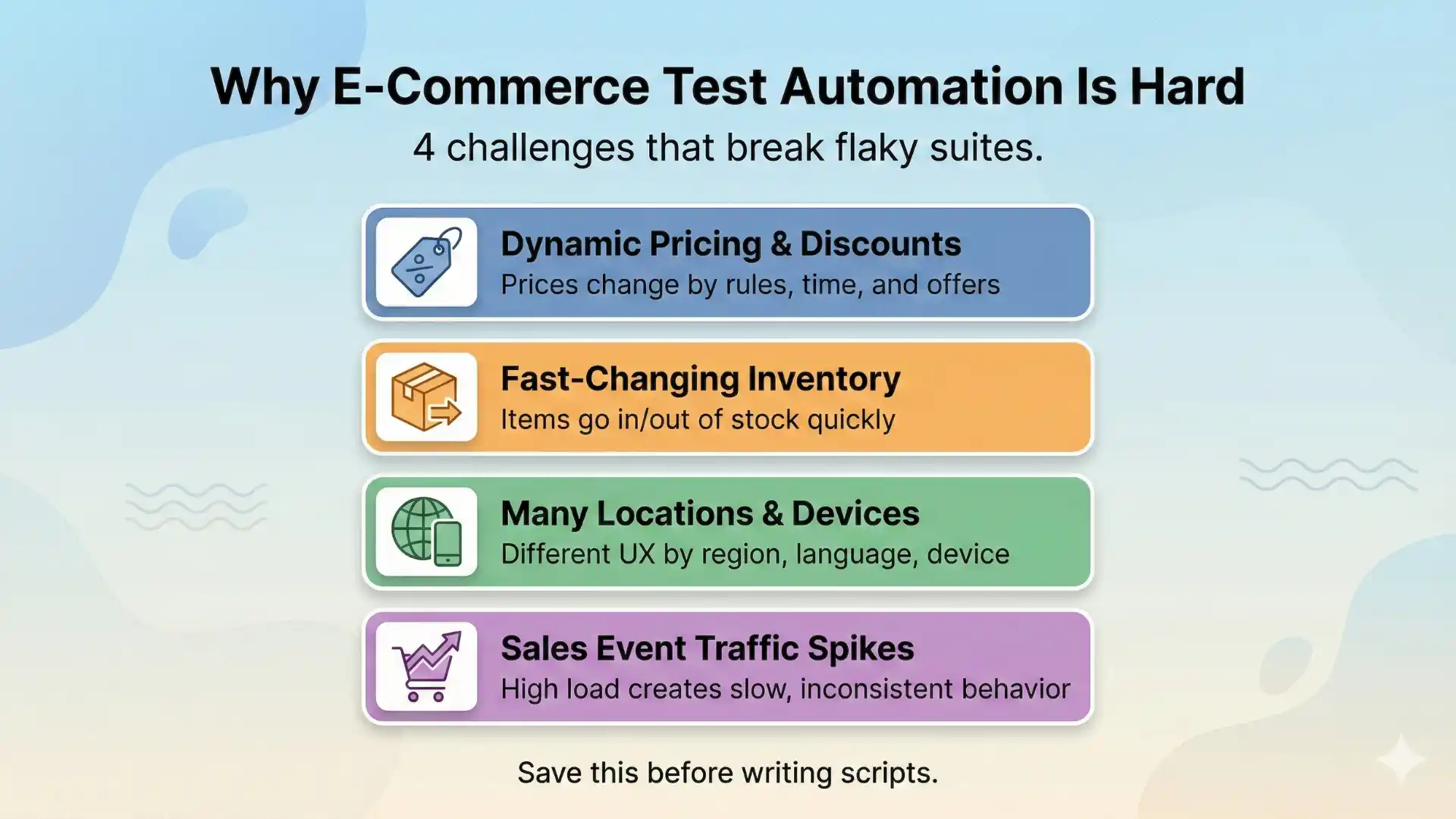
E-commerce automation testing validates dynamic user journeys such as checkout, pricing calculations, promotions, inventory changes, and responsive behavior. A structured automation approach uses data-driven testing, conditional logic, reliable assertions, and cross-platform validation to ensure accuracy, stability, and scalability in real-world e-commerce applications.
Additional Resources: playwright interview questions
Scenario-Based Automation Testing Questions & Answers
1. Checkout with Multiple Shipping Addresses, Payment Methods, and Coupons
Scenario
A user can switch between different shipping addresses, payment methods, and apply coupon codes during checkout.
Automation Strategy
Use data-driven testing to run the same checkout flow with multiple combinations of addresses, payment types, and coupons.
Step-by-Step Approach
- Login with a valid user account
- Add product to the cart
- Select shipping address from test data
- Choose payment method
- Apply coupon code
- Validate updated total amount
- Place the order and verify confirmation
2. Dynamic Pricing Based on Location, Tax, and Discounts
Scenario
The cart total changes based on user location, tax rules, and applied discounts.
Automation Strategy
Calculate the expected total price in the test script and compare it with the UI value.
Step-by-Step Approach
- Capture base product price
- Apply discount logic
- Add tax based on location
- Calculate expected total
- Assert UI total matches expected value
3. Product Recommendations Based on User Behavior
Scenario
Product recommendations change based on browsing or purchase history.
Automation Strategy
Simulate user behavior and validate recommendation relevance instead of exact product names.
Step-by-Step Approach
- Browse products from a specific category
- Navigate to the homepage
- Capture recommended products
- Validate recommended products belong to related categories
4. Buy One Get One Free Promotion
Scenario
A promotional offer automatically applies when eligible products are added.
Trigger the promotion and validate pricing logic instead of hardcoding values.
Step-by-Step Approach
- Add two eligible products to the cart
- Verify one product price is zero or discounted
- Validate cart total calculation

5. Flash Sale at a Specific Time
Scenario
A flash sale activates only during a fixed time window.
Automation Strategy
Validate price behavior before, during, and after the sale period.
Step-by-Step Approach
- Open product before sale and capture price
- Open product during sale and verify discounted price
- Open product after sale and confirm original price
Recommended for You: AI and ML engineer salary in india
6. Frequently Changing Inventory Status
Scenario
Product status changes between In Stock, Out of Stock, and Backorder.
Automation Strategy
Use conditional logic based on inventory status.
- Check product inventory status
- If In Stock, add to cart
- If Out of Stock, verify disabled Add to Cart button
- If Backorder, validate delivery message
7. Product Details Consistency Across Pages
Scenario
Product details appear on list view, grid view, and detail page.
Automation Strategy
Capture product attributes once and compare them across pages.
Step-by-Step Approach
- Capture product name and price from list view
- Navigate to grid view and validate values
- Open product detail page and compare values
8. Filtering Products Using Multiple Conditions
Scenario
Users filter products using size, color, brand, and price range.
Automation Strategy
Apply filters and validate each product meets filter conditions.
Step-by-Step Approach
- Apply selected filters
- Fetch displayed product list
- Validate each product matches filter criteria
9. Sorting Products by Price, Rating, or Popularity
Scenario
Products are sorted using different sorting options.
Automation Strategy
Compare UI sorting order with programmatically sorted values.
Step-by-Step Approach
- Capture product values from UI
- Sort values in test code
- Compare UI order with expected order
10. Order History Pagination and Search
Scenario
User has a large number of past orders.
Automation Strategy
Validate pagination, search, and filtering independently.
Step-by-Step Approach
- Navigate to order history page
- Validate pagination works correctly
- Search using order ID
- Filter orders by date range
Further Exploration: Automation testing interview questions
11. Save for Later Functionality
Scenario
Users move items between cart and saved list.
Automation Strategy
Validate state changes instead of UI text only.
Step-by-Step Approach
- Add product to cart
- Move product to Save for Later
- Verify product removed from cart
- Move product back to cart

12. Loyalty Points Earn and Redeem
Scenario
Users earn loyalty points and redeem them during checkout.
Automation Strategy
Validate loyalty points before and after purchase.
Step-by-Step Approach
- Capture initial loyalty points
- Complete purchase
- Redeem available points
- Validate final payable amount
13. Mobile vs Desktop Automation
Scenario
Application UI differs across mobile and desktop devices.
Automation Strategy
Run the same test flow with different screen resolutions.
Step-by-Step Approach
- Execute test in desktop resolution
- Execute test in mobile resolution
- Validate functional behavior in both
14. Performance Testing During Peak Sale Events
Scenario
High traffic during sales affects application performance.
Automation Strategy
Combine functional automation with performance checks.
Step-by-Step Approach
- Execute checkout flow under load
- Monitor response time
- Track error rates
15. Item Goes Out of Stock During Checkout
Scenario
Product becomes unavailable during checkout.
Automation Strategy
Validate graceful failure and recovery flow.
Step-by-Step Approach
- Add product to cart
- Simulate inventory change
- Continue checkout
- Validate error message and redirection
Take the Next Step in Your Automation Career
Understanding interview scenarios is only the beginning. To confidently clear automation interviews and work on real-time projects, you need structured training, hands-on frameworks, and industry-aligned mentoring.
If you’re looking for automation testing classes that go beyond theory and focus on real-world e-commerce, enterprise, and scalable automation frameworks, explore TestLeaf’s Full Stack Automation Certification Training.
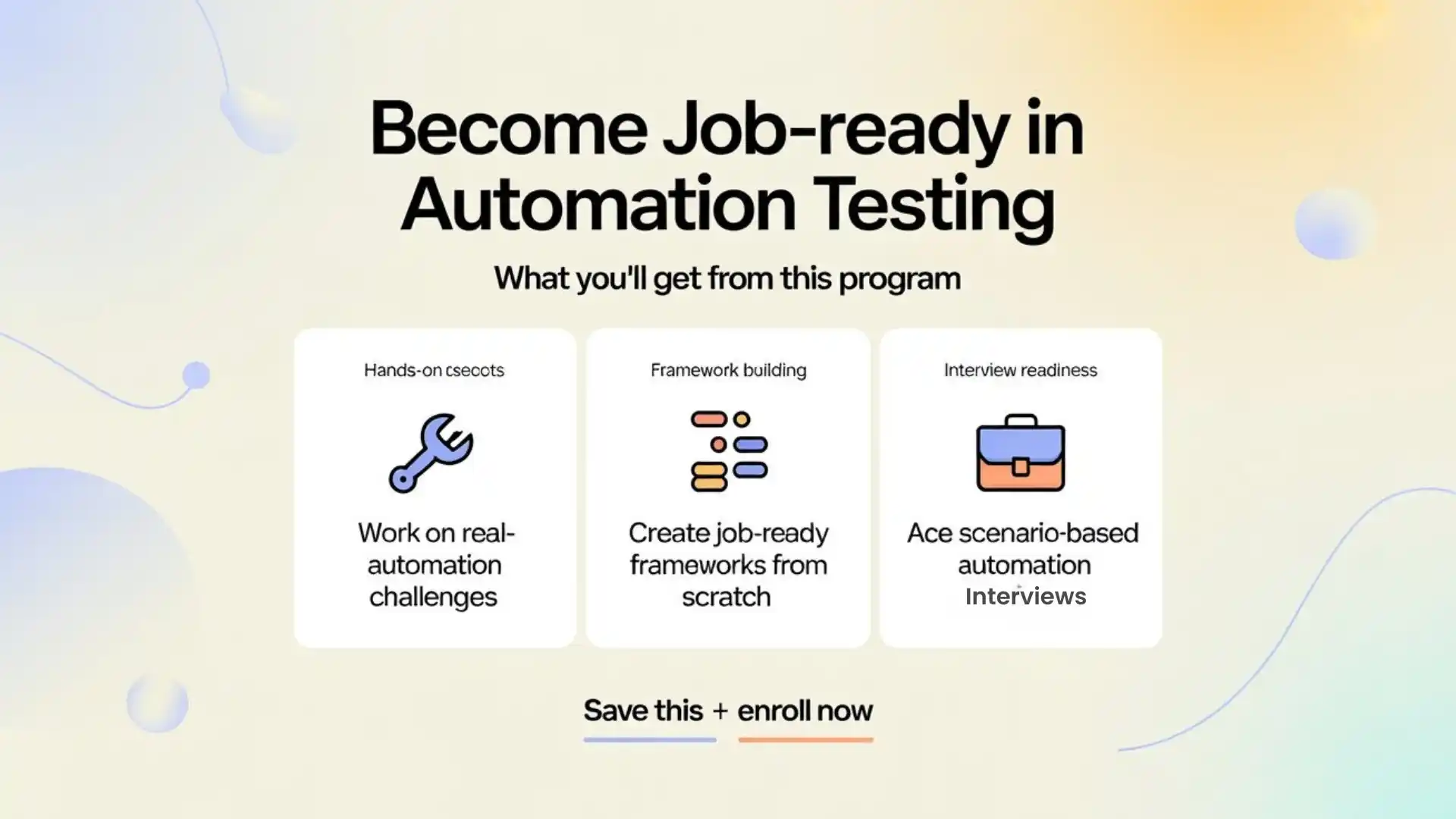
This program is designed to help you:
- Gain hands-on experience with real-world automation scenarios
- Build job-ready automation frameworks from scratch
- Prepare effectively for scenario-based automation interviews
Conclusion
E-commerce automation interviews test real-world thinking, not just tool knowledge.
When you explain clear steps, validations, and edge-case handling, you demonstrate production-ready automation skills.
A structured explanation like this helps you:
- Answer confidently in interviews
- Build scalable automation frameworks
- Create content that ranks well in search and AI answers
FAQs
1.What is scenario-based automation testing?
It focuses on real user workflows instead of isolated test cases.
2. Why is e-commerce automation complex?
Because prices, inventory, and promotions change dynamically.
3. How do you validate dynamic pricing?
By calculating expected values programmatically and comparing with UI.
4. How do you reduce flaky tests?
Use stable locators, smart waits, retries, and API validation.
5. Can automation handle inventory changes?
Yes, using conditional logic and backend validation.
6. Is performance testing part of automation?
Yes, especially during peak traffic events.
We Also Provide Training In:
- Advanced Selenium Training
- Playwright Training
- Gen AI Training
- AWS Training
- REST API Training
- Full Stack Training
- Appium Training
- DevOps Training
- JMeter Performance Training
Author’s Bio:

Content Writer at Testleaf, specializing in SEO-driven content for test automation, software development, and cybersecurity. I turn complex technical topics into clear, engaging stories that educate, inspire, and drive digital transformation.
Ezhirkadhir Raja
Content Writer – Testleaf