
As a QA engineer, one of the most valuable lessons I’ve learned is that defects are not just problems—they’re opportunities. Every bug reported in a release represents a gap in coverage, a scenario that wasn’t previously considered. Early in my career, once a defect was fixed, it was often left at that—verified manually and forgotten. The next release would sometimes reintroduce the same issue, or worse, a similar one, because no preventive mechanism existed in the test suite.
It was clear that our approach needed to evolve. That’s when we began systematically turning reported defects into automated tests, and it became a cornerstone of our QA best practices. By doing so, we not only prevented regressions, but also improved the reliability of our automation and reduced the number of recurring defects. Here’s how I implemented this practice and why it transformed our QA workflow.
The Problem with Ignoring Defects After Fixes
Initially, our workflow had a simple sequence:
- Detect a defect via manual or automated tests
- Log it in the defect tracking system
- Assign it to development for fixing
- Verify the fix manually
- Close the defect
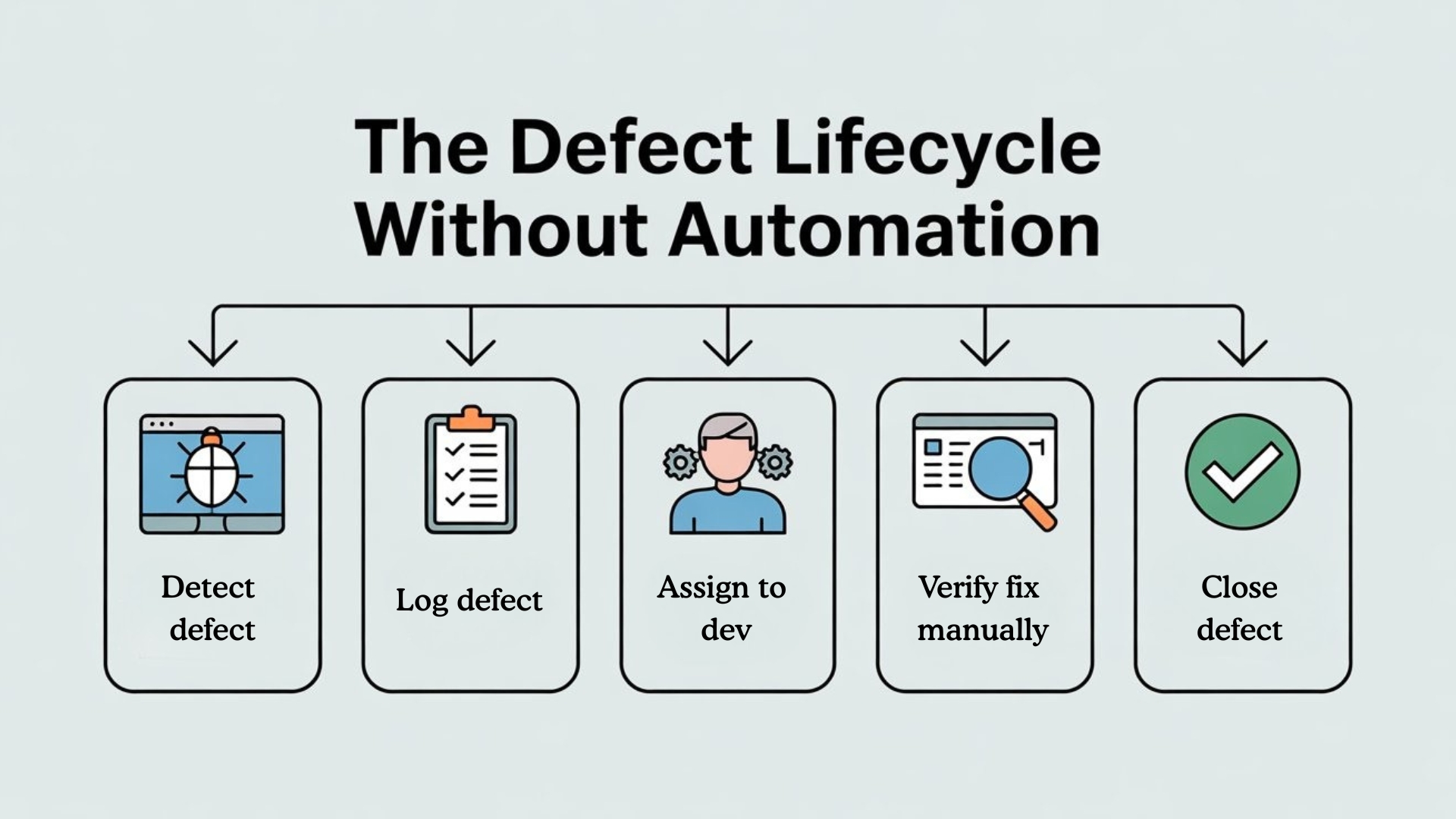
While this process worked in the short term, it had several pitfalls:
1. Regressions
Without automated tests, any fixed defect could reappear in future releases. Developers might unintentionally introduce the same bug when modifying related code, and QA would only catch it during regression testing, often too late.
2. Lost Knowledge
Defects often highlighted edge cases or negative scenarios that were not previously covered. Ignoring them meant losing valuable insights into real-world usage patterns.
3. Manual Rework
Every time a defect reappeared, QA had to manually re-verify it, wasting time that could be spent expanding coverage or improving automation.
4. Reduced Confidence in Automation
A test suite that doesn’t capture past defects cannot be relied upon to provide accurate CI/CD feedback. Stakeholders lose trust in automation, and manual testing becomes the default safety net.
The Strategy: Automate Defects
Turning defects into automated tests became a strategic practice that changed how we approached QA:
1. Analyze the Defect
Before automating a defect, it’s essential to understand its root cause:
- Which workflow or user action triggered the defect?
- Was it a positive path issue, a negative scenario, or an edge case?
- Did it involve third-party services or integrations?
This ensures that the automated test accurately represents the defect scenario and prevents misinterpretation.

2. Design the Automated Test
Once analyzed, we design a test case around the defect:
- Define preconditions, such as data setup or user login state.
- Capture steps to reproduce exactly as reported.
- Include expected behavior after the fix.
- Ensure the test can be rerun reliably in automated pipelines.
For example, if a login fails with certain invalid credentials, the test would:
loginPage.enterUsername(“invalidUser”);
loginPage.enterPassword(“wrongPass”);
loginPage.clickLogin();
loginPage.verifyErrorMessage(“Invalid credentials”);
This approach prevents the defect from reappearing unnoticed.
3. Integrate into the Framework
To maintain a robust and maintainable automation suite, we integrate defect-based tests into the existing Page Object Model or test framework:
- Place the test in the appropriate module
- Use reusable methods for steps and verifications
- Parameterize inputs for flexibility, enabling multiple invalid inputs in the same test
This ensures the new test doesn’t create duplication or maintenance overhead.
4. Tag and Categorize
We tag defect-based tests appropriately (e.g., defect-regression) so they can be executed:
- In daily smoke tests if critical
- During regression cycles to prevent reintroduction
- In preproduction environments for final verification
Categorization improves visibility and reporting, showing stakeholders that past defects are actively prevented.
5. Capture Evidence
Each defect-based automated test captures:
- Screenshots of UI or error messages
- Logs or HAR files for network-level debugging
- Execution videos for step-by-step verification
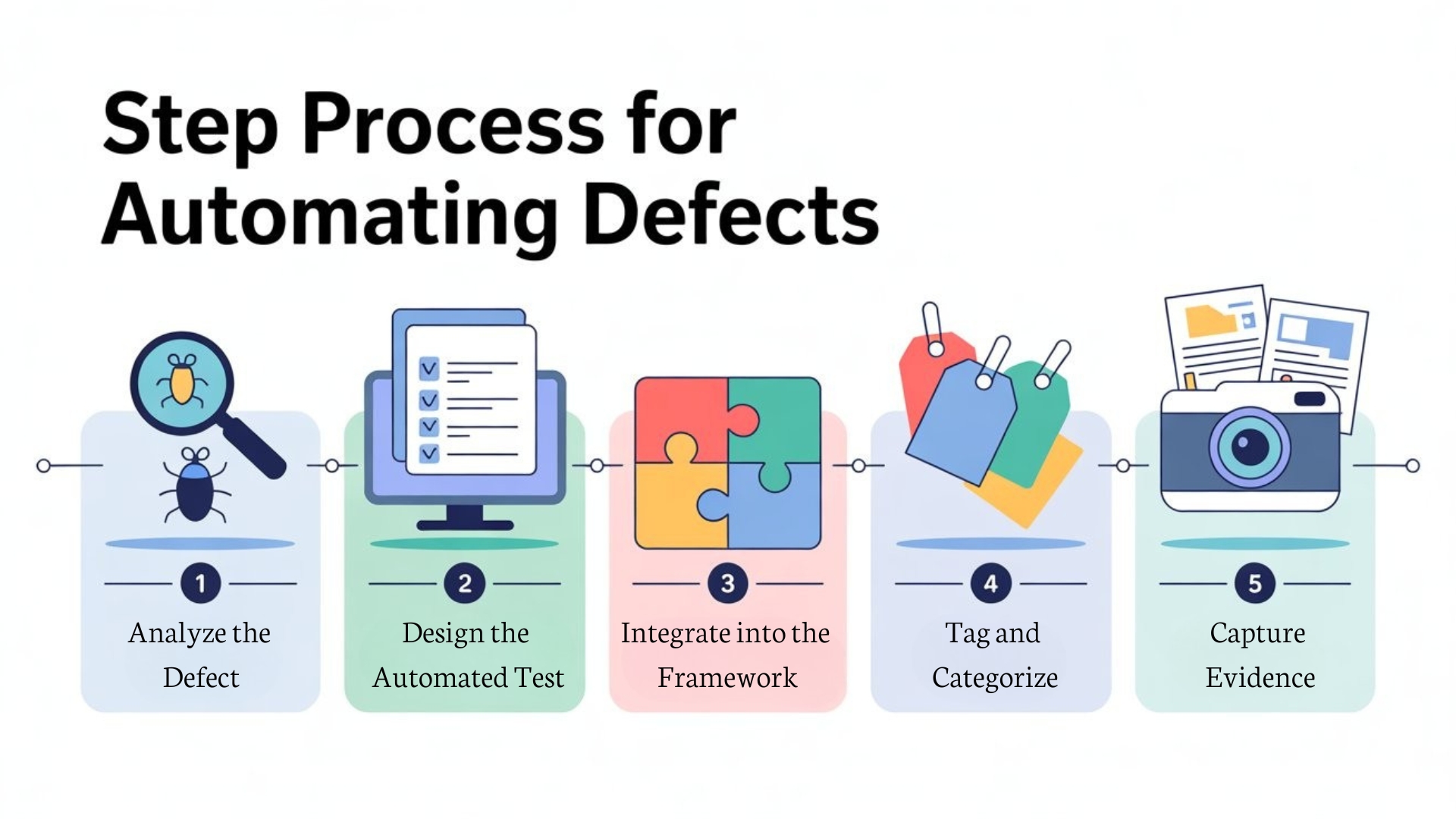
This evidence-rich approach reduces back-and-forth with developers and accelerates defect closure.
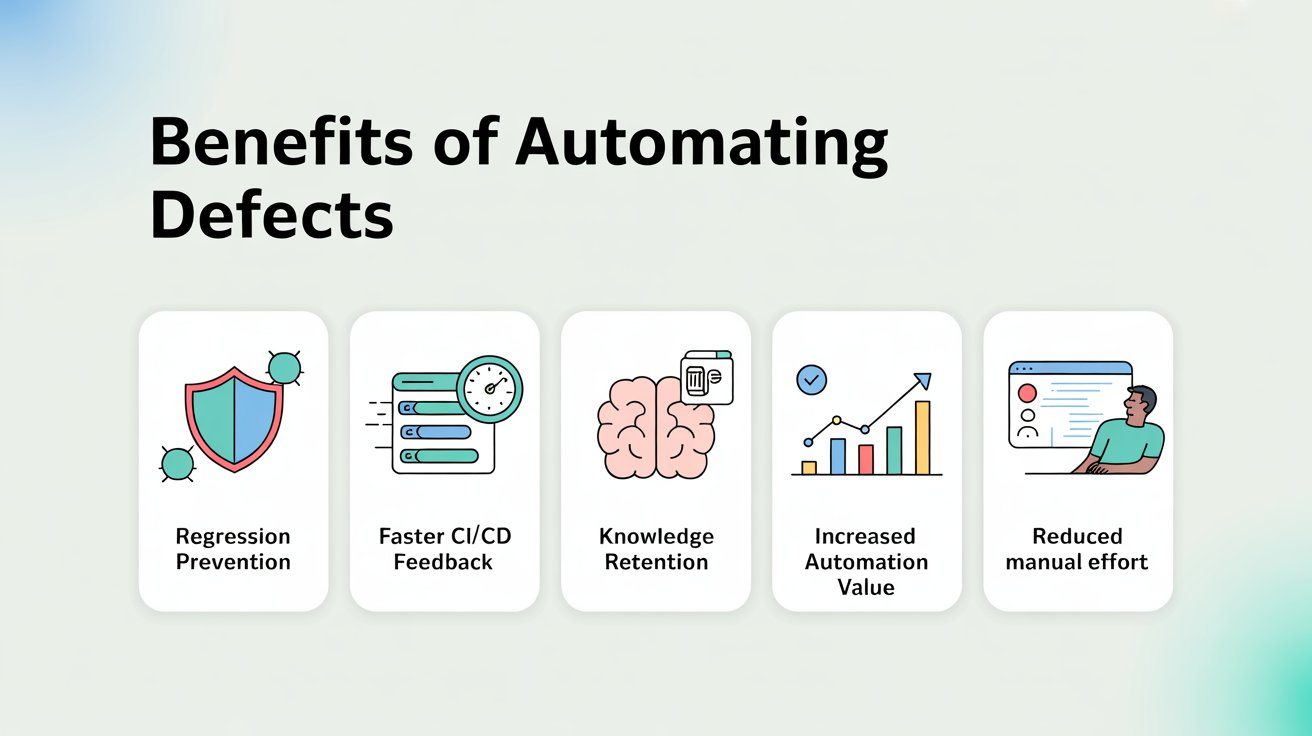
The Benefits of Automating Defects
Implementing defect-based automation had a profound impact on our QA process:
1. Regression Prevention
By turning defects into automated tests, reintroduction of previously fixed bugs became nearly impossible. Each CI/CD run validated that the defect remained resolved.
2. Faster CI/CD Feedback
Automated defect tests run alongside regular test suites. Failures are detected immediately, giving developers quick feedback and reducing release risk.
3. Knowledge Retention
Every defect-based test is a permanent record of an edge case or negative scenario. This preserves knowledge for future releases and onboarding new QA engineers.
4. Increased Automation Value
Adding defect-based tests improves the overall coverage and reliability of the automation suite, making it a more powerful tool for CI/CD pipelines.
5. Reduced Manual Effort
Previously, QA had to manually revalidate defects each release. Now, the automation suite does it reliably, freeing testers to focus on exploratory testing, new features, and framework improvements.
Lessons Learned
Through this practice, I’ve learned several key principles:
1. Every defect is a learning opportunity
Defects highlight gaps in coverage. Treating them as sources for new automated tests turns past mistakes into future safeguards.
2. Automation is cumulative
Your test suite should grow smarter over time. Each defect converted into a test strengthens coverage and CI/CD reliability.
3. Prioritize wisely
Not all defects need automated tests immediately. Focus on critical, high-risk, or repeatable defects first, ensuring maximum impact.
4. Maintainability matters
Defect-based tests must adhere to framework standards to avoid clutter or technical debt. Reusable methods, Page Object integration, and proper tagging are essential.

Real-World Impact
Since implementing this approach:
- Regression defects dropped significantly, especially in core flows like login, payments, and data validation.
- CI/CD pipelines became more trustworthy, with fewer false positives and faster developer feedback.
- Manual defect revalidation decreased by over 70%, freeing QA to focus on new features and exploratory testing.
- Stakeholders recognized QA as proactive and strategic, not just reactive defect catchers.
From my perspective, converting defects into automated tests is one of the most impactful best practices for an SDET. It transforms reactive work into preventive quality engineering, ensuring that automation continually evolves alongside the product.
Conclusion
Defects are not just bugs—they are lessons in disguise. By systematically converting reported defects into automated tests, QA teams can prevent regressions, strengthen automation, and improve CI/CD reliability.
From my experience, this practice is a cornerstone of future-proof QA. It turns the test suite into a living, evolving safeguard against known issues and empowers teams to deliver high-quality software confidently.
For any SDET or QA team, my advice is clear: don’t just fix defects—automate them. Each automated defect is an investment in quality, efficiency, and future releases.
FAQ
Q1. Why should we turn reported defects into automated tests?
Reported defects expose real gaps in coverage. When you convert them into automated tests, you prevent the same bug from coming back, strengthen regression suites and make every release safer.
Q2. Which defects are the best candidates to automate first?
Start with high-risk, high-impact or frequently recurring defects—especially those in core flows like login, payments and data validation. These give the biggest payoff in regression prevention and CI/CD confidence.
Q3. How do I design an automated test from a defect?
First, analyse the root cause and exact steps to reproduce. Then script a test that prepares the right data, follows those steps and asserts the expected behaviour after the fix, so the bug cannot silently reappear.
Q4. Where should defect-based tests live in my framework?
Integrate them into your existing Page Object or modular framework. Place each test in the relevant module, reuse common methods, and parameterize inputs so you avoid duplication and keep the suite maintainable.
Q5. Why is tagging defect tests important?
Tagging tests (for example, defect-regression or critical-fix) lets you run them in daily smoke, targeted regression, or pre-production runs. It also helps you report how many past defects are now guarded by automation.
Q6. What evidence should automated defect tests capture?
Capture screenshots, logs, and where useful, HAR files or videos. Rich evidence speeds up debugging, reduces back-and-forth with developers and proves that a defect is truly fixed and covered by automation.
Q7. What measurable benefits can we expect from automating defects?
Teams that adopt this practice typically see fewer regression bugs, faster CI/CD feedback, less manual re-testing of old issues and higher trust in automation—turning QA into a proactive quality partner instead of a reactive bug finder.
We Also Provide Training In:
- Advanced Selenium Training
- Playwright Training
- Gen AI Training
- AWS Training
- REST API Training
- Full Stack Training
- Appium Training
- DevOps Training
- JMeter Performance Training
Author’s Bio:

Content Writer at Testleaf, specializing in SEO-driven content for test automation, software development, and cybersecurity. I turn complex technical topics into clear, engaging stories that educate, inspire, and drive digital transformation.
Ezhirkadhir Raja
Content Writer – Testleaf