
As a QA engineer, I’ve learned that the difference between a good test suite and a great one isn’t just how many test cases you have, but how well those tests reflect real-world usage. Early in my career, most of our automated tests focused on ideal workflows—happy paths where everything went perfectly. Users don’t operate in a vacuum, though. They make mistakes, encounter unexpected conditions, or interact with your application in ways that aren’t documented.
If your test suite doesn’t account for these real-world scenarios, you’re leaving critical blind spots in your QA process. Over time, I realized that expanding test coverage beyond happy paths isn’t just about more tests—it’s about strategic, thoughtful coverage that mirrors how real users interact with your application.
The Importance of Real-World Scenarios
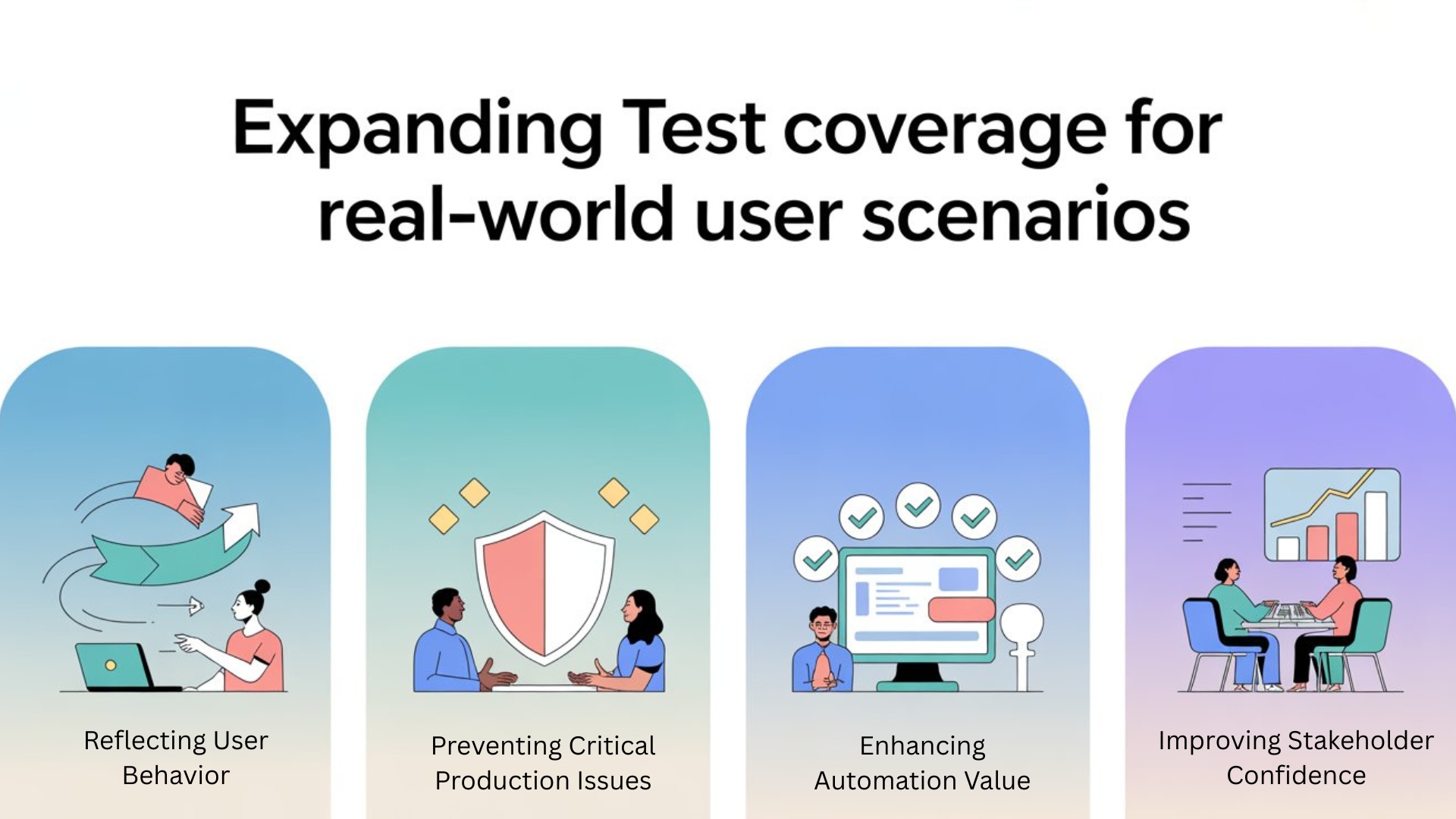
Testing ideal workflows is necessary but insufficient. Real-world scenarios often expose bugs, edge cases, and performance bottlenecks that happy paths miss. Here’s why they matter:
1. Reflecting User Behavior
Users don’t read manuals. They might enter invalid data, navigate backward and forward rapidly, or attempt unsupported sequences of actions. Tests that simulate these behaviors help ensure the application handles unexpected inputs gracefully.
2. Preventing Critical Production Issues
Many defects that reach production occur because test coverage didn’t reflect real usage patterns. By anticipating these scenarios in testing, QA can catch subtle bugs before they affect users.
3. Enhancing Automation Value
Automation is powerful, but it’s only valuable if the tests cover meaningful, high-risk user flows. Expanding coverage to real-world scenarios ensures that automation actively improves product quality.
4. Improving Stakeholder Confidence
When QA can demonstrate that test suites account for both happy paths and realistic user behaviors, stakeholders trust the results more. Confidence in automation leads to faster release cycles and fewer manual checks.
You Might Also Like: automation testing interview questions
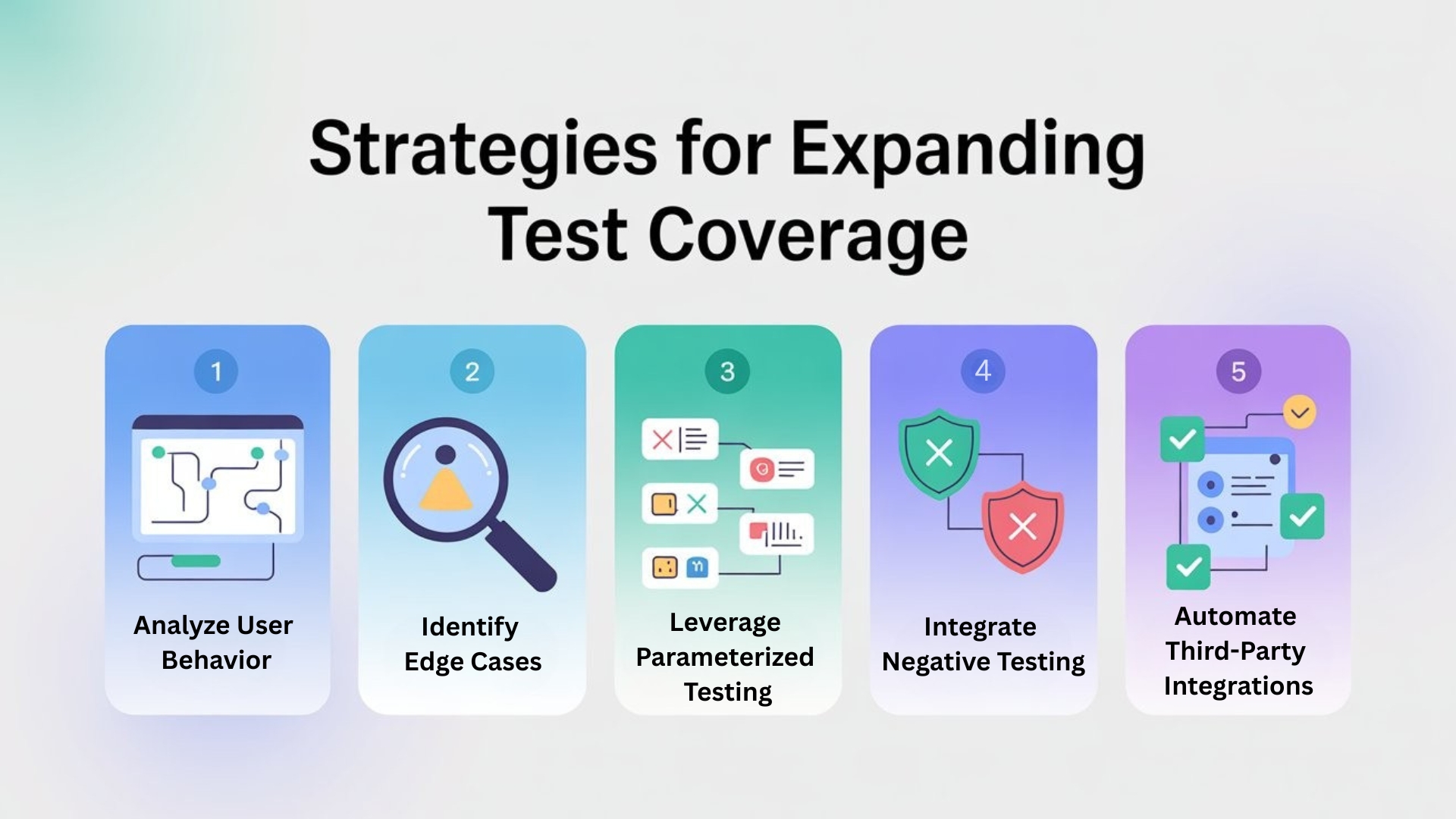
Strategies for Expanding Test Coverage
Expanding test coverage isn’t about randomly adding more test cases—it requires strategic planning and intelligent execution. Here’s how I approached it:
1. Analyze User Behavior
Understanding how users interact with the application is the first step. We leveraged:
- Analytics: Metrics showing common workflows and frequent errors
- Support Tickets: Real user complaints often highlight overlooked scenarios
- User Interviews: Feedback on pain points and unusual use cases
This data-driven approach helped us prioritize scenarios for automation.
2. Identify Edge Cases
We mapped critical workflows and then brainstormed potential edge cases, including:
- Invalid inputs or unexpected characters
- Rapid navigation sequences
- Interactions with third-party APIs that could fail
- Network interruptions or slow connections
The goal was to anticipate where users are likely to make mistakes and where failures could have serious consequences.

3. Leverage Parameterized Testing
Instead of creating repetitive tests for every input, we used parameterized tests to cover multiple scenarios efficiently. For example:
@DataProvider(name = “invalidEmails”)
public Object[][] invalidEmails() {
return new Object[][] {
{“user@@domain.com”},
{“userdomain.com”},
{“user@domain”},
{“”}
};
}
@Test(dataProvider = “invalidEmails”)
public void testInvalidEmail(String email) {
loginPage.enterEmail(email);
loginPage.submit();
loginPage.verifyEmailError();
}
This approach expands coverage without inflating test maintenance.
4. Integrate Negative Testing
Negative testing is a critical component of real-world scenario coverage. Tests that validate failure paths, validation errors, and incorrect workflows ensure that the application behaves correctly under adverse conditions.
For example:
- Testing form submission without required fields
- Simulating API failures for payment or authentication flows
- Validating how the UI responds to slow network responses
These tests increase confidence that the system handles unexpected user actions gracefully.
5. Automate Third-Party Integrations
Many real-world scenarios involve third-party services. By integrating APIs into our automation, we could simulate failures, timeouts, or inconsistent responses, ensuring that our application handled these edge cases properly.
Challenges and Solutions
Expanding coverage isn’t without challenges. Here’s what we faced and how we overcame it:
1. Test Explosion
Adding all real-world scenarios can lead to an overwhelming number of tests. We mitigated this by:
- Prioritizing high-risk, high-impact scenarios
- Categorizing tests into smoke, regression, and exploratory sets
- Using parameterization to cover multiple data points efficiently
2. Maintaining Test Reliability
Real-world scenarios often involve dynamic inputs, asynchronous operations, and timing issues. To maintain reliability, we:
- Replaced hard sleeps with explicit waits
- Used retry logic for transient failures
- Centralized test data to avoid conflicts
3. Balancing Speed and Coverage
Expanding coverage increases test execution time. We addressed this by:
- Running parallel tests using Selenium Grid with Kubernetes
- Splitting tests into environment-specific groups
- Optimizing automation for critical paths first

The Impact on QA
Implementing these strategies had a transformative impact:
1. Fewer Production Defects
By simulating realistic user behavior, we caught bugs that previously only appeared in production, reducing customer-reported issues and support tickets.
2. Improved Automation Value
Automation now reflects real-world usage, giving stakeholders confidence that green builds truly indicate quality.
3. Faster Release Cycles
With high-risk scenarios covered in automated tests, manual exploratory testing could focus on innovative and new features, accelerating the release process.
4. Enhanced Team Confidence
Developers and product managers trusted the automated suite to catch both happy-path and edge-case failures. QA became a strategic partner, not just a gatekeeper.
Other Useful Guides: playwright interview questions
Lessons Learned
1. Real Users Don’t Follow Happy Paths
Automation must reflect how actual users interact with the system, including mistakes and unusual workflows.
2. Data-Driven Prioritization Is Key
Analyzing analytics, support tickets, and historical defects ensures that the scenarios we cover have real-world impact.
3. Smart Automation Beats Quantity
It’s better to cover fewer, well-prioritized real-world scenarios than to blindly expand the test suite. Focused, meaningful coverage adds real value.
4. Maintainability Matters
Parameterization, centralized test data, and reusable methods make expanding coverage manageable and scalable.
Conclusion
Expanding test coverage to include real-world user scenarios is essential for future-proof QA. By moving beyond happy paths, incorporating negative testing, parameterizing inputs, and integrating third-party APIs, QA teams can deliver robust, resilient software that reflects actual user behavior.
From my perspective, the shift toward real-world scenario coverage transformed our automation from a checkbox exercise into a strategic tool for quality and risk mitigation. It’s no longer enough to ensure the system works under perfect conditions—we must ensure it works under real conditions.
For any SDET or QA team aiming to future-proof their automation, prioritizing real-world scenarios is a non-negotiable step. It increases confidence, reduces production issues, and turns QA into a proactive partner in building high-quality software.
FAQs
Q1. What does “real-world test coverage” mean?
Real-world test coverage means designing tests that mirror how users actually interact with your application, including mistakes, unusual navigation, invalid data and unstable network or third-party conditions—not just clean happy paths.
Q2. Why isn’t testing only happy paths enough?
Happy paths confirm that ideal workflows work, but most production defects come from unexpected inputs, edge cases and integration failures. If tests ignore these real-world scenarios, critical issues can escape into production even when your automation is green.
Q3. How can I use analytics and support tickets to expand test coverage?
Analytics, error logs and support tickets reveal the flows users actually follow and where they struggle. You can mine this data to identify common paths, frequent errors and unusual behaviors, then convert those insights into high-value automated test scenarios.
Q4. What role does negative testing play in real-world coverage?
Negative testing validates that your system responds safely when things go wrong—missing fields, invalid inputs, failed APIs, slow networks, or incorrect workflows. These tests ensure your app handles failure gracefully instead of crashing or corrupting data.
Q5. How do parameterized tests help expand coverage without too many test cases?
Parameterized tests let you run the same test logic against many input combinations from a data source. This way, you cover multiple valid and invalid cases efficiently, without duplicating test code or exploding the number of individual test methods.
Q6. Why should I automate third-party integrations in my tests?
Many real-world failures involve payment gateways, authentication providers or other external APIs. By automating third-party integrations—and simulating timeouts, failures and inconsistent responses—you ensure your application stays robust even when those services misbehave.
We Also Provide Training In:
- Advanced Selenium Training
- Playwright Training
- Gen AI Training
- AWS Training
- REST API Training
- Full Stack Training
- Appium Training
- DevOps Training
- JMeter Performance Training
Author’s Bio:

Content Writer at Testleaf, specializing in SEO-driven content for test automation, software development, and cybersecurity. I turn complex technical topics into clear, engaging stories that educate, inspire, and drive digital transformation.
Ezhirkadhir Raja
Content Writer – Testleaf